FRITZ!Fon M2 41
Three-party Conference Call
FRITZ!Fon 41
5.5 Three-party Conference Call
Three parties can confer with each other in real time in a three-party
conference call. Two external and one internal party, or two internal
and one external party can participate in the three-party conference
call.
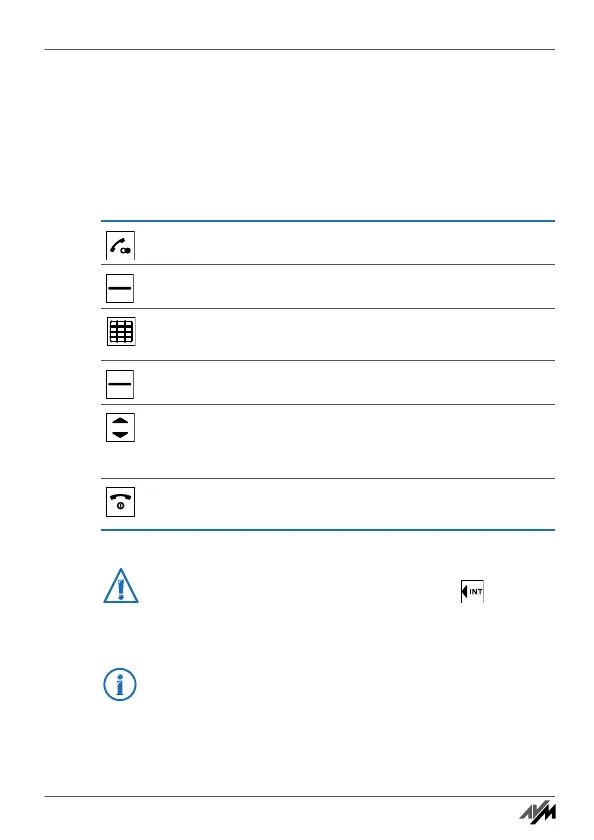
You are speaking with one party.
Press “R” (the Hold button). The first call is on hold.
Enter the number to call a second party. The second
connection will be established.
Press “Options”.
Select “Conference” and then press “OK”. The three-
party conference will be set up with both of your con-
versation partners.
To end the three-party conference, press the hang-up
key.
If you would like the second connection to be established
to an internal party, press the “Internal” key and se-
lect a connected telephone.
For more information on three-party conferences and other
additional functions, see the manual of your FRITZ!Box.
Handbuch_FRITZ!Fon M2-en.fm Seite 41 Mittwoch, 10. Oktober 2012 1:39 13



 To Next Page