FRITZ!Fon 40
Alternating Between Calls
FRITZ!Fon M2 40
5.4 Alternating Between Calls
While you are on the phone you can establish a second connection to
another party and switch (alternate) between the two calls as often
as desired.
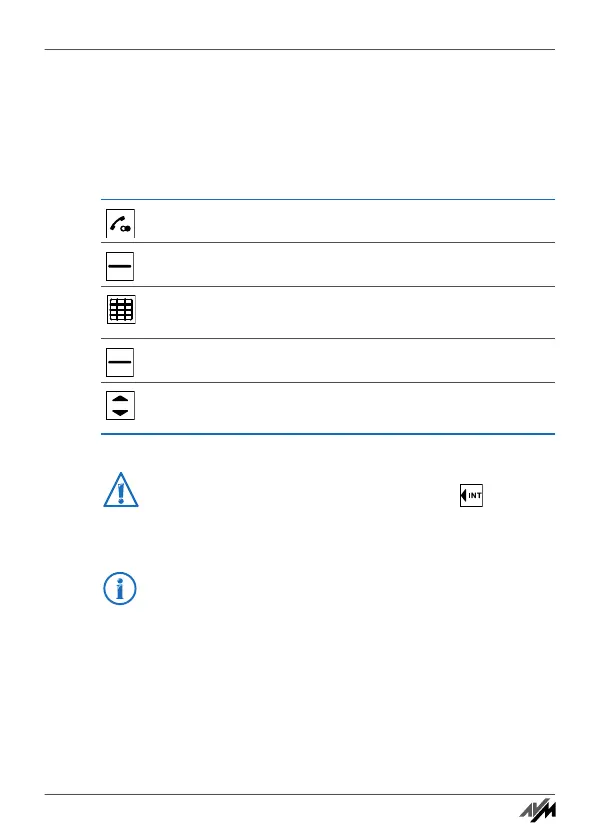
You are speaking with one party.
Press “R” (the Hold button). The first call is on hold.
Enter the number to call the second party. The second
connection will be established.
Press “Options”.
Select “Alternate” and press “OK” to switch between
the two calls.
If you would like the second connection to be established
to an internal party, press the “Internal” key and se-
lect a connected telephone.
For more information on alternating between calls and
other additional functions, see the manual of your
FRITZ!Box.
Handbuch_FRITZ!Fon M2-en.fm Seite 40 Mittwoch, 10. Oktober 2012 1:39 13



 To Next Page