FRITZ!Fon M2 55
Listening to a Web Radio Station
FRITZ!Fon 55
This concludes the setup of the radio station. Using the “Edit” button
you can make individual settings for the radio station. If you are us-
ing more than one FRITZ!Fon cordless telephone, you can, for exam-
ple, specify on which telephones the radio station will be played.
For more information on settings for the radio station, see the Help
on the FRITZ!Box user interface.
11.2 Listening to a Web Radio Station
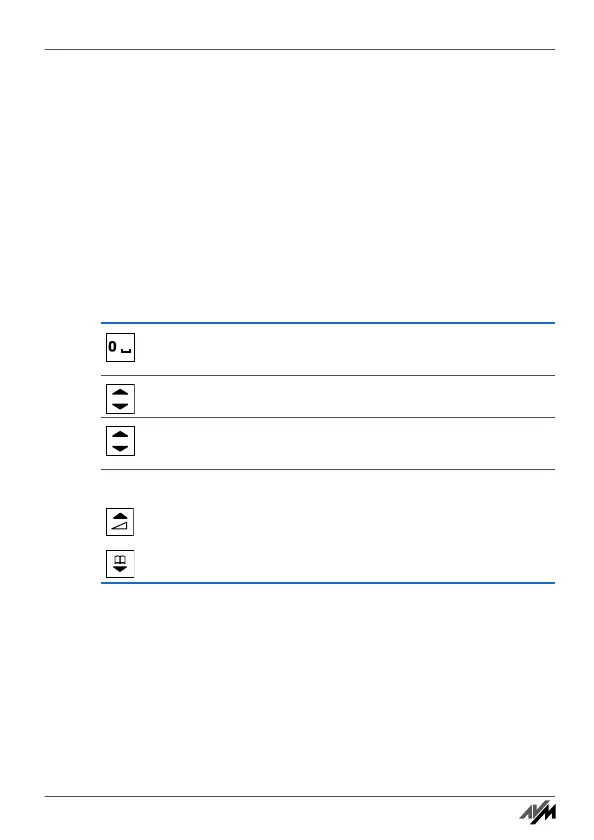
Here is how to play back set up radio stations:
Press and hold the “0” key. The “Internet Services”
menu is opened.
Select “Web radio” and then press “OK”.
Select a radio station and then press “OK”. The radio
station will be played back.
Adjust the volume with the navigation keys.
Louder
Quieter
Handbuch_FRITZ!Fon M2-en.fm Seite 55 Mittwoch, 10. Oktober 2012 1:39 13



 To Next Page