FRITZ!Fon M2 63
Switching WLAN of the FRITZ!Box On and Off
FRITZ!Fon 63
15 Switching WLAN of the FRITZ!Box On and Off
The WLAN function of your FRITZ!Box can be switched on and off using
the FRITZ!Fon.
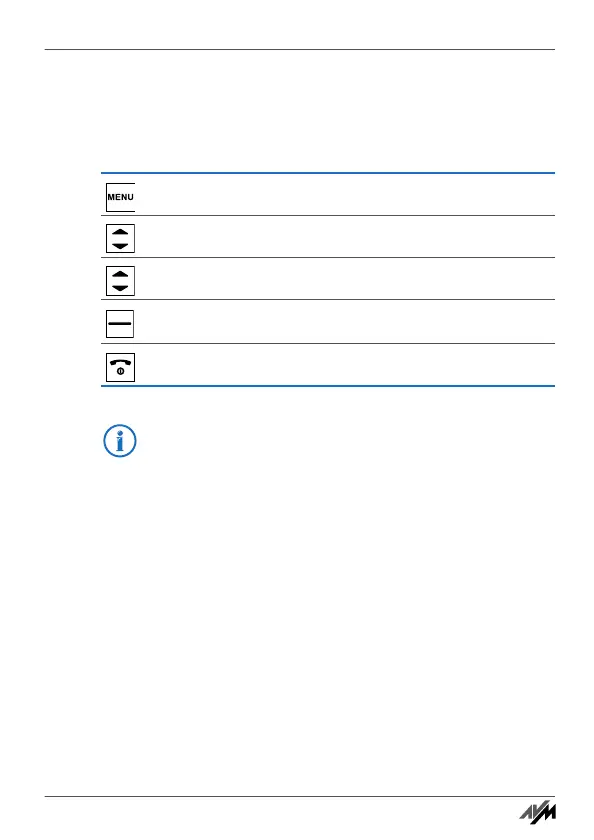
Press the “Menu” key.
Select “FRITZ!Box” and then press “OK”.
Select “WLAN” and then press “OK”.
Switch the WLAN function on or off.
Press the hang-up key.
The WLAN guest access of the FRITZ!Box can also be swit-
ched on and off with FRITZ!Fon M2. For this the WLAN guest
access must first be set up in the FRITZ!Box user interface.
Handbuch_FRITZ!Fon M2-en.fm Seite 63 Mittwoch, 10. Oktober 2012 1:39 13



 To Next Page