FRITZ!Fon 46
Baby Monitor
FRITZ!Fon M2 46
7Baby Monitor
With a FRITZ!Box model that supports DECT as a base station, you
can use FRITZ!Fon M2 as a baby monitor.
A FRITZ!Fon M2 set up as a baby monitor calls a specified telephone
number whenever the ambient noise reaches a defined level.
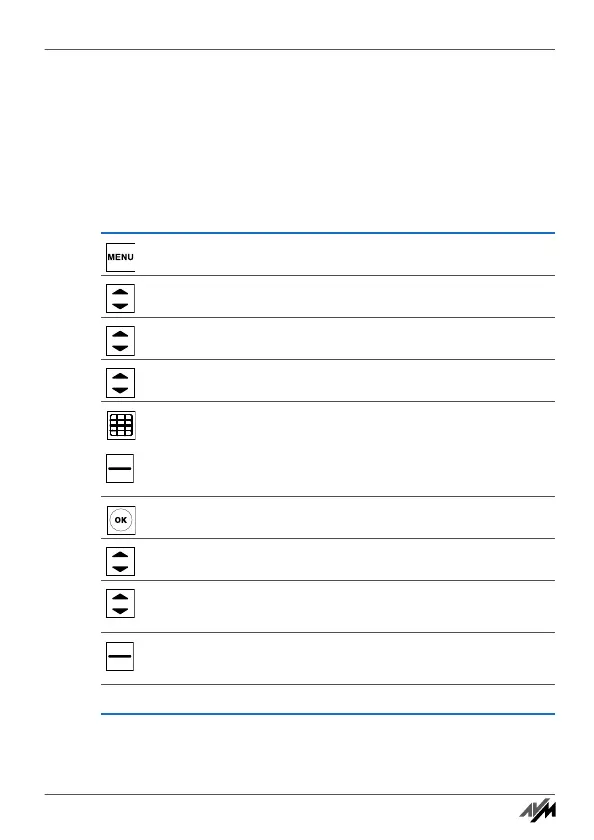
Press the “Menu” key.
Select “Suppl. services” and then press “OK”.
Select “Baby monitor” and then press “OK”.
Select “Destination no.” and then press “OK”.
Enter the destination number or
press “Options” and select a telephone book entry or
internal telephone number.
Press “OK”.
Select “Activation” and confirm by clicking “OK”.
Define the noise level that should trigger a notification
call.
Press “Back”. FRITZ!Fon M2 is now set up as a baby
monitor.
Place the FRITZ!Fon M2 near the child to be monitored.
Handbuch_FRITZ!Fon M2-en.fm Seite 46 Mittwoch, 10. Oktober 2012 1:39 13



 To Next Page