FRITZ!Fon M2 29
Finding a Telephone Book Entry
FRITZ!Fon 29
Changing or Adding a Telephone Number
You can change or add to telephone numbers before dialing, for in-
stance by adding an extension number:
4.5 Finding a Telephone Book Entry
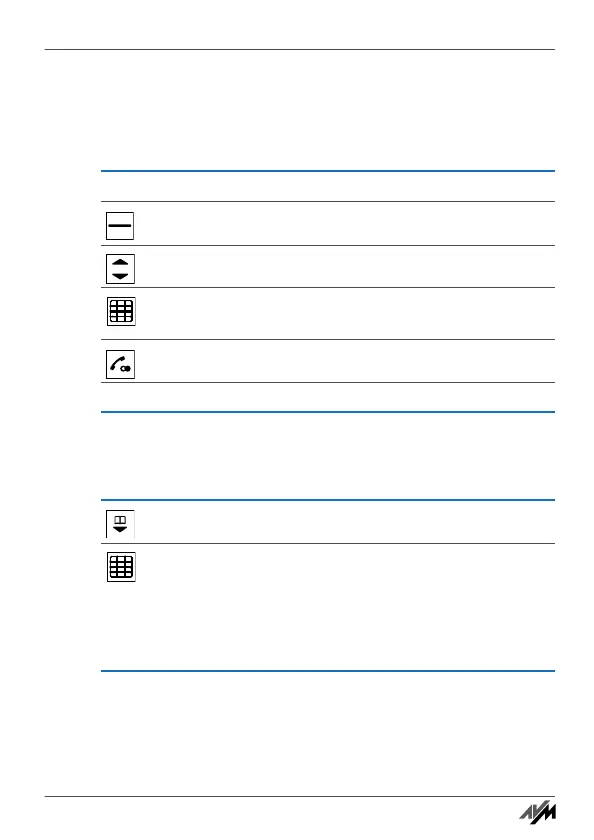
Select an entry from a call list or from the redial list.
Press “Options”.
Select “Use” and press “OK”.
Change or add to the telephone number. For instance,
add an extension number
Press the “call” key.
The connection will be established.
Open the telephone book.
Enter the first letter of the entry to search for. FRITZ!Fon
M2 jumps to this letter in the telephone book.
To search “Claudia”, for instance, enter “C” by press-
ing the “2” key three times. You can refine your search
be entering more letters, for instance “C” and “L”.
Handbuch_FRITZ!Fon M2-en.fm Seite 29 Mittwoch, 10. Oktober 2012 1:39 13



 To Next Page