30
Shape the table by adding titles to the columns.
Now Column B displays the right temperature with
the right decimal.
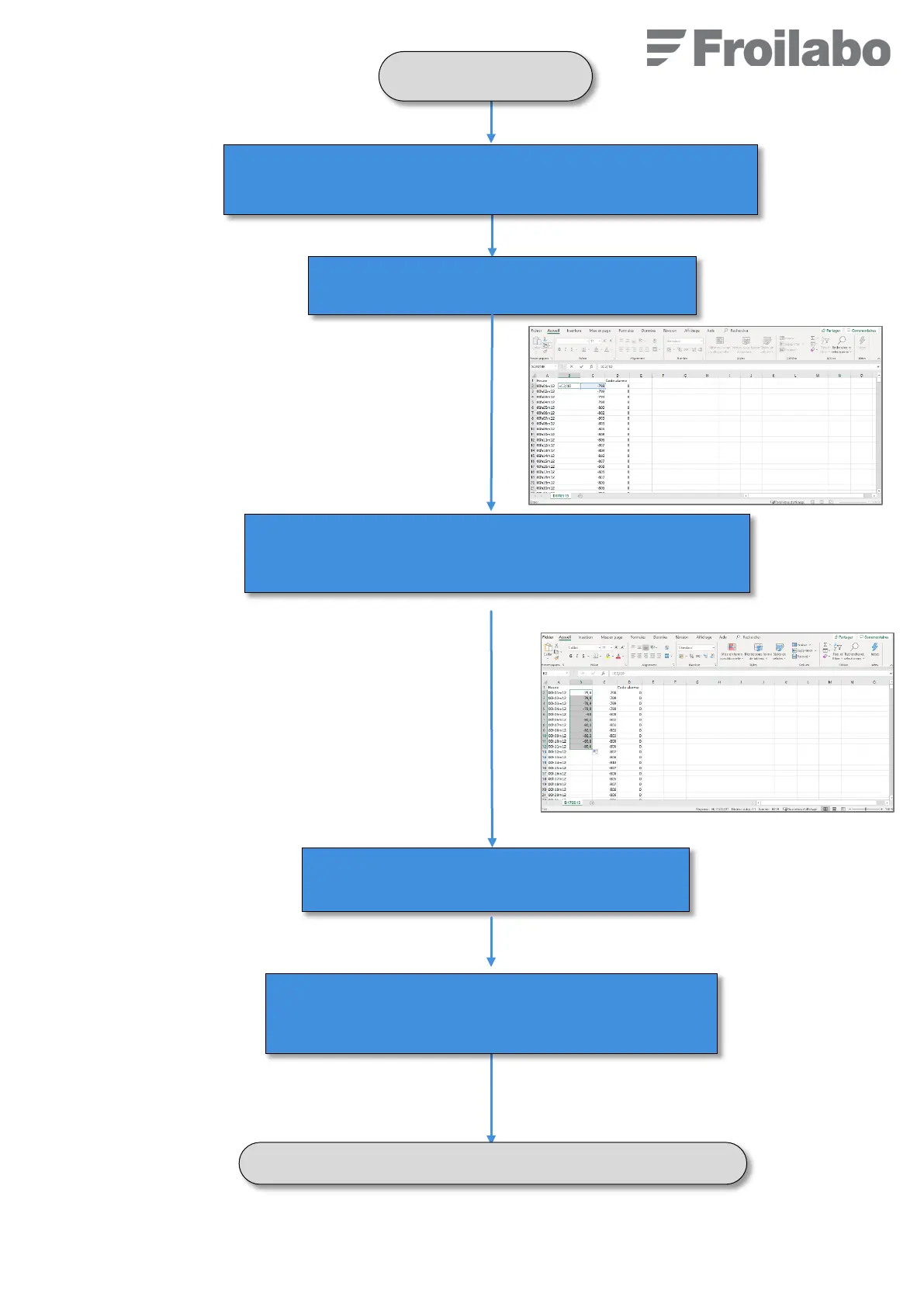
In the first row of column B, enter the following
formula : « =C2/10 »
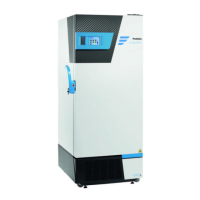
Copy the formula on all the column B (put the mouse at the bottom
right of the cell, a “+” sign appears, click and slide until the last row of
the column.
Click on the header of column C and on “Hide” so that column
C with row data do not shows up anymore.
Right click on the header of the column B and click on “Add” to add an
empty column between time and temperature.


 To Next Page