29
Data transfer procedure:
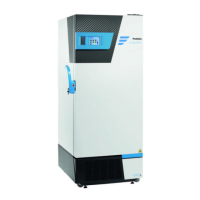
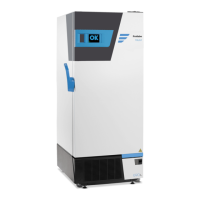
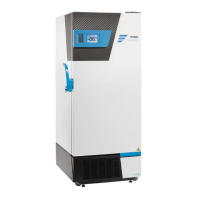
1. Connect the USB stick to the USB plug located above the LED indicators.
2. The LED will switch off one by one during the data transfer.
3. Once transfer is achieved, all LED lights turn on again .
4. Remove the USB stick.
NB: A USB stick is supplied with the freezer. Optimal data transfer is achieved using that key.
Froilabo decline any responsibility if data transfer is not achieved on that USB key.
7.15 EXAMPLE OF TEMPERATURES DATA’S SHAPING
After collection of data from the freezer by using the USB key given by Froilabo, these data can be processed.
Once data is transferred, the freezer memory is automatically cleaned.
An example of shaping of these data is presented here, using Excel.
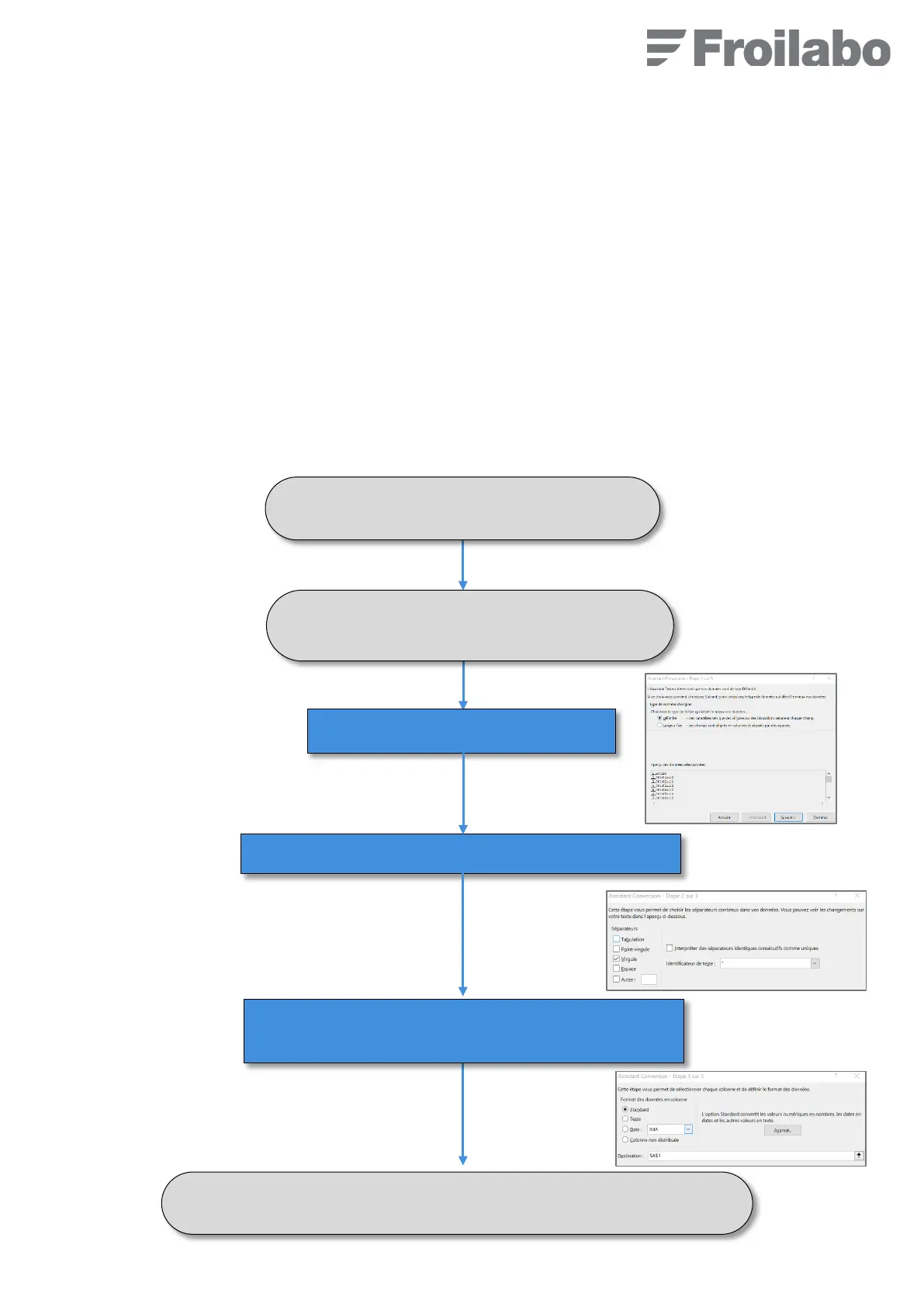
Open the Excel file and select the column A.
Go to « Data » and click on « Convert ».
Click on « Delimited » and Next.
Check « Comma » as separators then click on “Next”.
Leave the shaping of data on “Standard” and click on
“Finish”.
The table with 3 rows appears, now the shaping must be done.


 To Next Page