12
4.8 SAMPLE STORAGE
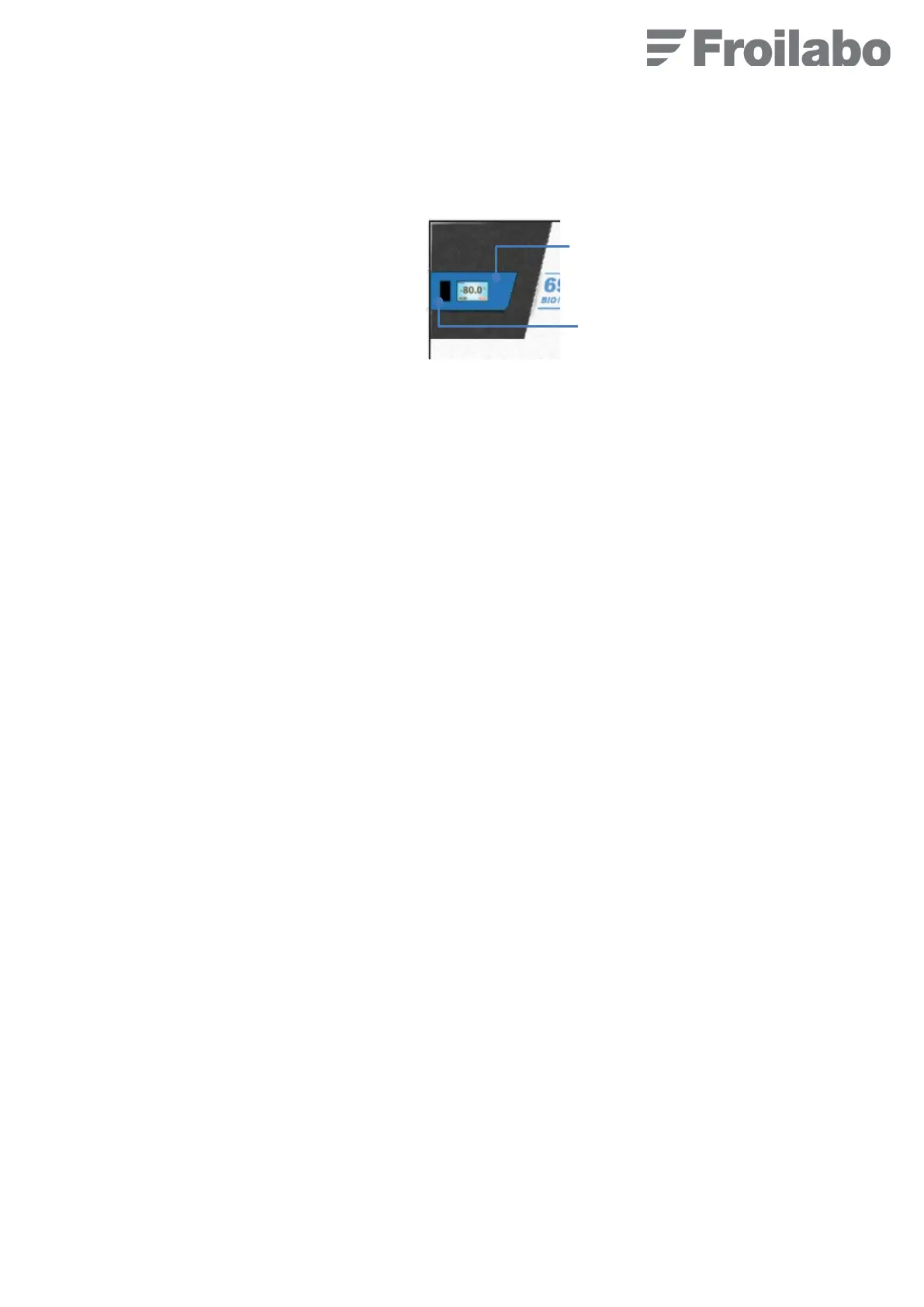
The control panel is located towards the top of the door. It includes a main screen and a touch-sensitive alarm window.
The main screen is a touch-sensitive one.
4.9 COMMISSIONING
Follow the instructions in the correct sequence:
1. Remove any foam wedge shelves.
2. Put the On/Off switch to the On position (it activates 24V). A buzzer sounds for 30 seconds.
3. Connect the freezer to a power outlet protected by a 30 mA differential circuit breaker.
4. The compressor(s) and fan will start up. The freezer will make a sound.
5. Froilabo is displayed on the screen, then the internal temperature of the freezer.
6. Adjust the set point if necessary (Set to-45°C or -80°C by default, depending on model).
7. Set the date.
8. Wait until the freezer reaches the set temperature (3 to 4 hours depending on the model).
9. Load the freezer.
Touch-sensitive
main screen
alarm window


 To Next Page