EasyManua.ls Logo

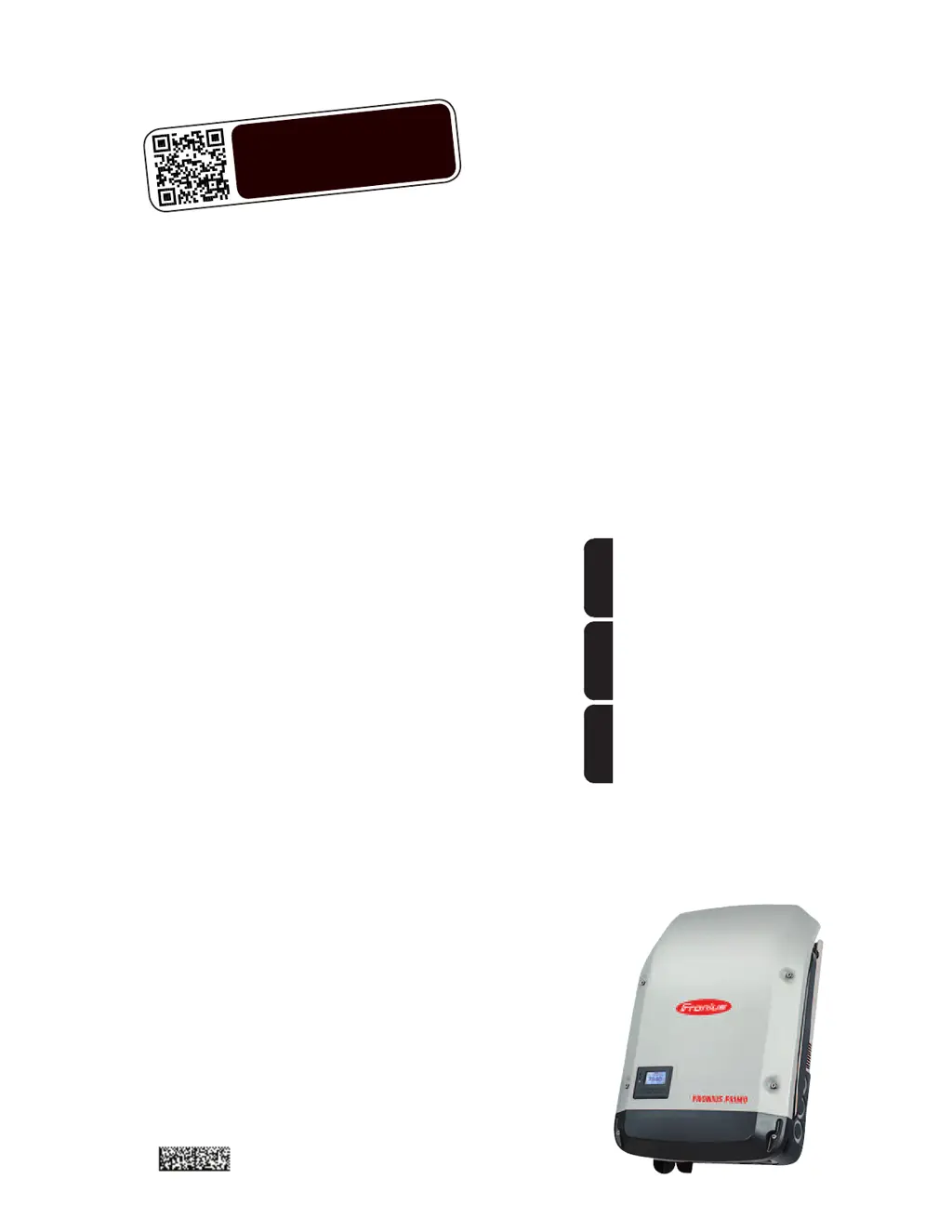
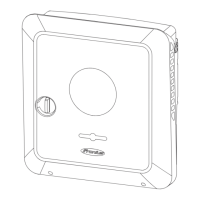
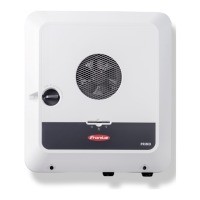
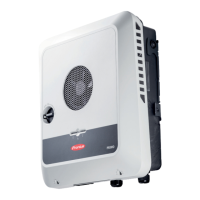
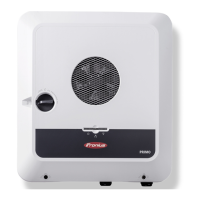
Fronius Primo 3.8-1 208-240 - User Manual

Fronius Primo 3.8-1 208-240
58 pages
Print Icon
To Next Page IconTo Next Page
Loading...
/ Perfect Charging / Perfect Welding / Solar Energy
Fronius Primo 208-240
3.8-1 / 5.0-1 / 6.0-1
7.6-1 / 8.2-1
10.0-1 / 11.4-1
12.5-1 / 15.0-1
Operating Instructions
Inverter for grid-connected photo-
voltaic systems
Instructions de service
Onduleur pour installations photo-
voltaïques connectées au réseau
Manual de instrucciones
Inversores para instalaciones foto-
voltaicas acopladas a la red
EN-USFR
ES
www.youtube.com/FroniusSolar
LEARN MORE WITH
OUR HOW-TO VIDEOS
42,0410,2116 014-15122015

Table of Contents

Other manuals for Fronius Primo 3.8-1 208-240

Questions and Answers

  • K
    Karen RobertsAug 9, 2025
    Why does my Fronius Primo 3.8-1 208-240 Inverter show Class 1 Status Codes (102, 103, 105, 106, 107, 108, 112)?
    • J
      Julia PaulAug 9, 2025
      Class 1 status codes on your Fronius Inverter typically indicate an issue with the grid. The inverter will automatically disconnect from the grid and monitor it for a set period. If the grid returns to normal within that period, the inverter will resume operation and begin feeding energy back into the grid.
  • M
    Matthew ChandlerAug 14, 2025
    What to do if Fronius Primo 3.8-1 208-240 Inverter displays Class 2 Status Codes (212, 213, 222, 223)?
    • S
      Samantha RubioAug 14, 2025
      If your Fronius Inverter is showing Class 2 status codes, check the grid connections. If the status code continues to appear, it is recommended to contact your system installer for assistance.
  • H
    hillcaseyAug 19, 2025
    What should I do if my Fronius Inverter is showing Class 3 Status Codes (301, 302, 303, 304, 306, 307, 308, 309)?
    • B
      Brittany HuffmanAug 19, 2025
      If your Fronius Inverter displays Class 3 status codes, and the issue persists, it's recommended to contact a Fronius-trained service technician. If the status code keeps recurring, contact your system installer.
  • N
    Nicholas FarmerAug 25, 2025
    What to do if Fronius Inverter displays Class 5 Status Codes (502, 509, 515, 516)?
    • Q
      qnealAug 25, 2025
      If your Fronius Inverter is showing Class 5 status codes and the issue persists, it's recommended to contact a Fronius-trained service technician. If this status code keeps recurring, you may also need to contact your system installer.
  • K
    Kenneth ThompsonAug 29, 2025
    How to troubleshoot Class 7 Status Codes (705, 721, 731, 732, 733, 734, 735, 736, 738, 743, 745, 751, 752, 757, 758, 766) on Fronius Primo 3.8-1 208-240?
    • J
      Jeremy SanchezAug 29, 2025
      If your Fronius Inverter displays Class 7 status codes, and the issue persists, it's recommended to contact a Fronius-trained service technician.
  • A
    Amber PetersonSep 3, 2025
    How to fix a total failure of the display on Fronius Inverter?
    • J
      Jerry ColonSep 3, 2025
      To address a total display failure on your Fronius Inverter, check the AC voltage at the inverter's connections. The AC voltage should be between 208–240 V (+10% / -12%) according to the grid requirements.

Fronius Primo 3.8-1 208-240 Specifications

General IconGeneral
Rated Power3.8 kW
Max. apparent AC power4.0 kVA
Max. output current16.0 A
AC voltage range184 - 264 V
THD< 3 %
AC grid frequency60 Hz
DC voltage range (Udc min - Udc max)80 - 600 V
Number of MPP trackers1
Max. inverter efficiency97.5 %
CEC weighted efficiency96.5 %
Efficiency97.5%
Night time consumption< 1 W
Weight12 kg
Protection classIP 65
CoolingNatural convection
DC connection typeMC4
Maximum DC Input Voltage600 V
AC nominal voltage208 V / 240 V
Power factor (cos φac,r)1
Installation locationIndoor/Outdoor
Ambient temperature range-25°C - +60°C
Operating Temperature Range-25°C to +60°C
AC connection typeTerminal
Certificates and standardsUL 1741, IEEE 1547
CommunicationEthernet, Wi-Fi

Related product manuals