EasyManua.ls Logo

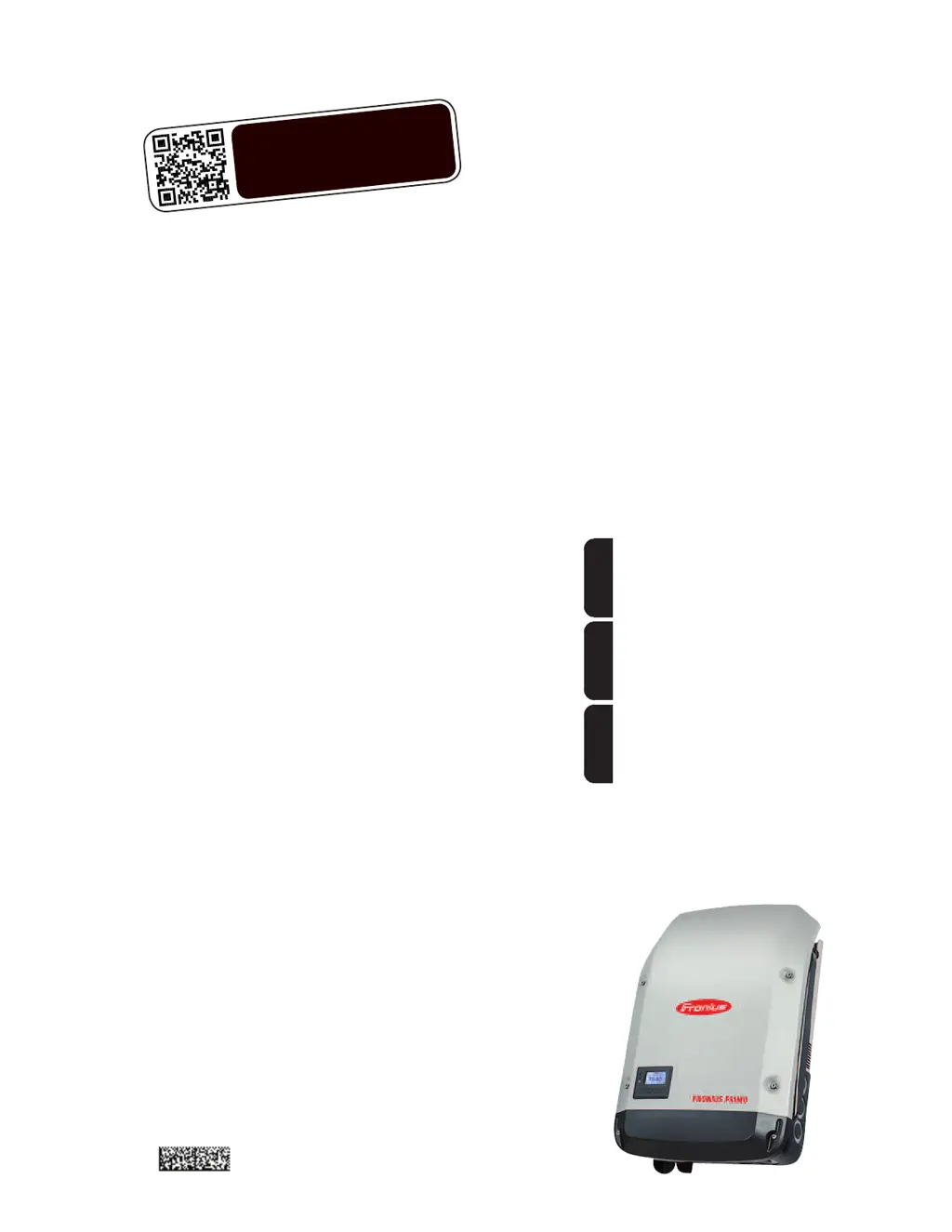
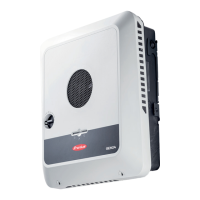
Fronius Primo 10.0-1 208-240 - User Manual

Fronius Primo 10.0-1 208-240
58 pages
Print Icon
To Next Page IconTo Next Page
Loading...
/ Perfect Charging / Perfect Welding / Solar Energy
Fronius Primo 208-240
3.8-1 / 5.0-1 / 6.0-1
7.6-1 / 8.2-1
10.0-1 / 11.4-1
12.5-1 / 15.0-1
Operating Instructions
Inverter for grid-connected photo-
voltaic systems
Instructions de service
Onduleur pour installations photo-
voltaïques connectées au réseau
Manual de instrucciones
Inversores para instalaciones foto-
voltaicas acopladas a la red
EN-USFR
ES
www.youtube.com/FroniusSolar
LEARN MORE WITH
OUR HOW-TO VIDEOS
42,0410,2116 014-15122015

Table of Contents

Other manuals for Fronius Primo 10.0-1 208-240

Questions and Answers

  • A
    Angela MitchellAug 6, 2025
    Why does my Fronius Inverter show Class 1 Status Codes (102, 103, 105, 106, 107, 108, 112)?
    • L
      Lori MorrowAug 7, 2025
      Class 1 status codes on your Fronius Inverter typically indicate an issue with the grid. The inverter will automatically disconnect from the grid and monitor it for a set period. If the grid returns to normal within that period, the inverter will resume operation and begin feeding energy back into the grid.
  • R
    Robin KingAug 11, 2025
    What to do if Fronius Primo 10.0-1 208-240 Inverter displays Class 2 Status Codes (212, 213, 222, 223)?
    • W
      watsonkimAug 12, 2025
      If your Fronius Inverter is showing Class 2 status codes, check the grid connections. If the status code continues to appear, it is recommended to contact your system installer for assistance.
  • W
    Whitney SimpsonAug 16, 2025
    What should I do if my Fronius Primo 10.0-1 208-240 Inverter is showing Class 3 Status Codes (301, 302, 303, 304, 306, 307, 308, 309)?
    • C
      Cynthia ParksAug 16, 2025
      If your Fronius Inverter displays Class 3 status codes, and the issue persists, it's recommended to contact a Fronius-trained service technician. If the status code keeps recurring, contact your system installer.
  • C
    Carrie Flowers MDAug 21, 2025
    What to do if Fronius Primo 10.0-1 208-240 Inverter displays Class 5 Status Codes (502, 509, 515, 516)?
    • C
      Curtis McguireAug 21, 2025
      If your Fronius Inverter is showing Class 5 status codes and the issue persists, it's recommended to contact a Fronius-trained service technician. If this status code keeps recurring, you may also need to contact your system installer.
  • E
    Edward FoleyAug 27, 2025
    How to troubleshoot Class 7 Status Codes (705, 721, 731, 732, 733, 734, 735, 736, 738, 743, 745, 751, 752, 757, 758, 766) on Fronius Inverter?
    • T
      Tina SandovalAug 27, 2025
      If your Fronius Inverter displays Class 7 status codes, and the issue persists, it's recommended to contact a Fronius-trained service technician.
  • S
    Stephanie SmithAug 31, 2025
    How to fix a total failure of the display on Fronius Inverter?
    • A
      Andrew CervantesAug 31, 2025
      To address a total display failure on your Fronius Inverter, check the AC voltage at the inverter's connections. The AC voltage should be between 208–240 V (+10% / -12%) according to the grid requirements.

Summary

Introduction and Safety Overview

Explanation of Safety Symbols

Defines safety symbols: DANGER, WARNING, CAUTION, NOTE, and IMPORTANT.

Safety Rules and Precautions

General Safety Guidelines

General safety guidelines for device operation, maintenance, and handling.

Qualified Service Personnel

Defines requirements for personnel performing servicing and maintenance.

Device Concept and Compliance

Device Concept and Intended Use

Explains the inverter's components, concept, and intended application in PV systems.

Detailed Safety Rules

General Operating Safety

Provides detailed general safety rules, including handling notices and protection devices.

Service, Emissions, and Compliance

Service Engineer Guidelines

Information for qualified service engineers regarding electrical shock and proper procedures.

Device Functionality

Inverter Device Concept

Explains the inverter's components, function, and grid-connected operation.

Intended Use of Inverter

Specifies the inverter is designed exclusively for grid-connected PV systems.

Safety Protection Features

Arc Detector and Interrupter

Explains the integrated arc detector, potential arc causes, and shutdown procedure.

String Fuse Protection

String Fuse Installation

Explains the use of string fuses for extra protection and their crucial role in fuse protection.

Criteria for String Fuse Selection

Lists criteria for selecting string fuses based on Isc, IN, and UN.

System Monitoring Setup

Fronius Data Manager 2.0

Details the Wi-Fi enabled system monitoring via Fronius Data Manager 2.0 and its functions.

Inverter Controls and Indicators

Status LEDs Explained

Explains the function of the General Status (red), Startup (orange), and Operating Status (green) LEDs.

Function Key Operations

Describes the function keys: Left/Up, Down/Right, Menu/Esc, and Enter.

Menu Navigation

Accessing Menu Items

Provides step-by-step instructions for accessing and navigating menu items.

Menu Item Functions

NOW, LOG, and GRAPH Menus

Describes the NOW (real-time), LOG (logged data), and GRAPH (visual trends) menu items.

The SETUP Menu

Navigating the SETUP Menu

Provides steps for accessing and scrolling through the SETUP menu items.

General SETUP Menu Configuration

Accessing and Selecting Menu Items

Steps to access the SETUP menu item and select desired menu items.

Setting Values and Parameters

Detailed procedure for setting values, including flashing digits and confirmation.

SETUP Menu: Standby and WiFi

Standby Mode Operation

Details manual activation/deactivation of standby mode and restoring grid feed.

SETUP Menu: Data Communication

USB Stick Usage for Logging

Explains USB stick usage for logging, software updates, and safe removal.

USB Software Update Procedure

Updating Inverter Software

Detailed steps for downloading and updating inverter software using a USB stick.

Fan and Arc Detection

Arc Detection Self-Test

Procedure for performing a self-test of the arc detection/interruption function.

Key Lock Functionality

Activating and Deactivating Key Lock

Provides steps to activate/deactivate the Key Lock function using code 12321.

USB Stick Operations

USB Stick as Data Logger

Explains using a USB stick as a data logger and importing logged data.

USB Stick Software Updates

Updating Inverter Software via USB

Detailed steps for downloading and updating inverter software using a USB stick.

The Basic Menu

Accessing the Basic Menu

Step-by-step instructions to access the Basic menu using code 22742.

Status Diagnosis and Troubleshooting

Displaying Status Codes

Explains how the self-diagnostic system identifies issues and displays status codes.

Status Code Categories

Class 4 Status Codes

Details status codes requiring intervention from a service technician.

Status Code Reference

Class 4 Status Codes (Continued)

Lists status codes related to software problems, power modules, and voltage.

Technical Data: Input and Output

Input Data Parameters

Lists input parameters like MPP voltage range, max input voltage, and current.

Output Data Parameters

Details output parameters like nominal output power, max output power, and grid voltage.

Technical Data: Current and Protection

Output Current and Protection

Lists AC output current, overcurrent protection, phases, and backfeed current.

Technical Data: Higher Power Models (Input)

Fronius Primo 10.0-1 208-240 Specifications

General IconGeneral
BrandFronius
ModelPrimo 10.0-1 208-240
CategoryInverter
LanguageEnglish

Related product manuals