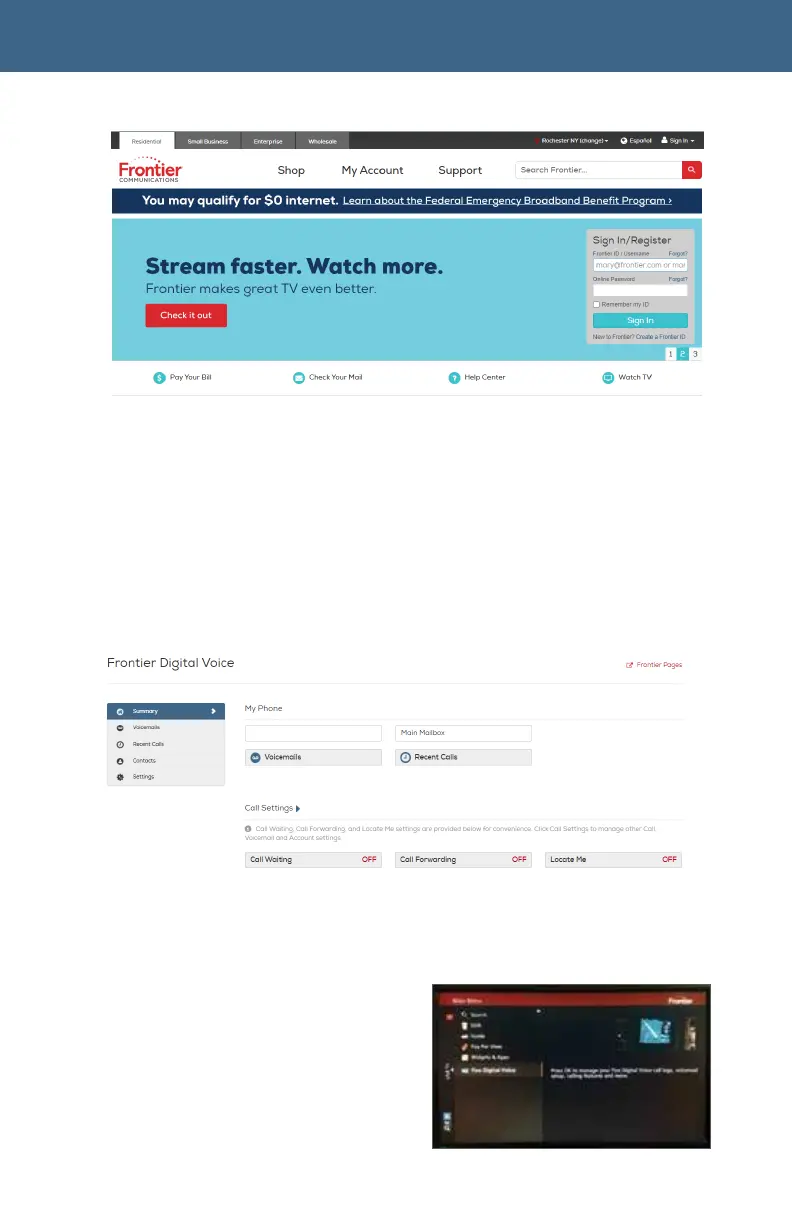
Frontier.com Sign In/Register Page
For all of the Web Portal instructions in this document, you must first
access your Frontier Digital Voice Web Portal as follows:
1. Login to your account on www.Frontier.com
using your Frontier ID.
2.
Under My Services, click on Frontier Digital Voice.
The Frontier Digital Voice Summary Page will display. From here, you can view
your calls and Voicemails and manage the various settings associated with your
Fiber Digital Voice service.
Frontier Digital Voice Web Portal Summary
Page
2.2 From Your Fiber TV To access
your Fiber Digital Voice service on
your TV:
From the Main Menu, arrow to Fiber
Digital Voice and click OK.
2. You can now access your Call Log,
Voicemails and some Calling
Features using your remote control.



 To Next Page