3 | Making Calls from Your Fiber Digital
Voice Phone Line
The Fiber Digital Voice Unlimited Plan offers unlimited domestic calling.
International calls do incur a charge.
Domestic Calls and Calls to
Canada
For calls to locations in the
U.S., U.S. territories, Puerto
Rico and Canada, dial the 3-
digit area code + the 7-digit
phone number. There is no
need to dial a “1” before the
area code.
International Calls
For calls to most
international locations,
dial 011 + country
code + city code (if
applicable) + phone
number. Information on
international calling can
be found on your Frontier
Digital Voice Web Portal.
Collect Calls
You can make collect or
third number billed
calls from your Fiber
Digital Voice line, but
cannot receive them.
Blocked Numbers
You cannot make 0+, 00,
01, 500, 10-10XXX, 700,
900, 950, 976 calls from
your Fiber Digital Voice
line; however, you can
receive them.
Special Numbers
You may dial any of the
following numbers
from your Fiber Digital
Voice phone line*:
• 211—community services
• 311—non-emergency
local municipal services
To place a call using the Recent
Calls Log:
1.
Access your
Frontier Digital Voice
Web Portal.
2. Click the Recent Calls
button to open the log of
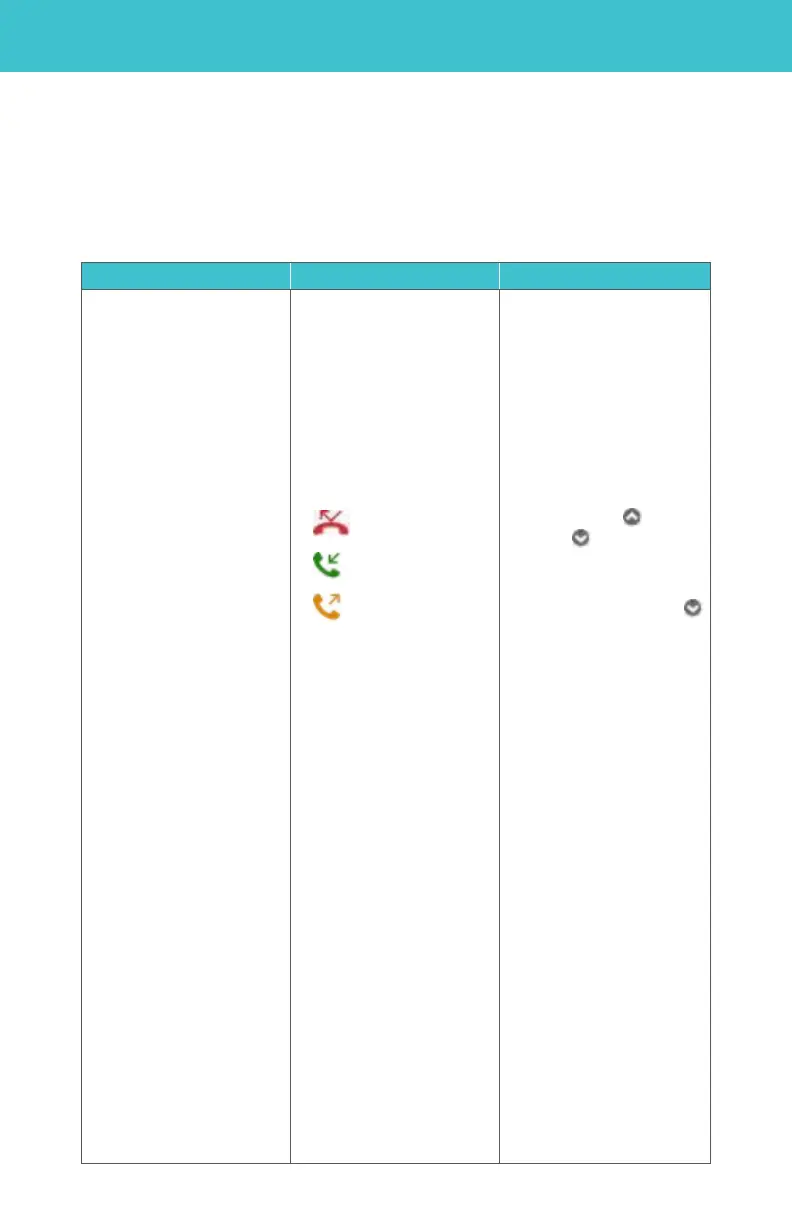
calls. The icon next
to each call indicates the
type of call:
Missed Calls
Received Calls
Dialed Calls
3. Click on the name or
telephone number of the
person you would like to
call from the Recent Calls
log.
4. A pop-up window will
appear. Select Call Back
from the menu.
5. Your phone line will
ring once the call is placed.
Pick up your phone and
wait for the person on the
other
end to pick up.
To place a call using your
Contacts list:
1.
Access your
Frontier Digital Voice
Web Portal.
2. Select Contacts from
the left navigation
menu.
3. Use the alphabet tabs
(A…Z) above the list
to quickly
To call someone from
your Recent Calls log:
1.
Using your Fiber TV set-
top box remote, select
Fiber Digital Voice from
the Menu and click OK
to launch.
2. Select Recent Calls.
3. Select the person you
would like to call by
using the up and
down arrows on
your remote control
and press OK.
4. Use the down arrow
to select Call Back
and press OK.
5. The system will dial
the number and ring
your phone.
6. Pick up your phone and
you will be connected to
the called party.



 To Next Page