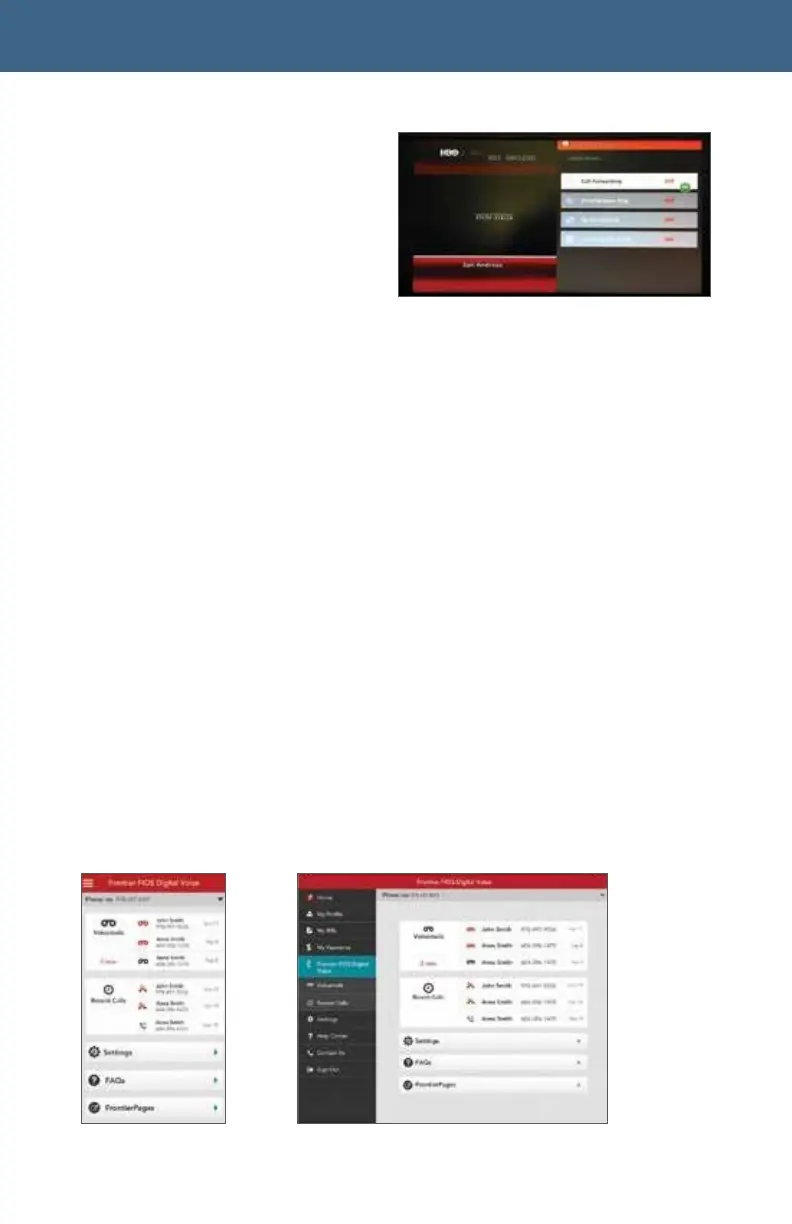
View the Call Log (Call Back
using your Fiber Digital
Voice line, Block *Delete)
View Voicemails (Play, Call Back
using your Fiber Digital
Voice line, Block, and Delete)
• Call Forwarding (Turn on/off and
change settings)
• Simultaneous Ring (Turn on/off and change settings)
• Do Not Disturb (Turn on/off and change settings)
• Incoming Call Block (Turn on/off and change settings)
See each individual feature section in this document for step-by-step
instructions for accessing features from your TV.
*
2.3 From Your Smartphone or Tablet
If you have an Android or Apple smartphone or tablet, you can download the MyFrontier
app through your app store. With the app, you can access the same features as Web
Portal:
•
Manage the Call Log
Manage Voicemail messages
•
Manage Calling Features



 To Next Page