Extra Tips For App Setup
If you have any questions during the app setup, refer to this section for additional
guidance.
• To watch the app setup being completed, scan the QR code below or visit
https://redirect.frontpointsecurity.com/wirelessdbsetupvideo
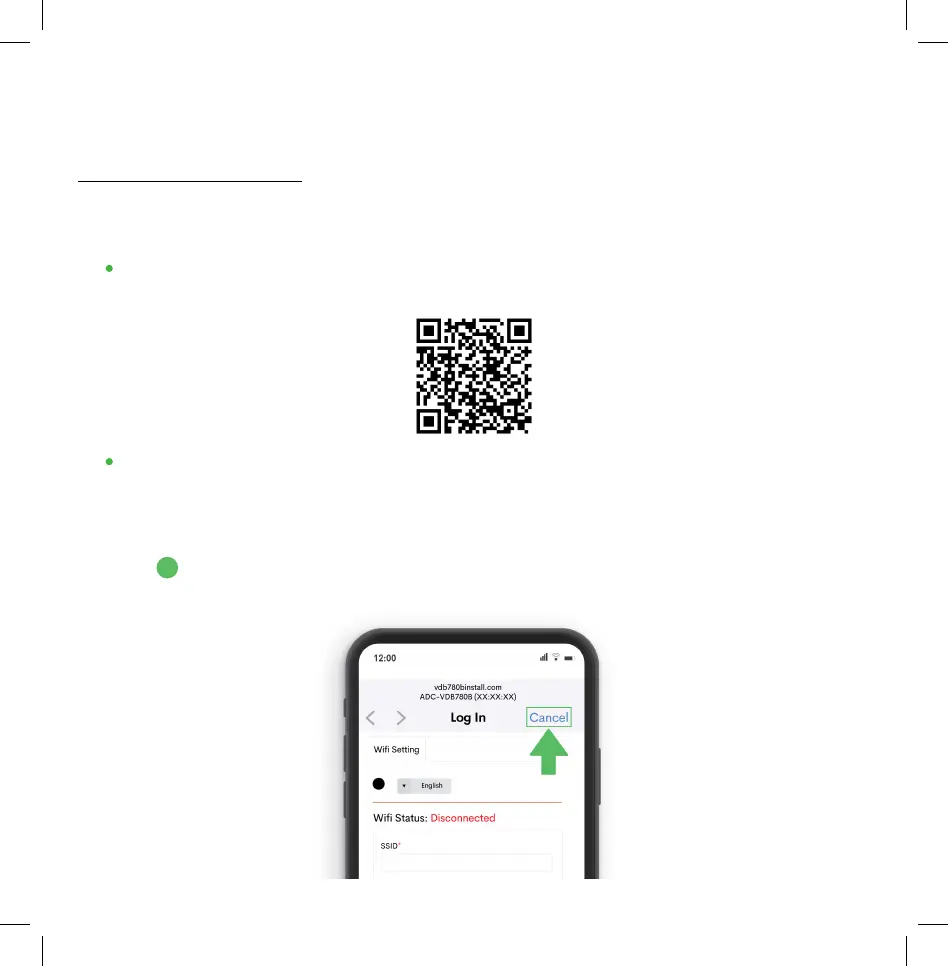
• After connecting to the network that resembles ADC-VDB780B (XX:XX:XX),
you may be directed to a “Wi-Fi Status” page- dependent on your mobile
phone. (The absence of this page does not indicate a problem.) Depending on
your phone type, refer to the appropriate section below:
A. iOS device: Tap “Cancel” and select “use without internet” to remain connected
to the doorbell’s network. Return to the Frontpoint app to finish the setup.
7
A


 To Next Page