4-24
DISPLAY ACTION
CREW MODE
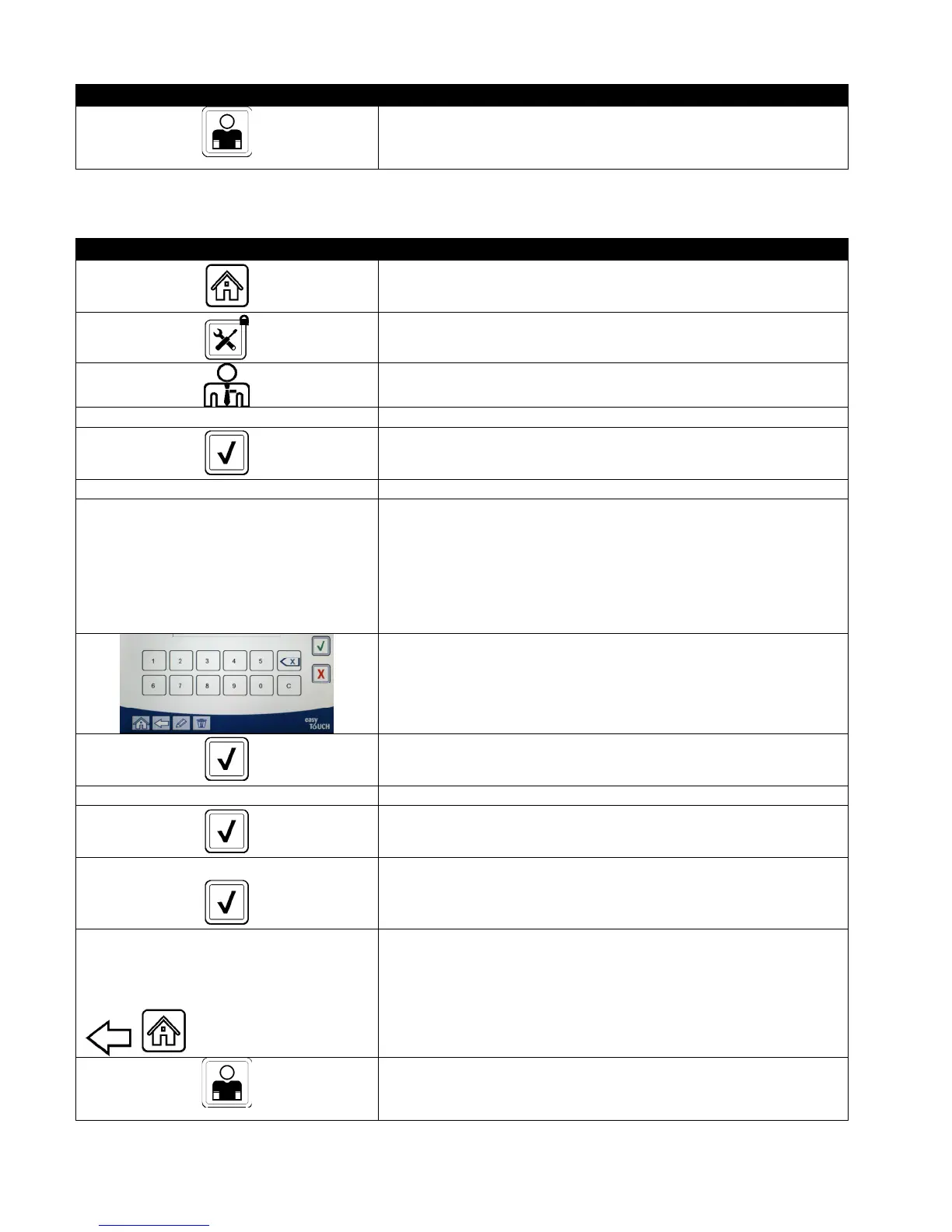
9. Press the Crew Mode button.
4.13.2.2 Passcode Setup
The password mode allows a restaurant manager to change passwords for various modes.
DISPLAY ACTION
1. Press the Home button.
2. Press the Service button.
3. Press the Manager button.
4 3 2 1 4. Enter 4321
5. Press the √ (check) button.
□ PASSCODE SETUP 6. Press the PASSCODE SETUP button.
□ MENUS
□ RECIPES
□ SETTINGS MANAGER
□ DIAGNOSTICS MANAGER
7. Select the desired passcode to modify. Use the down arrow to
scroll to additional setting.
Defaults are:
MENUS 1234
RECIPES 1234
SETTINGS MANAGER 1234
DIAGNOSTICS MANAGER 4321
8. Use the keypad to enter new passcode for the selected item.
9. Press the √ (check) button.
RETYPE PASSWORD 10. Use the keypad to enter the new passcode again to verify.
11. Press the √ (check) button.
PASSCODE SETUP SUCCESSFUL
12. Press the √ (check) button.
□ MENUS
□ RECIPES
□ SETTINGS MANAGER
□ DIAGNOSTICS MANAGER
13. Press the Back button to return to menu or press the Home
button to exit.
CREW MODE
14. Press the Crew Mode button.













 To Next Page