4-26
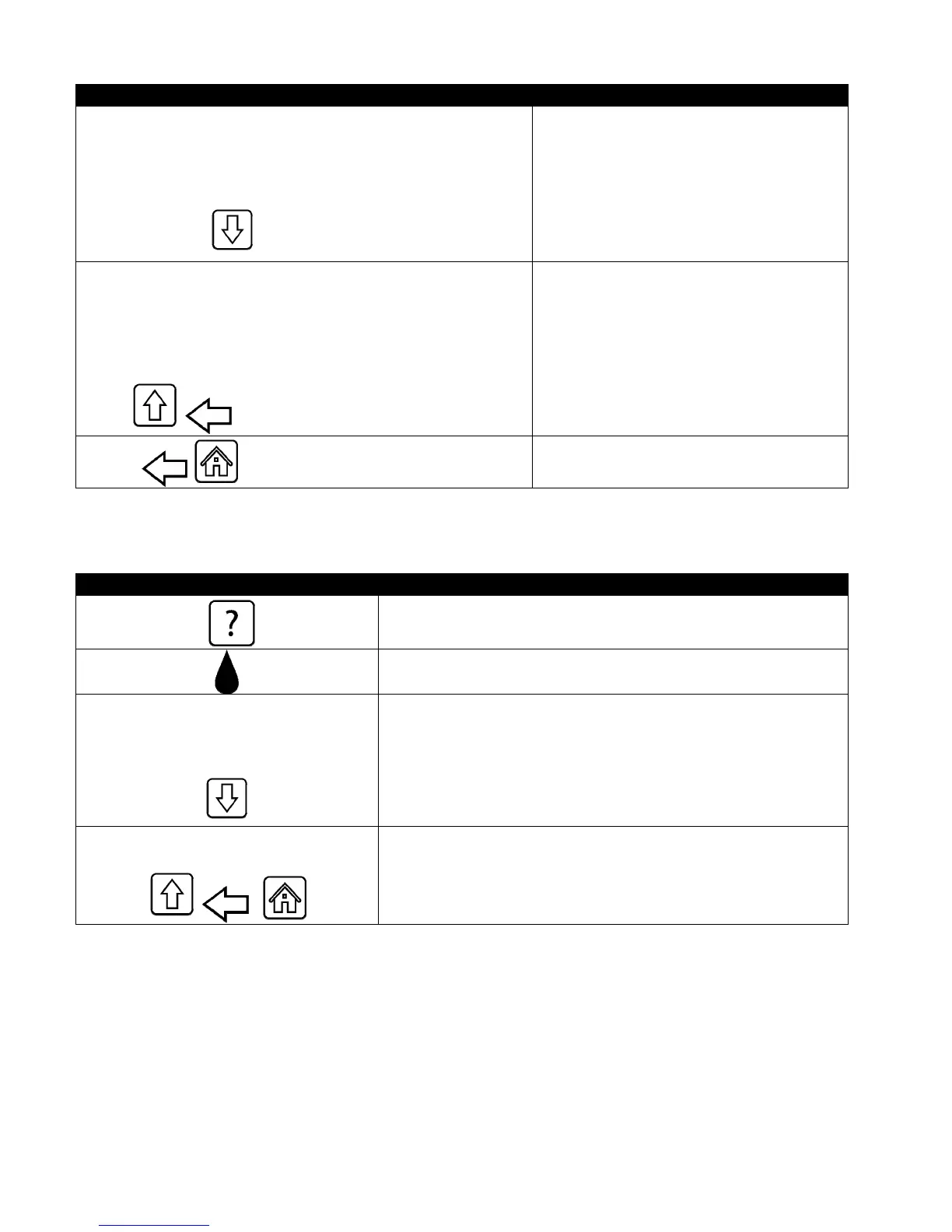
DISPLAY ACTION
1. DAY AND DATE (Day and date of filter statistics displayed)
2. COOKS REMAINING UNTIL NEXT FILTER (Number of times
cooks that remain until the next filter prompt.)
3. DAILY NUMBER OF COOKS (Number of cooks that day)
4. DAILY NUMBER OF FILTERS (Number of times vat filtered for a
particular day)
4. Press the down arrow to scroll to more
statistics.
5. DAILY NUMBER OF SKIPPED FILTERS (Number of times filter
was bypassed that day.)
6. AVERAGE COOKS PER FILTER - (Average number of cook cycles
per filter that day)
7. FILTRATION – (Displays if filtration is enabled or disabled.
Diagnostic tool to determine status of FIB board.)
5. Press the up arrow to scroll up or the
back button to return to select another
day.
6. Press the back button to return to menu
or the home button to exit.
4.14.2 Oil Statistics
The oil statistics function is used to view the date of last dispose, the number of cooks since last dispose, filters
since last dispose, skipped filters since last dispose, current oil life and average number of cooks over the oil life.
DISPLAY ACTION
1. Press the Information button.
2. Press the Oil button.
1. LAST DISPOSE DATE
2. COOKS SINCE LAST DISPOSE
3. FILTERS SINCE LAST DISPOSE
4. SKIPPED FILTERS SINCE LAST DISPOSE
3. Press the down arrow to scroll to more statistics.
5. CURRENT OIL LIFE
6. AVERAGE COOKS OVER OIL LIFE
4. Press the up arrow to scroll up; the back button to return to
menu or the home button to exit.













 To Next Page