4-30
4.14.10 Fresh Oil Reset Usage Statistics
The reset function resets all fresh oil data in the fresh oil statistics.
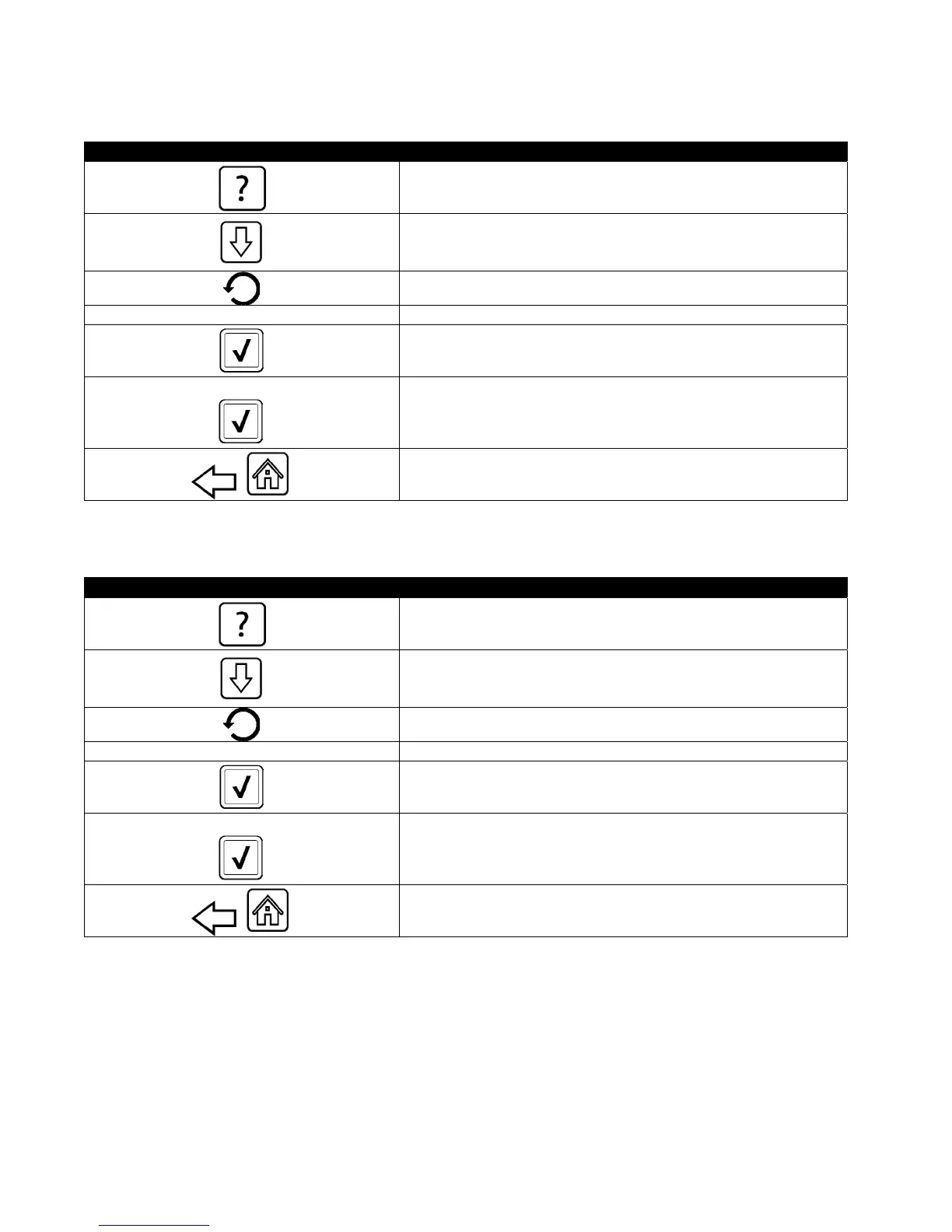
DISPLAY ACTION
1. Press the Information button.
2. Press the down arrow button.
3. Press Fresh Oil Reset button.
4 3 2 1 4. Enter 4321.
5. Press the √ (check) button.
FRESH OIL DATA HAS BEEN RESET
6. Press the √ (check) button.
7. Press the back button to return to menu or the home
button to exit.
4.14.11 Filter Reset Statistics
The reset function resets all filter statistics.
DISPLAY ACTION
1. Press the Information button.
2. Press the down arrow button.
3. Press Filter Reset button.
4 3 2 1 4. Enter 4321.
5. Press the √ (check) button.
FILTER RESET HAS BEEN DONE
6. Press the √ (check) button.
7. Press the back button to return to menu or the home
button to exit.













 To Next Page