7-5
7.3.1 Incomplete Filtration
Should the auto filtration procedure fail an error message is generated. Follow the instructions on the screen to return
the oil and clear the error.
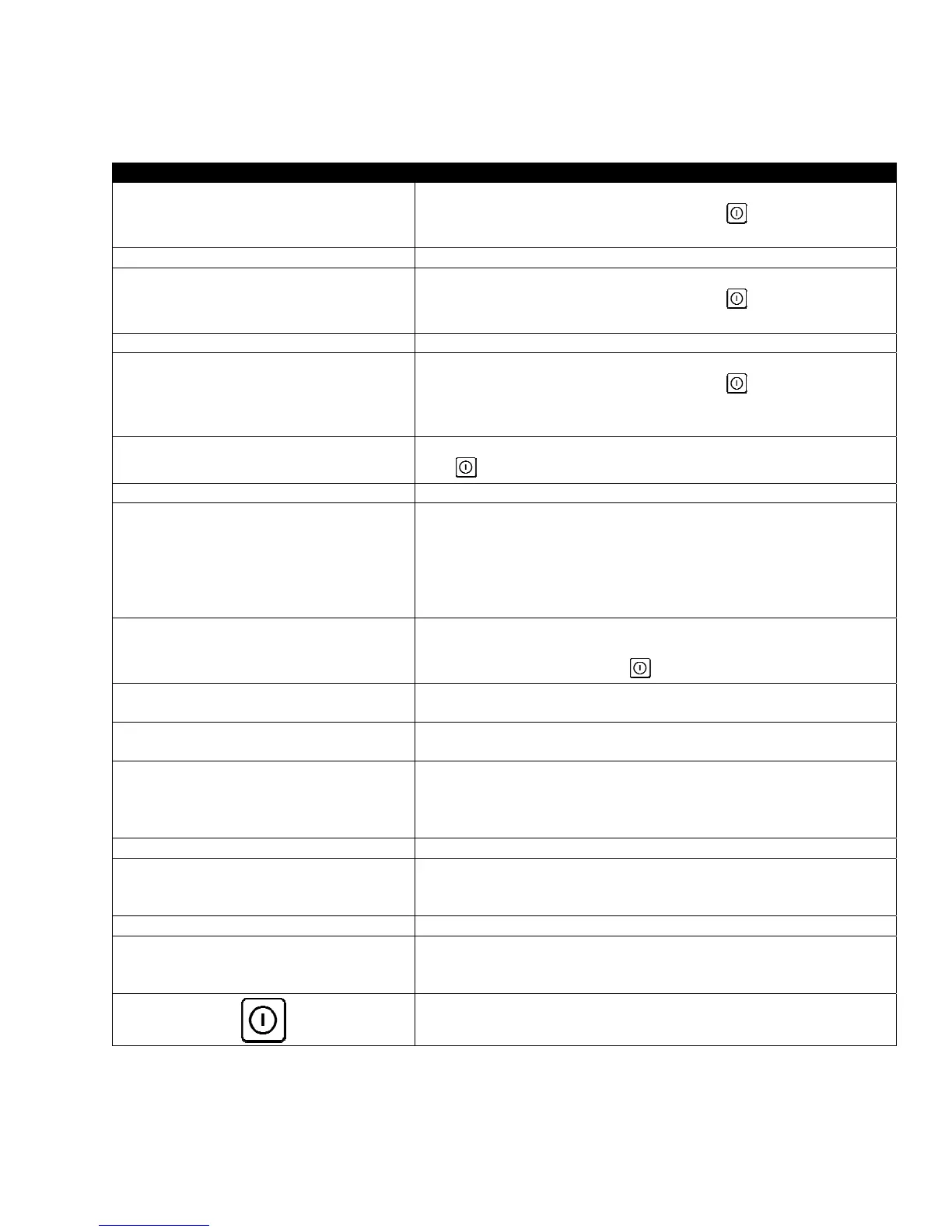
DISPLAY ACTION
IS VAT FULL?
1. Press the √ (check) button if the vat is full to continue. The
controller returns to idle cook mode or
. Press X if vat is not
filled completely.
FILLING IN PROGRESS 2. No action required as the pump runs.
IS VAT FULL?
3. Press the √ (check) button if the vat is full to continue. The
controller returns to idle cook mode or . Press X if vat is not
filled completely.
FILLING IN PROGRESS 4. No action required as the pump runs.
IS VAT FULL?
5. Press the √ (check) button if the vat is full to continue. The
controller returns to idle cook mode or . Press X if vat is not
filled completely. If this is the sixth consecutive sequence of
incomplete filtration skip to step 10.
CHANGE FILTER PAD?
6. Press the √ (check) button to continue. Pressing X advances to
.
REMOVE PAN 7. Remove the filter pan.
CHANGE FILTER PAD
8. Change the filter pad and ensure the filter pan has been pulled
forward, out of the cabinet for at least 30 seconds. Once the pan
has been out for 30 seconds the controller returns to idle cook
mode. Ensure the pan is dry and assembled correctly. Push the
filter pan back into the fryer. Ensure “P” is not displayed on the
controller.
IS VAT FULL?
9. Press the √ (check) button if the vat is full to continue. The
controller returns to idle cook mode. Press X if vat is not full and
the controller advances to .
SERVICE REQUIRED
10. If a filtration error occurs six consecutive times, the return valve
closes. Press the √ (check) button to silence alarm and continue.
ERROR PUMP NOT FILLING
11. The system detects oil is not returning to the vat and service is
required. Call your FAS.
SYSTEM ERROR FIXED?
12. Press the X button to continue cooking if possible. Call your FAS to
repair and reset the fryer. The error will be re-displayed every 15
minutes until the issue is repaired. Auto filtration and auto top
off are disabled until the fryer is reset.
ENTER CODE 13. FAS tech enters tech code to reset fryer.
FILL VAT FROM DRAIN PAN?
14. Press the √ (check) button to fill the vat from filter pan to
continue. Follow prompts once the vat is full. Press X to skip
filling from drain pan.
REMOVE PAN 15. Remove the filter pan.
IS PAN EMPTY?
16. Press the √ (check) button if the filter pan is empty and continue
to next step. Press X to continue filling the vat. Follow the
prompts once the vat is full.
17. The controller switches off.













 To Next Page