129
FMPC
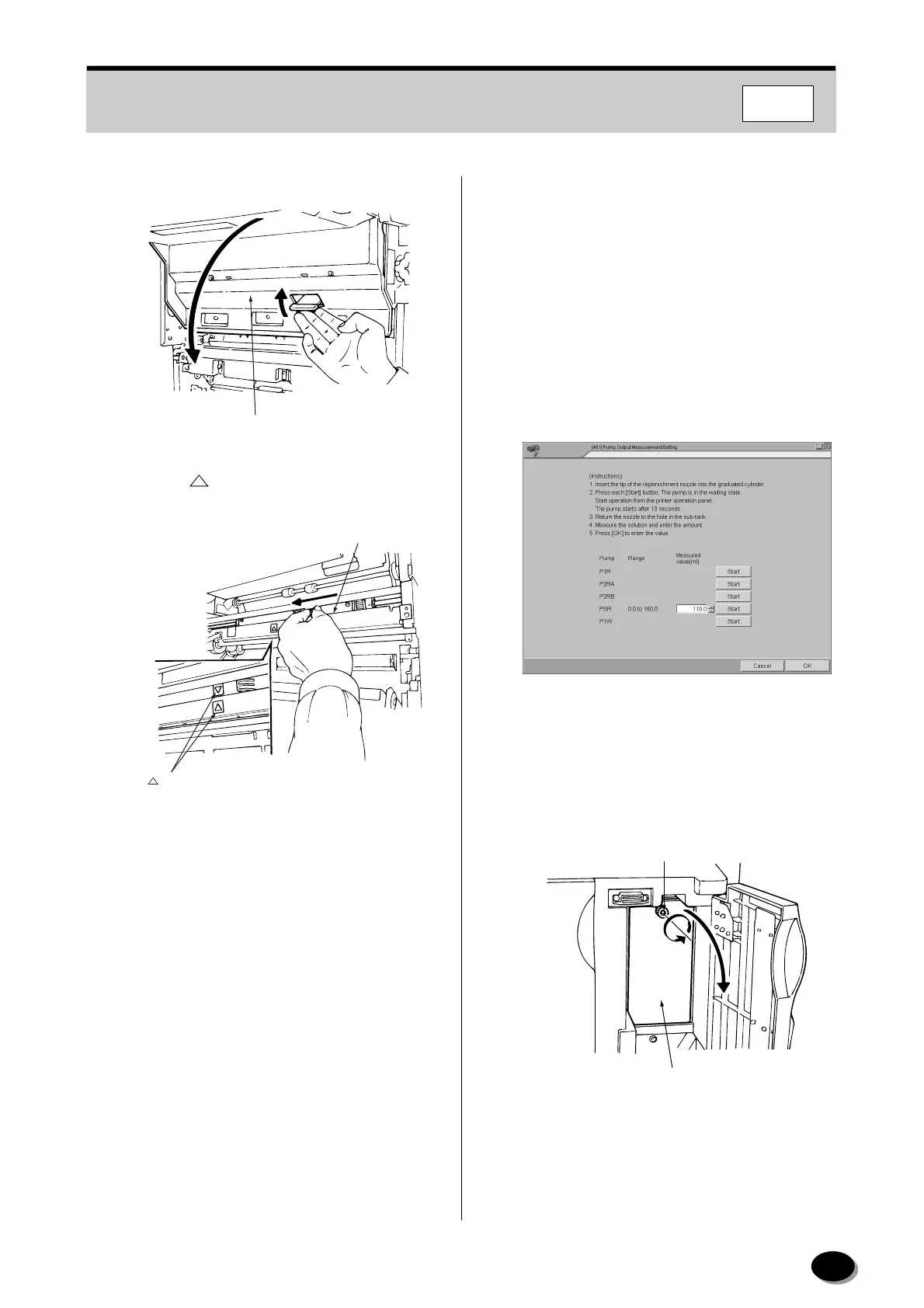
(2) Open the distribution section inner cover.
(3) Align the “ ” marks on the pipe slider and the
distribution unit.
(4) Close the distribution section inner cover.
(5) Close the magazine door.
4
Select “No change” for “Cut interval”.
N
TE:
When paper overlap feed has been occurred,
select “Change” for “Cut interval”. If higher level is
selected (from level 1 to 3), the cut interval is
increased and the processing performance is
decreased.
5
Click the [Close] button.
• Operation returns to the menu screen.
9.2.21 Pump Output Measurement/
Setting (461)
[Selection]
“4 Setup and Maintenance” - “6 Processor
Adjustment/Maintenance” - “1 Pump Output
Measurement/Setting”
[Procedure]
Perform only PSR replenisher pump output
measurement.
1
Prepare the measuring cylinder (200ml).
2
Open the water supply port door.
3
Loosen the screw and remove the water supply
port inner cover.
4
Click the [Start] button for “PSR”.
Distribution Section Inner Cover
L2216
Pipe Slider
“ ” Marks
L21157
Screw
Water Supply
Port Inner Cover
L21055
distributed by www.minilablaser.com



 To Next Page