92
FMPC
8.2.3 Production Information 2 (412)
[Selection]
“4 Setup and Maintenance” - “1 System Operation
Setup and Check” - “2 Production Information 2”
[Procedure]
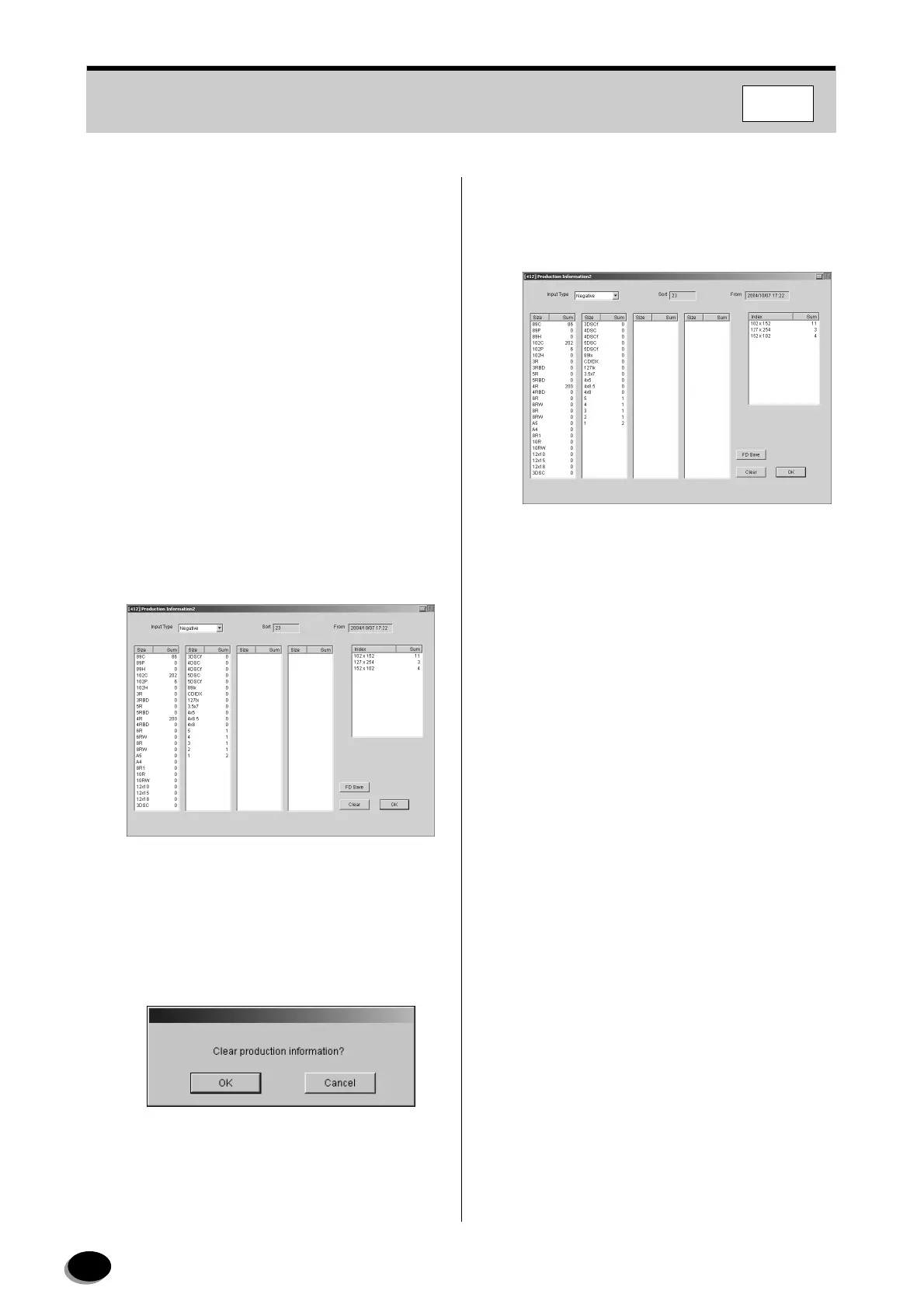
This menu is to view accumulated number of
products.
Confirm the production information for each input
type. The data can be cleared in this menu.
Input Type : Negative
Reversal
Digital Image
All
1
Record the production information.
2
To clear the data, follow the steps below.
(1) Use “Input Type” to choose which data you wish
to clear.
(2) Then press click [Clear].
• The “Clear production information?” dialog box
appears.
(3) Click [OK].
• The data is cleared and date of clearance
appears.
3
Click [OK].
• Operation returns to the “4 Setup and
Maintenance” screen.
distributed by www.minilablaser.com



 To Next Page