63
6.2.2 Cleaning Around the Machine
1
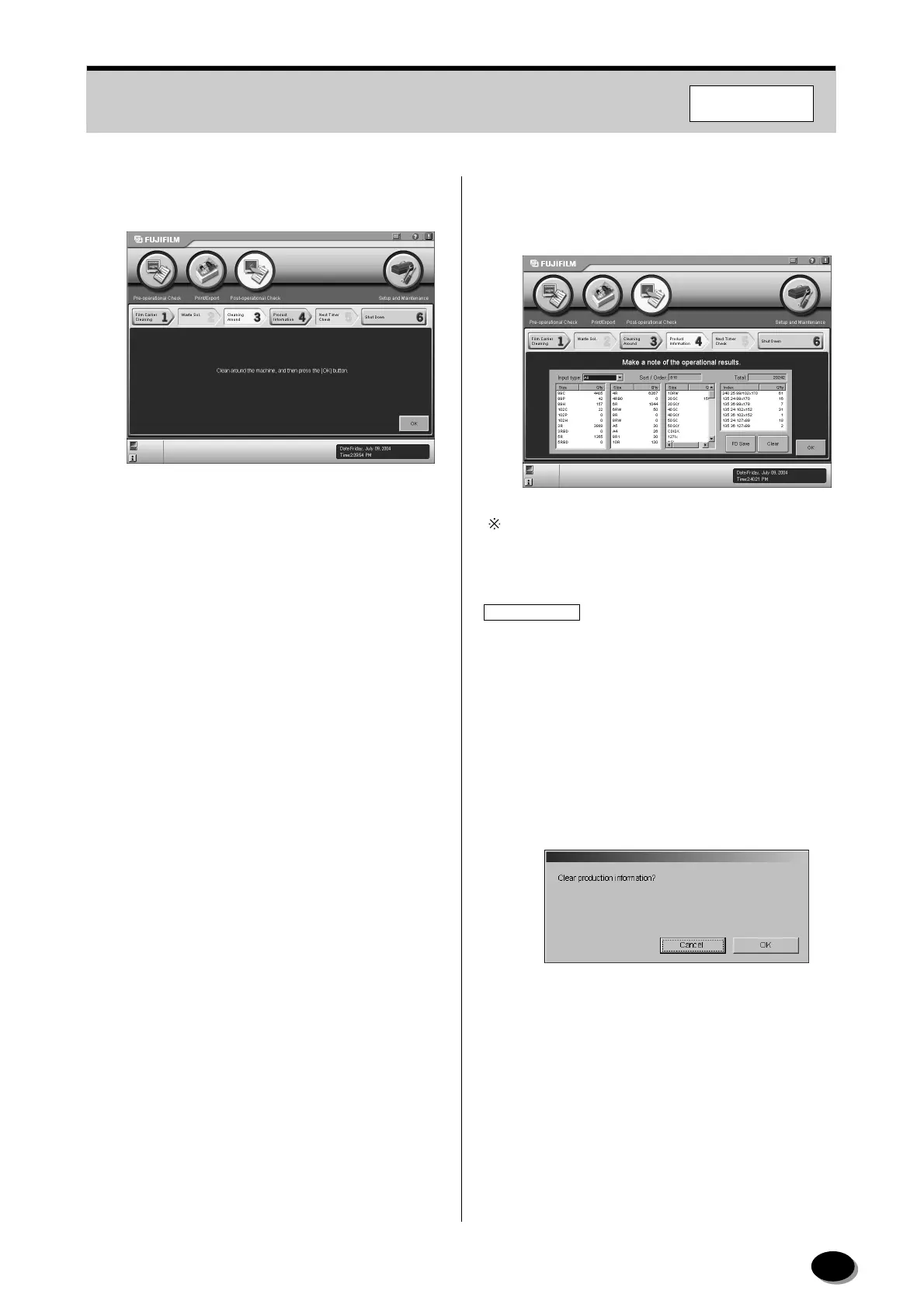
Clean around the machine and then click the
[OK] button.
• The “4 Product Information” screen appears.
6.2.3 Recording the Daily Processing
Volume Data and Clearing the Data
Select the “Negative”, “Reversal”, “Digital Image” or
“All” from the “Film type” box to display production
information respectively.
IMPORTANT
The printing information from the DSC import is not
counted in this screen. Check and save this
information in the “Production Information” in the
FMPC.
1
Record the daily processing volume data.
To clear the data, follow the steps below.
(1) Click the [Clear] button.
• The “Clear production information?” dialog box
appears.
(2) Click the [OK] button.
• Data is cleared.
F355/375/570
distributed by www.minilablaser.com



 To Next Page