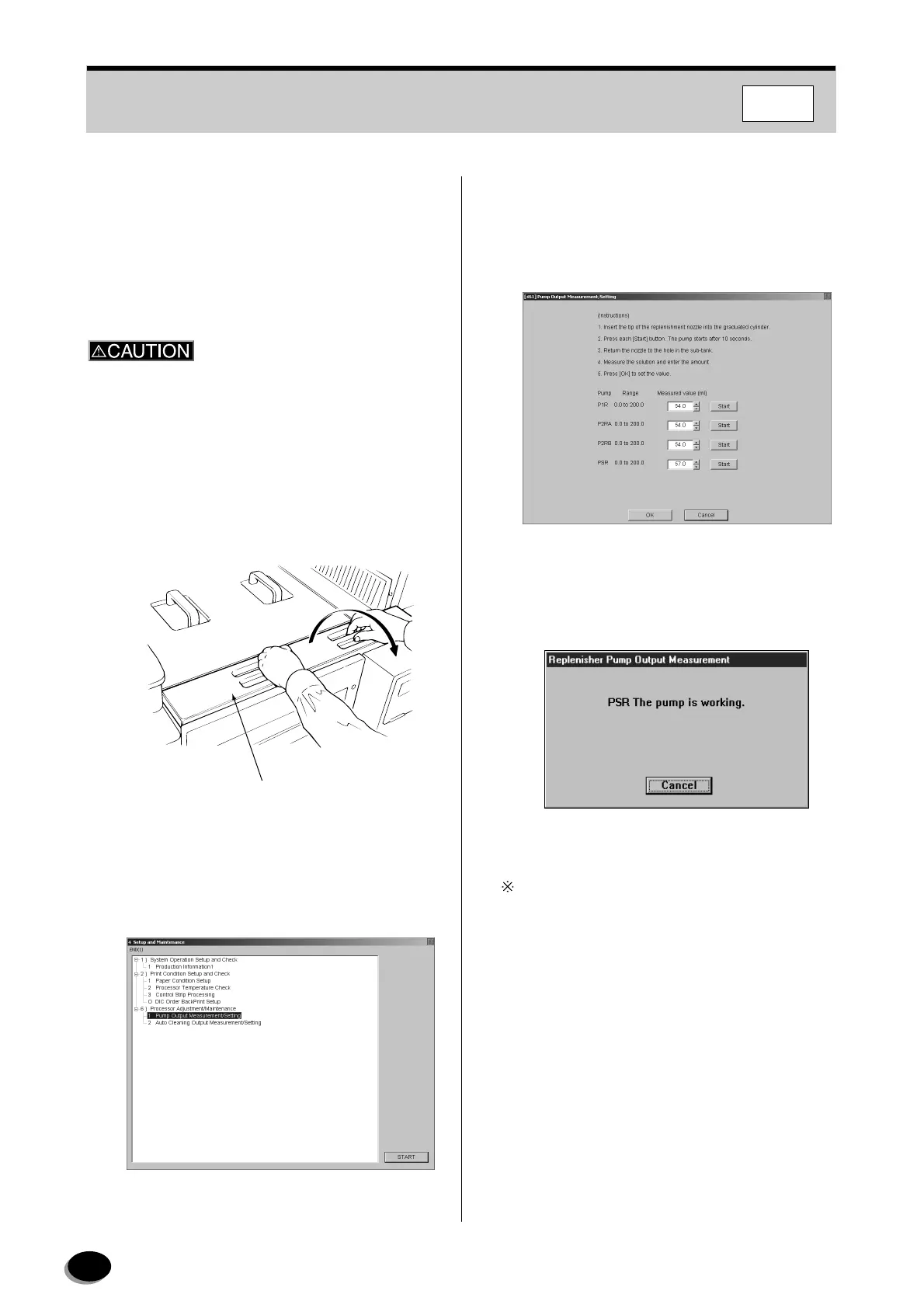
86
FMPC
8.1.7 Replenisher Pump Output
Measurement
If the replenisher pump output is reduced, improper
processing and drop in level of solution in the
processing tank may result.
Processing solutions may irritate the eyes and skin.
When handling processing solutions, wear protective
goggles, a rubber apron, rubber gloves, rubber boots
and other protective gear as appropriate to prevent
any solution from coming in contact with the body.
Always wash hands well after handling processing
solutions.
1
Prepare a measuring cylinder.
2
Remove the sub-tank cover.
3
Open the “4 Setup and Maintenance” menu
screen (see Section 8.1).
4
Select “1 Pump Output Measurement/Setting”,
and press the [START] key.
• The “[461] Pump Output Measurement/Setting”
screen appears.
• The cursor is located on the “Measured value”
for “P1R”.
5
Click [Start] of the “PS-R” box.
• The alarm beeps intermittently for 10 seconds.
Click [Cancel] to stop the operation.
Sub-tank Cover
EZ679
distributed by www.minilablaser.com



 To Next Page