64
2
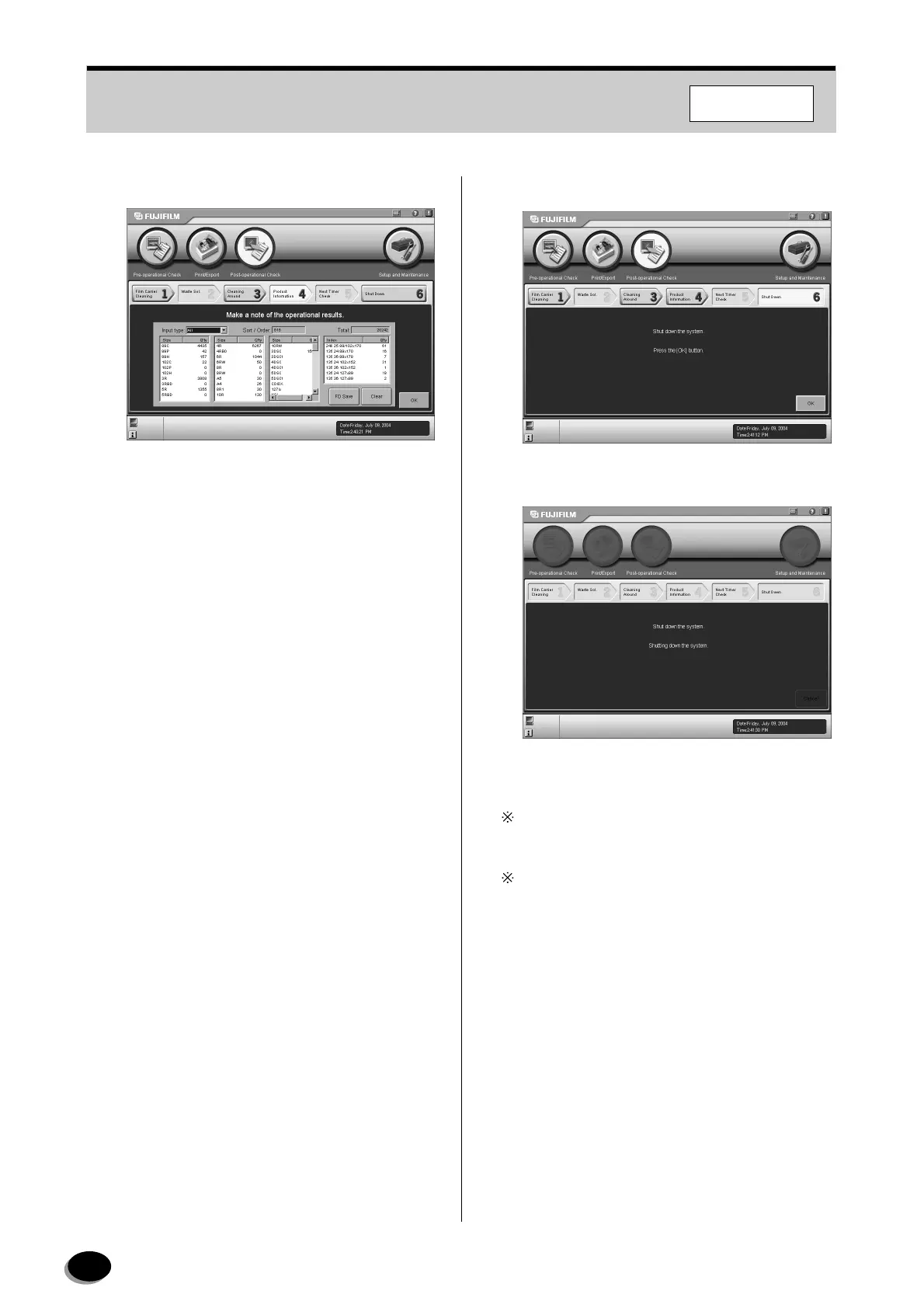
Click the [OK] button.
• The “System Shutdown” screen appears.
6.2.4 System Shutdown
1
Click the [OK] button.
• The data is stored onto the hard disk.
Control returns to the [6 Shut Down] screen, if
[Cancel] is clicked.
When restarting the system immediately after the
scanner is turned OFF, be sure to wait for more
than 12 seconds before pressing the START switch.
Note that the system cannot be started unless
more than 12 seconds have elapsed because of
the function of the protection circuit.
F355/375/570
distributed by www.minilablaser.com



 To Next Page