131
6
The Shooting Menus
AF/MF SETTING
CORRECTED AF FRAME
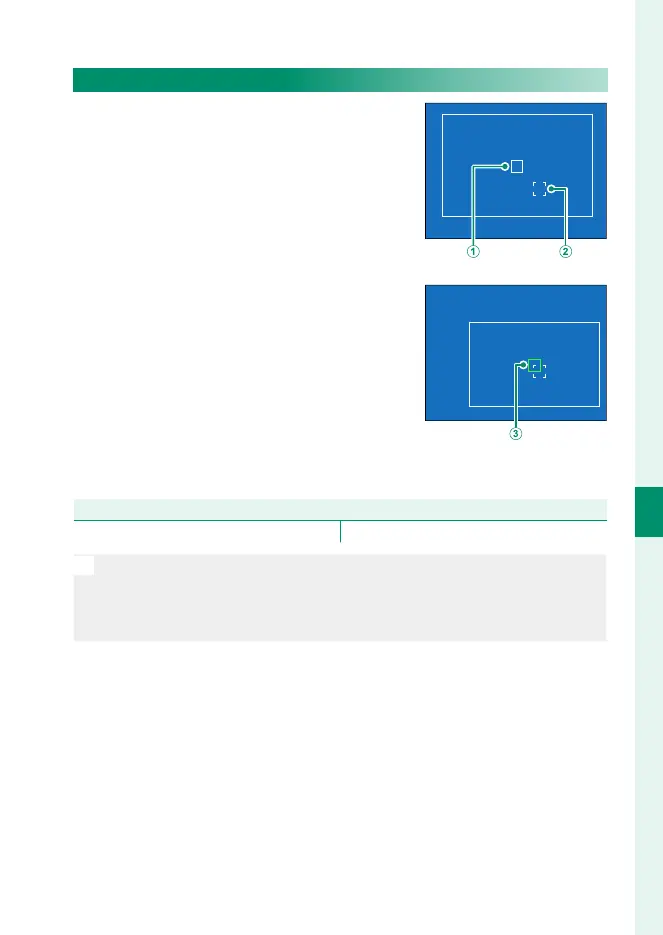
View a guide to the actual focus position
when framing shots in the OVF with the
subject close to the camera. When ON is
selected, the camera will display the fo-
cus position for objects approximately
50cm from the camera (
B
) in addition to
the standard AF frame (
A
). Pressing the
shutter button halfway displays a green
AF frame (
C
) at the actual focus position.
Normal display
Display when shutter
button is pressed halfway
Options
ON OFF
N
•
The guide will not be displayed when the camera focuses at distanc-
es of less than 50 cm.
•
You can temporarily select OFF for the guide display by pressing the
center of the focus stick (focus lever).



 To Next Page