132
6
The Shooting Menus
SHOOTING SETTING
Adjust shooting options.
To display shooting options, press
MENU/OK in the shooting display and se-
lect the A(SHOOTING SETTING) tab.
N
The options available vary with the shoot-
ing mode selected.
EXIT
SHOOTING SETTING
SAVE SELF-TIMER SETTING
SELF-TIMER
INTERVAL TIMER SHOOTING
INTERVAL TIMER SHOOTING EXPOSURE SMOOTHING
AE BKT SETTING
FILM SIMULATION BKT
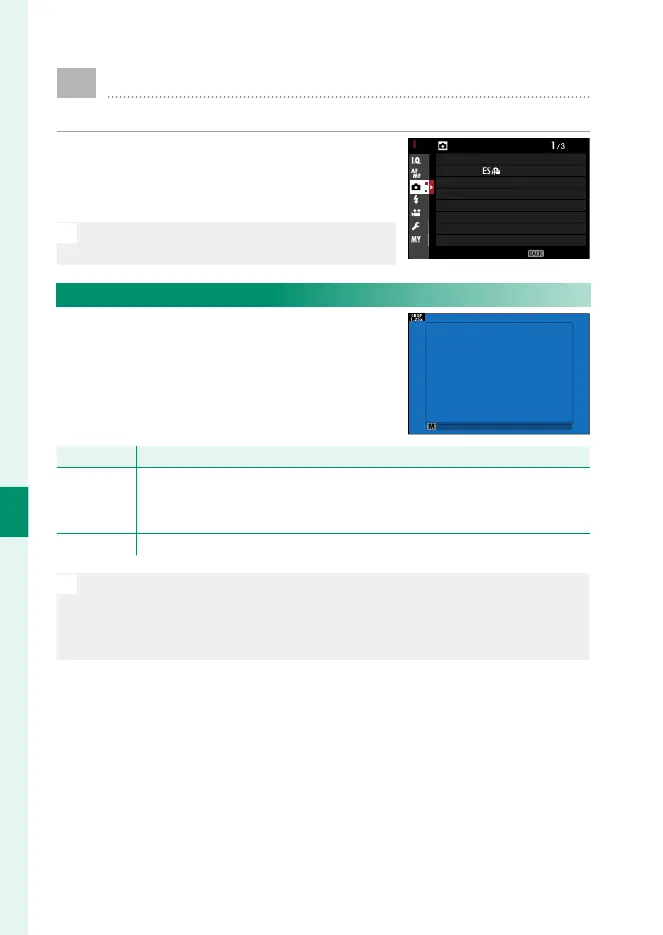
SPORTS FINDER MODE
PRE-SHOT
SPORTS FINDER MODE
Take pictures using the crop in the center
of the display. Choose this option for pic-
tures of athletes, birds, and other moving
subjects.
Option
Description
ON
Pictures are taken using a 1.25× crop, reducing the picture angle by an
amount equivalent to increasing lens focal length by 1.25×; the crop is
shown by a frame in the display.
OFF The 1.25× crop is disabled.
N
•
The H IMAGE QUALITY SETTING> IMAGE SIZE item in the shoot-
ing menu is xed at P.
•
The sports nder is not available in modes that o er an electronic
shutter.



 To Next Page