EasyManua.ls Logo

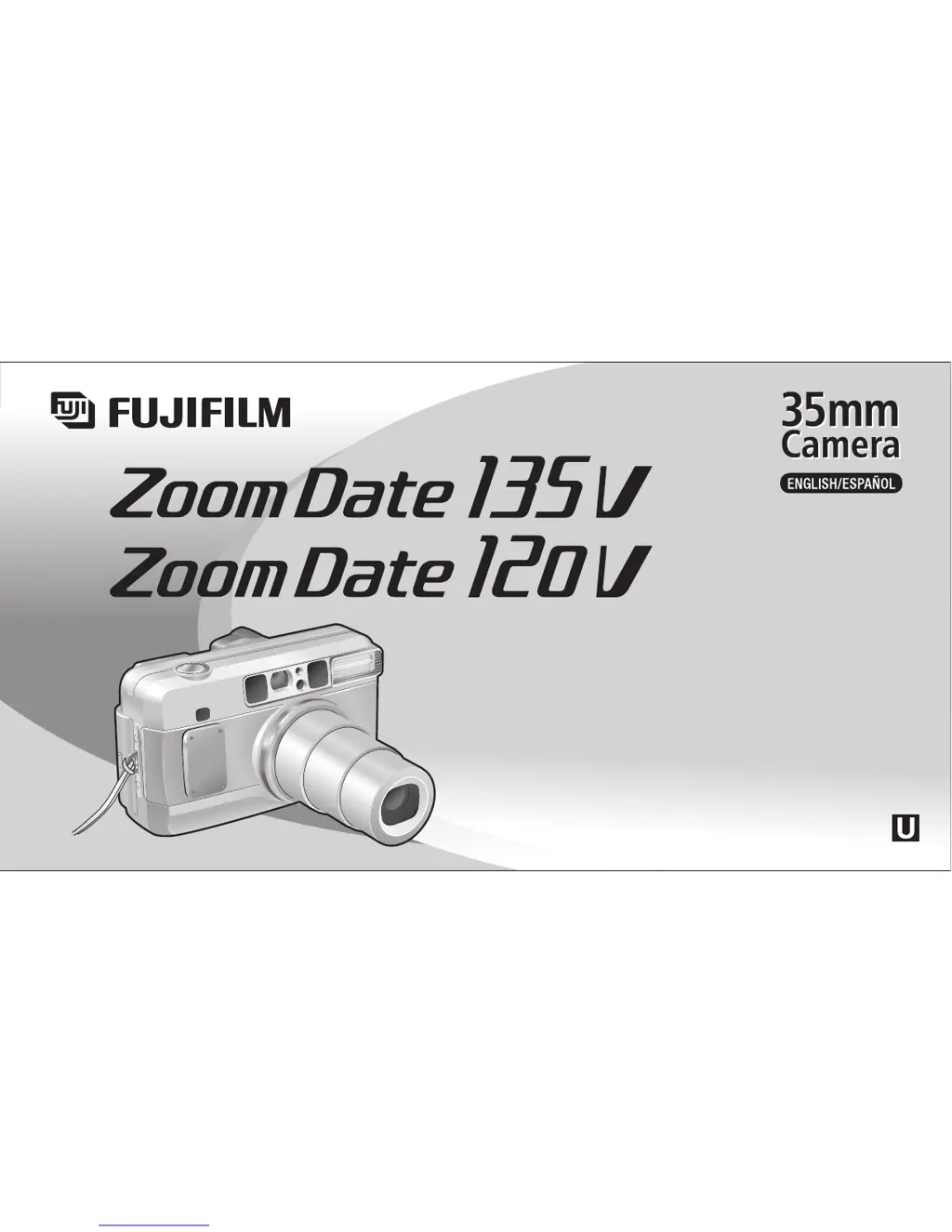
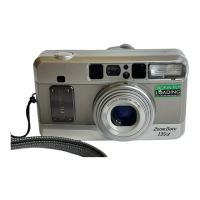
FujiFilm ZoomDate 135v - User Manual

FujiFilm ZoomDate 135v
60 pages
Print Icon
To Next Page IconTo Next Page
Loading...
202B10791300
OWNER’S MANUAL
MANUAL DE INSTRUCCIONES
d
Fujinon 38-135/120mm Auto Focus Zoom Lens
d
Drop-in Film Loading with Pre-winding
d
Automatic Exposure and Automatic Flash Operation
d
Date/Time Imprinting
d
Red-eye Reduction Flash

Questions and Answers

  • L
    Louis WardJul 29, 2025
    Why are my FujiFilm ZoomDate 135v pictures not sharp?
    • K
      Kimberly MooreJul 29, 2025
      If your FujiFilm Digital Camera pictures are not sharp, it could be due to several reasons. Ensure your finger isn't covering the AF windows, aim the camera properly at the subject, and clean the lens if it's dirty. Also, hold the camera firmly, especially at slow shutter speeds, and avoid using 'h' mode for close-up shots.
  • P
    Patricia JohnsonAug 3, 2025
    What to do if my FujiFilm ZoomDate 135v Digital Camera picture is too dark?
    • J
      Jeff BradfordAug 3, 2025
      If your FujiFilm Digital Camera pictures are too dark, ensure the subject is within the flash's effective range and that your finger isn't covering the flash. If the subject is backlit, try using 'f' mode.
  • J
    Joshua ZavalaAug 8, 2025
    How to fix the shutter if it cannot be released on a FujiFilm ZoomDate 135v Digital Camera?
    • A
      Angela DaltonAug 9, 2025
      If the shutter of your FujiFilm Digital Camera cannot be released, try the following: a. Replace the battery. b. Press the POWER button. c. Wait until the flash is fully charged (the “f” indicator stops blinking). It takes about 7 seconds. d. If it doesn't help, take out the film, and load a new roll of film.
  • J
    Justin GriffinAug 13, 2025
    What to do if “E” blinks after loading film in my FujiFilm ZoomDate 135v Digital Camera?
    • N
      Nicholas GoldenAug 13, 2025
      If, after loading film and closing the back of your FujiFilm Digital Camera, “E” blinks, adjust the film length so that the green mark is correctly positioned in the camera before closing the back.
  • T
    Tyler BarrAug 18, 2025
    Why is the date not printed or not printed clearly on my FujiFilm ZoomDate 135v?
    • R
      Robert TateAug 19, 2025
      If the date is not printed on the front or not printed clearly on your FujiFilm Digital Camera, it may be because you selected the “[” mode. Select a date mode other than the “[” mode before taking pictures. Also, the date may not be clearly visible against a light background; try to avoid light-colored backgrounds where the date appears.
  • J
    Jeffrey DonaldsonAug 25, 2025
    Why is the film rewinding while taking pictures on my FujiFilm Digital Camera?
    • P
      philipriosAug 25, 2025
      If the film is rewound while you are taking pictures with your FujiFilm Digital Camera, avoid sliding the back lock while the film is partially used.

Summary

Part Names

Shutter Button

Shutter release button.

AF (Auto-focus) Window

Area used by the camera's autofocus system.

Flash

Built-in flash unit for illumination.

Fujinon Lens;Lens Cover

Main lens and protective cover.

Liquid Crystal Display;Panel de cristal líquido (LCD)

Picture Counter;Self-timer Count

Displays remaining shots or self-timer countdown.

Viewfinder;Visor

AF (Auto-focus) frame

Guides for positioning the subject for autofocus.

Preliminary Steps

Loading the Battery

Turning On the Camera

Checking the Battery

Setting the Date

Loading the Film

Taking Photos

Using the Auto-focus Lock

Taking Out the Film; Taking Out Film in Mid-Roll

Advanced Techniques

Using the Self-Timer Mode

Troubleshooting

The shutter cannot be released

Possible causes and solutions for shutter failure.

Film loading errors (E blinks)

Diagnosing and resolving film loading issues.

Film rewinding issues

Addressing unexpected film rewinding.

Film rewound during shooting

What to do if film rewinds mid-roll.

Warning light blinks, shutter stuck

Diagnosing error indicators.

Printed Picture Issues

Important Safety Notice

FujiFilm ZoomDate 135v Specifications

General IconGeneral
BrandFujiFilm
ModelZoomDate 135v
CategoryDigital Camera
LanguageEnglish

Related product manuals