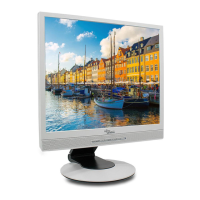
FSC B17-1 Service Manual
7
3.3 ADJUSTING THE PICTURE
To set the OSD menu, perform the following steps:
Briefly press the SELCT / MENU button to activate the OSD menu.
The main menu appears on the screen with icons for the setting functions.
The first symbol (
Brightness/Contrast) is highlighted.
necessary, press the
6
or
5
button to mark another icon (e.g. Image adjust).
Press the SELECT/MENU button to select the highlighted icon.
The corresponding setting window (here: Image Adjust) is displayed.
The first symbol (H-Position) is highlighted.
If necessary, press the 6 or 5 button to mark the desired icon.
Press the SELECT/MENU button to select the highlighted function.
Press the
6
or
5
button to adjust the value for the selected function.
Press the EXIT/AUTO button to exit the function.
All changes are stored automatically.
Adjusting the brightness and contrast
Calling the Brightness / Contrast setting window.
Brightness
Setting the brightness of the display
With this function you change the brightness of the background lighting.
Contrast
Setting the contrast of the display
With this function you modify the contrast of bright colour tones.
Black Level
Setting the brightness of the display
With this function you modify the contrast of dark colour tones.


 To Next Page
 Loading...