EasyManua.ls Logo

Fujitsu Siemens Computers 21P3 - User Manual

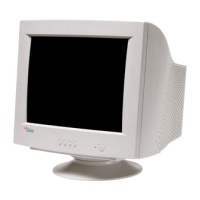
Fujitsu Siemens Computers 21P3
28 pages
Print Icon
To Next Page IconTo Next Page
Loading...
21P3
21P321P3
21P3
Bildschirm / Moniteur / Monitor / Skärm / Beeldscherm
BETRIEBSANLEITUNG
BETRIEBSANLEITUNGBETRIEBSANLEITUNG
BETRIEBSANLEITUNG
OPERATING MANUAL
OPERATING MANUALOPERATING MANUAL
OPERATING MANUAL
Question and Answer IconNeed help?

Do you have a question about the Fujitsu Siemens Computers 21P3 and is the answer not in the manual?

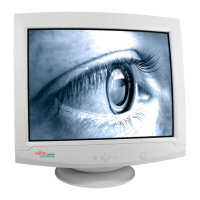
Fujitsu Siemens Computers 21P3 Specifications

General IconGeneral
Screen Size21 inches
Display TypeCRT
Resolution1600 x 1200
Aspect Ratio4:3
Refresh Rate85 Hz
Input ConnectorsVGA

Summary

Important Notes

Safety

Installing an Ergonomic Video Workstation

Connecting the Monitor

Monitor Connections

Operation of the Monitor

Switching the Monitor On

Procedure for powering the monitor on using the ON/OFF switch.

Switching the Monitor Off

Procedure for powering the monitor off using the ON/OFF switch.

Notes on Power Management

Changing the Monitor Settings

Adjusting Brightness and Contrast

Instructions for adjusting screen brightness and contrast using the OSD menu.

Settings with the OSD Menu

OSD Menu Settings

Adjusting Horizontal Size and Position

Adjusting Vertical Size and Position

Correcting Picture Edges and Rotation

Setting the Color Temperature

Activating Factory Settings

VESA-DDC-Compatible VGA Interface

Pin Assignment D-SUB (15-pin)

Error Handling

Error Messages on the Screen

Related product manuals