Operation
Operation
Switching the device on and off
1
2
3
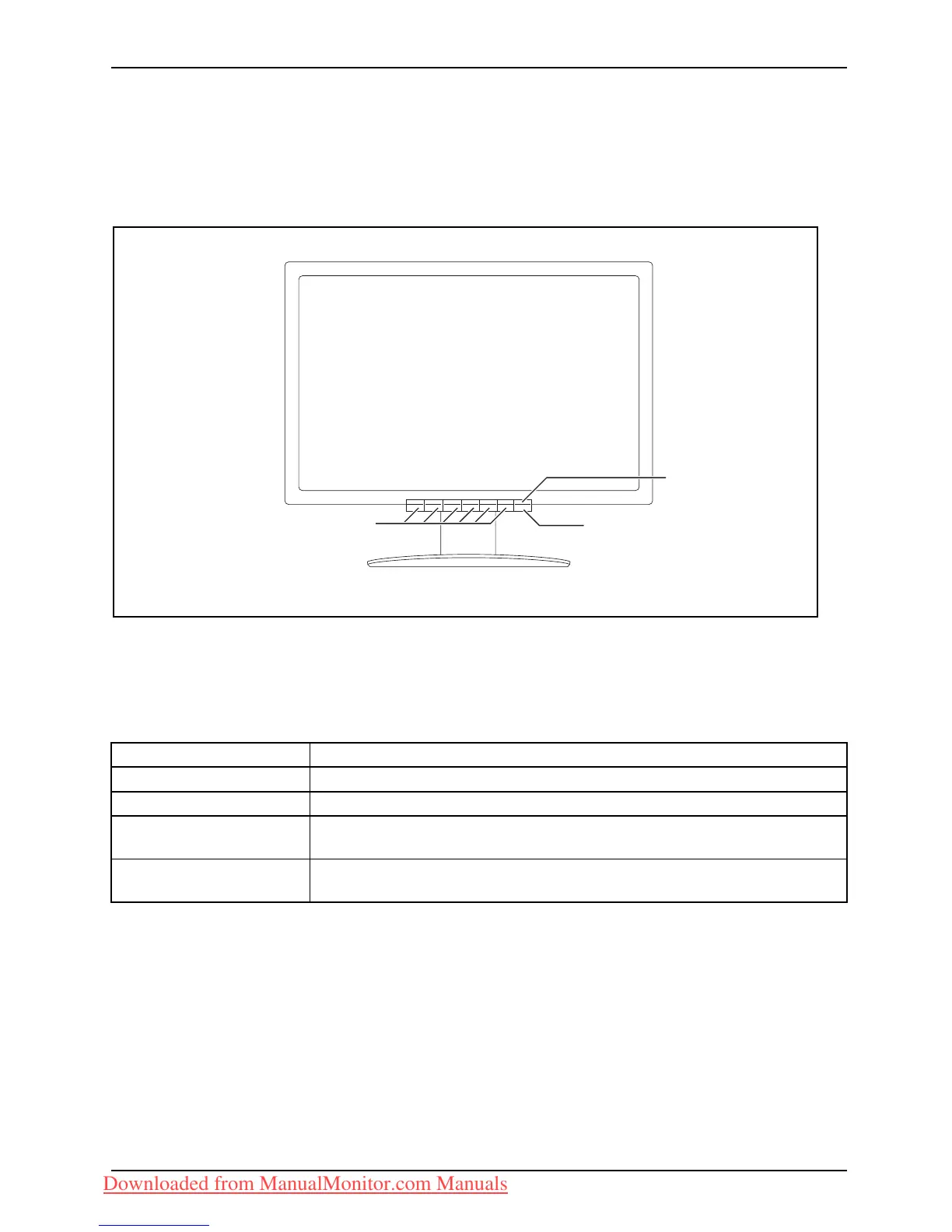
1 = Buttons for the OSD menu (On-Screen
Display)
2 = Power suppl
y indicator
3 = ON/OFF switch
The colour of the LED indicator changes as follows:
LED indicator Status
blue
Monitor and computer are switched on (normal mode).
green
Monitor and computer are switched on (ECO mode).
orange
The monitor is not receiving a video signal or is switching to power
saving mode (indication approx. 2 seconds).
does not light up
The monitor is switched off (or is in power saving mode - power
consumption in standby and off mode ≤ 0.5 W ).
Fujitsu Technology Solutions 19
Downloaded from ManualMonitor.com Manuals











 To Next Page