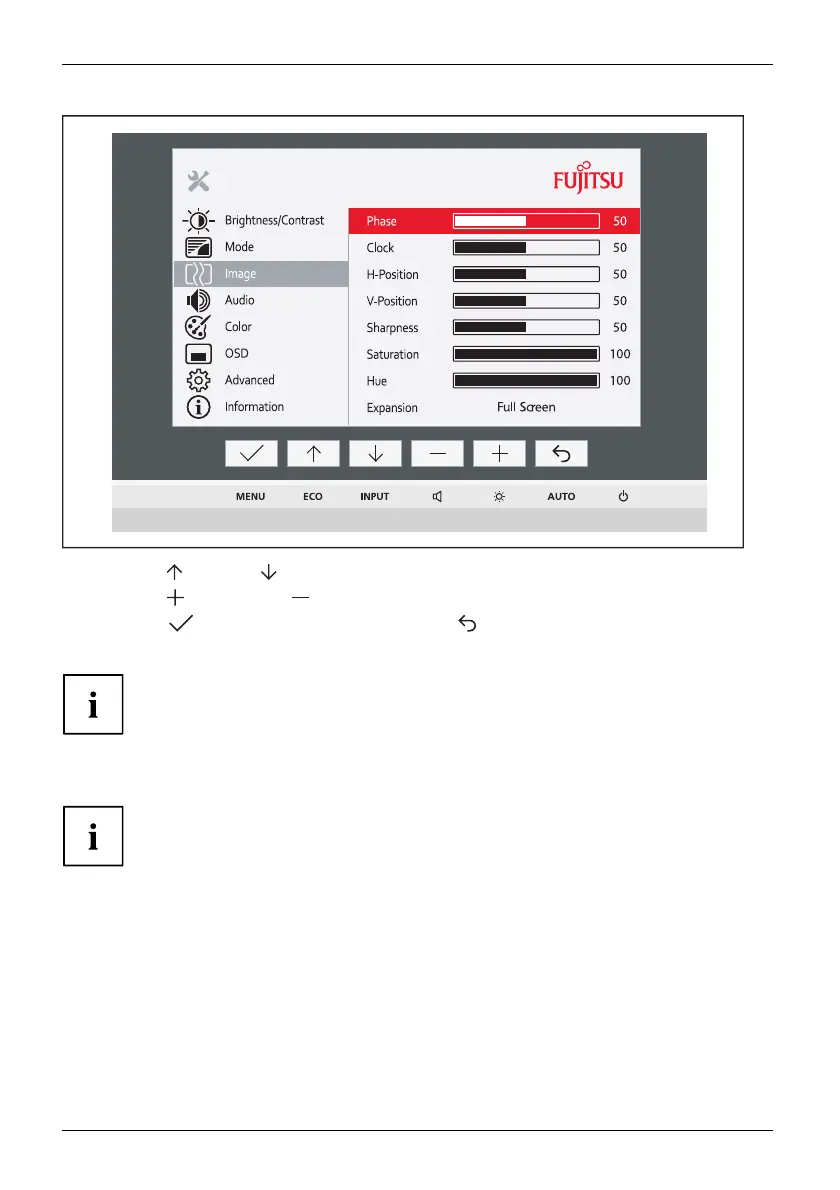
Operation
► Press the button or button to highlight another function.
► Press the
button or the button to change the setting.
► Press the
button to save the change o r the button to quit the
function without making a change.
If you wish to change other settings, select the corresponding function from the OSD
main menu. All the settings options in the main menu are d e scribed below.
OSD menu functions
The OSD menu for analogue monitor operation is described below. During
digital operation some functions are no t available, as they are not required
due to the digital transmission technology used.
24 Fujitsu












 To Next Page