System expansio ns
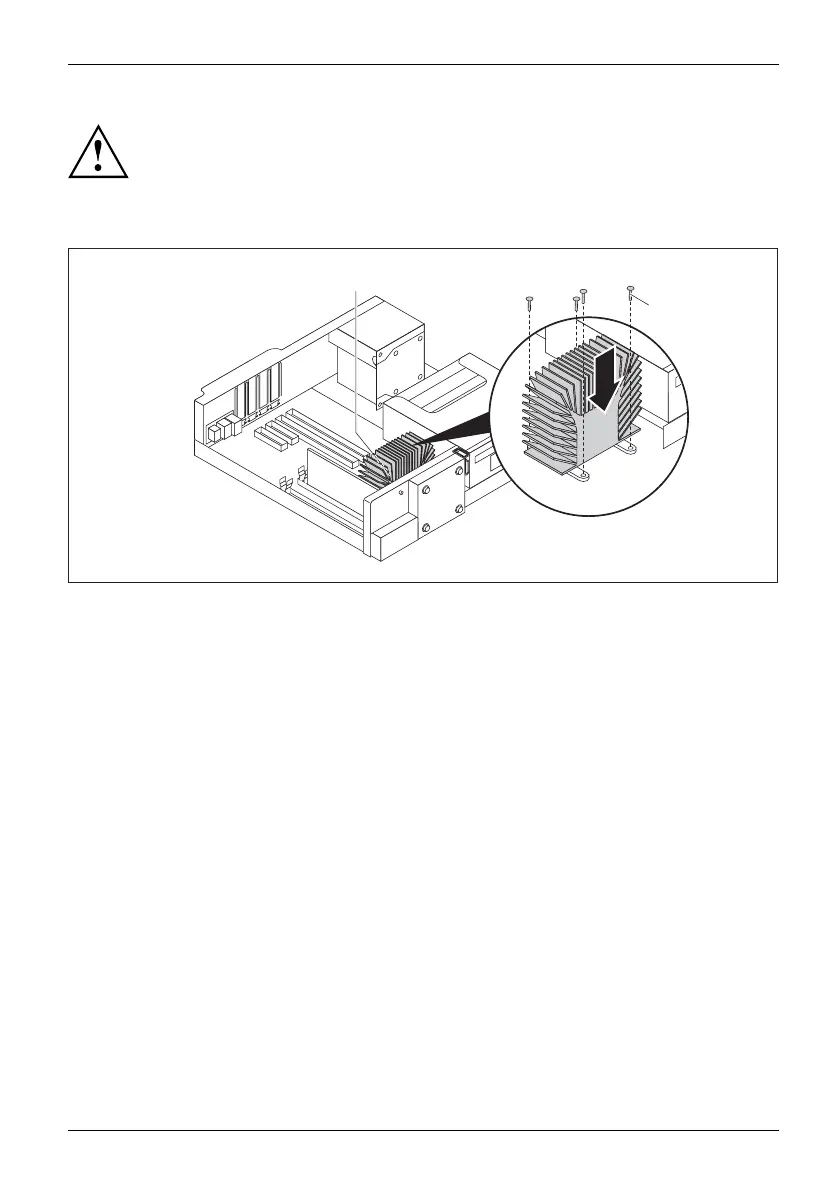
Never operate the device without the heat sink fitted! Reinstall the
heat sink before switching on the device.
Installing th e heat sink
1
2
a
► Insert the h eat sink into the casing (1): in doing so, align the screw holes on the heat sink
correctly to gether with the screw holes on the mainboard and pay attention to the sticker (a) on
the heat sink. This must point towards the inside of the casing / away from the front of the casing.
► Tighten the screws (2) in a crosswise fashion.
Fujitsu 69



 To Next Page
 Loading...



