PR-LN4 Software Guide
1.4 DESCRIPTION of EQUIPMENT
1.4.1 NAMES AND OPERATION OF EACH COMPONENT
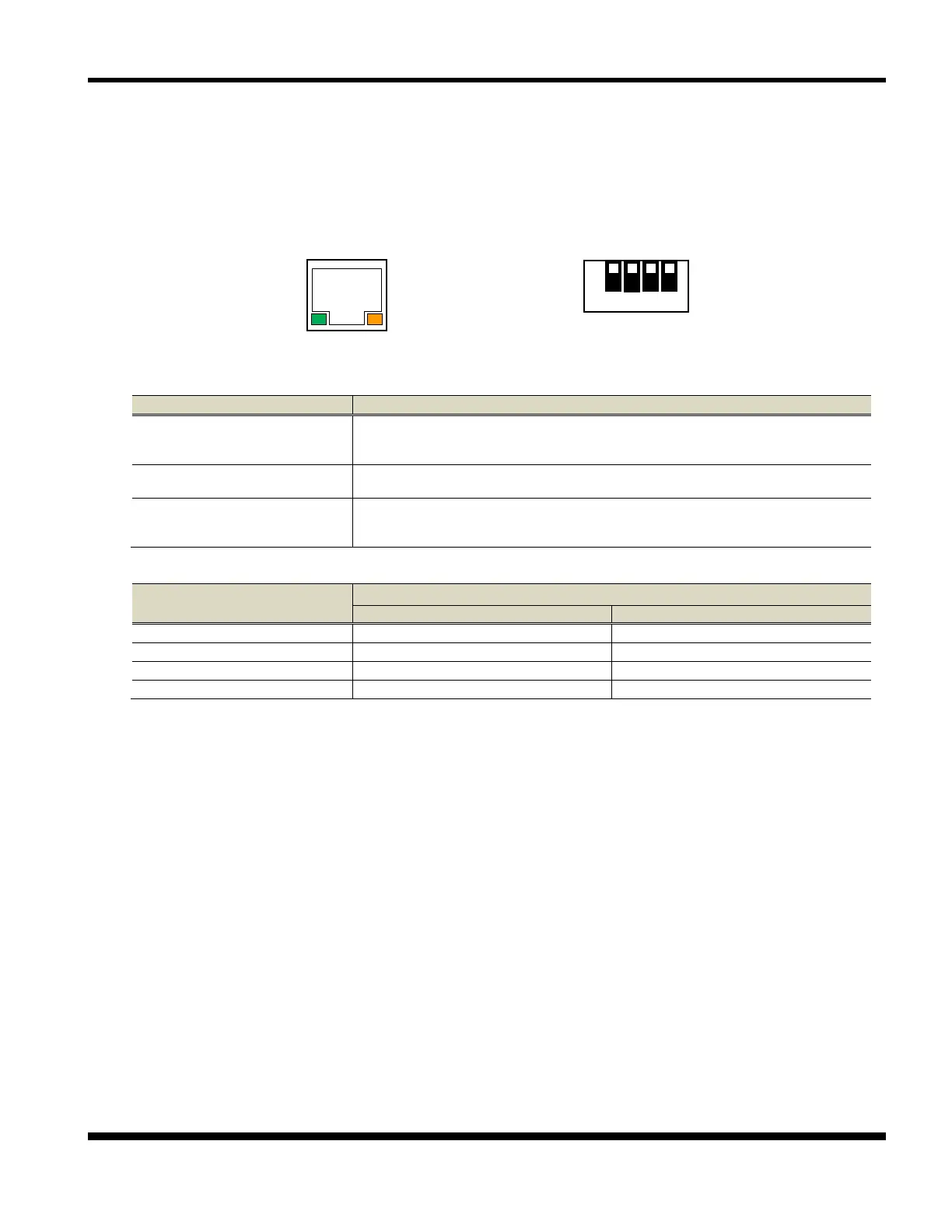
Panel Unit DIP SW
(1) S (Speed) LED (Green)
Turns on when the connection is detected as 100BASE-TX.
Turns off when not connected or when the connection is detected as
(2) L/A (Link/Act) LED (Orange)
Turns on when a link is established as 100BASE-TX or 10BASE-T.
Flashes when receiving a packet.
(auto detects
Connects to the network cable.
(Category 5 or higher for a 100BASE-TX network)
DIP SW
Initialize the LAN card settings.
Print the list of present setting value.
*1) When DHCP disabled, IP Address is 192.168.192.168.



 To Next Page