16 ServerView Event Manager
Icons
2.3 Icons
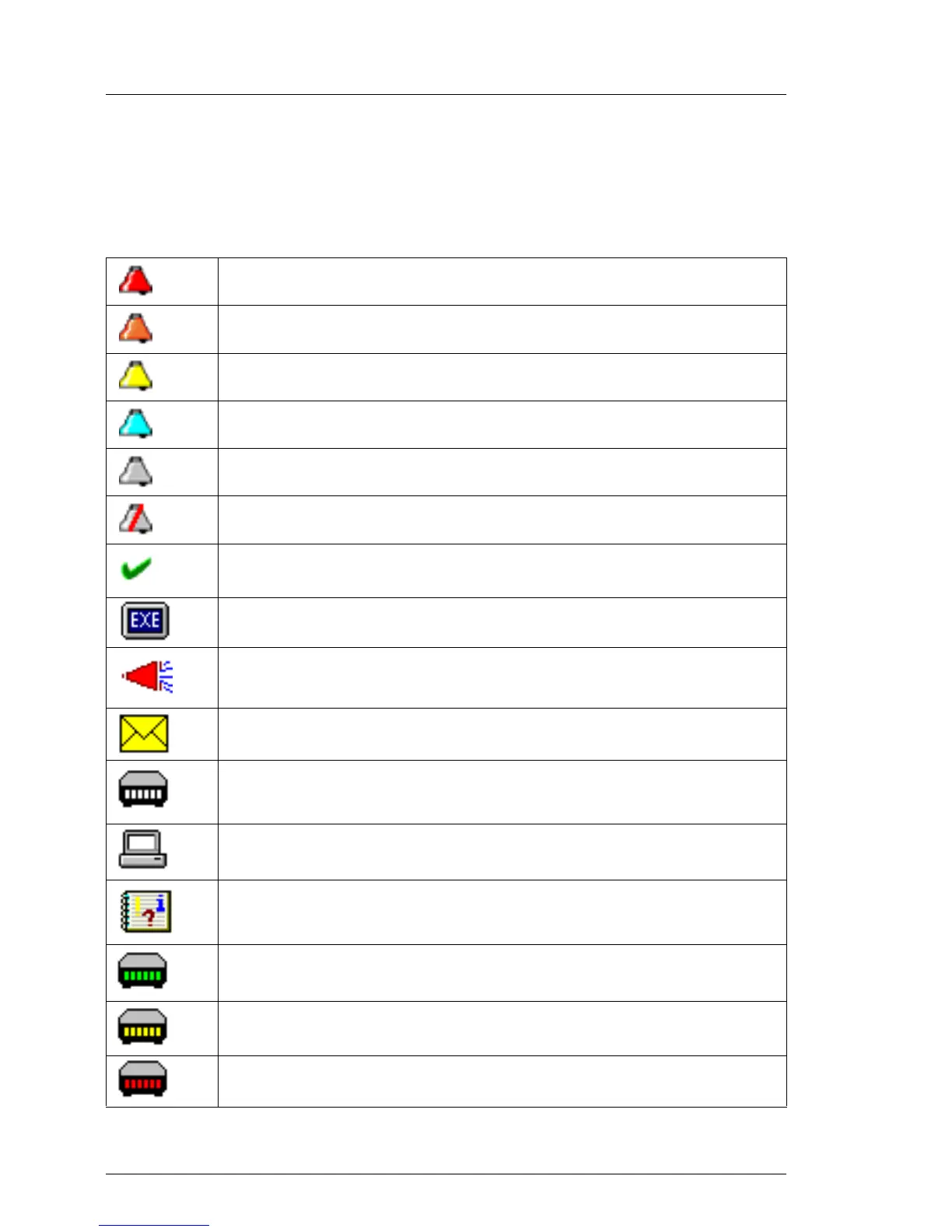
You will find a list of the icons in the Alarm Monitor and Alarm Configuration
windows and their meanings in the following.
Red alarm: critical
Orange alarm: major
Yellow alarm: minor
Blue alarm: informational
Gray alarm: unknown
Alarm is ignored
The alarm was confirmed by a user entry.
Some other executable program was triggered by this alarm.
A broadcast message was sent for this alarm.
A mail was sent for this alarm.
This alarm triggered a pager call.
This alarm will be passed on to a management station.
This alarm will be passed on to the local system event log.
Green: Pager confirmed
Yellow: Pager completed
Red: Pager present (still active)
Table 2: Icons in the Alarm Monitor and Alarm Configuration



 To Next Page