ServerView Event Manager 19
3 Alarm Monitor
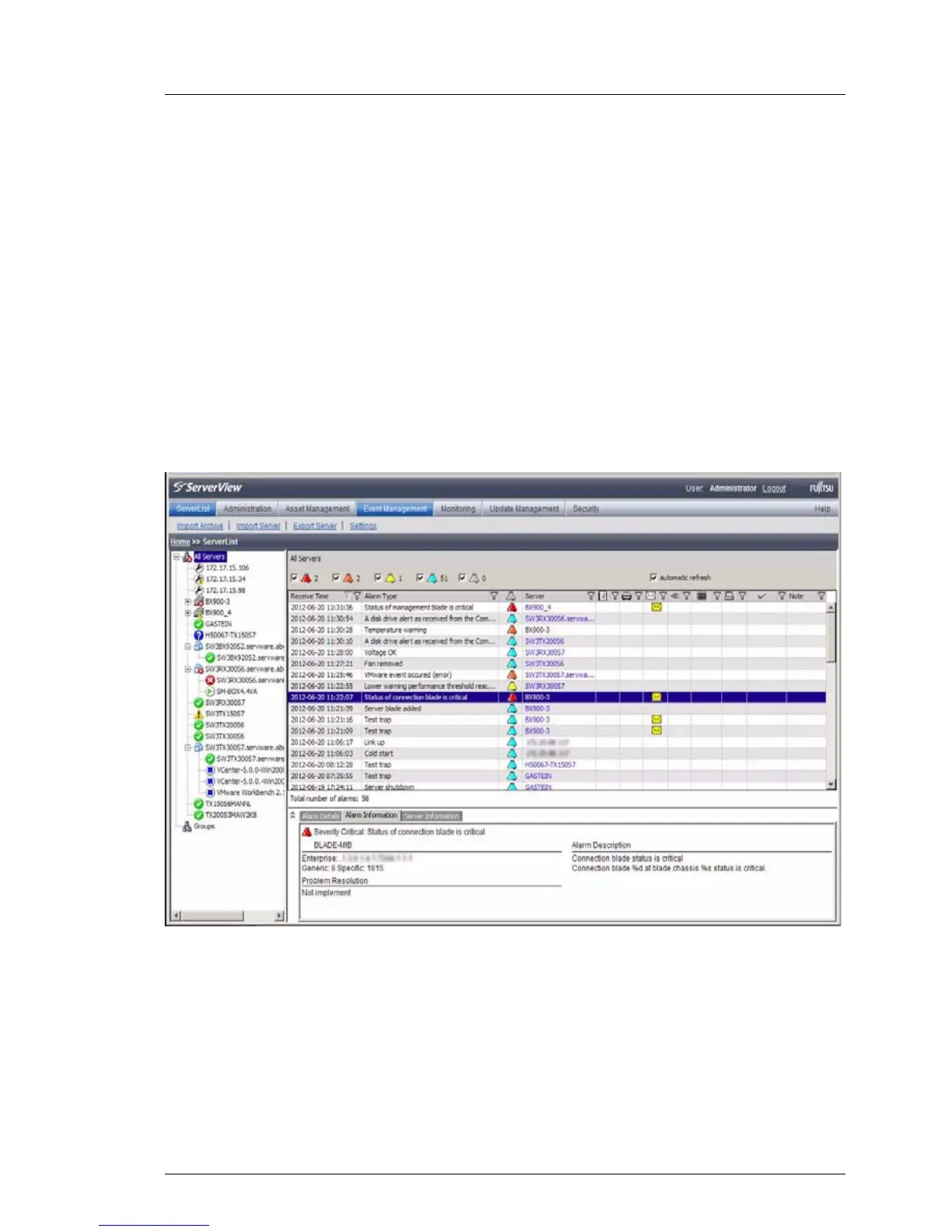
The Alarm Monitor component displays all received alarms relating to the
selected servers and server groups in the Operations Manager main window.
3.1 Viewing alarms
You start the Alarm Monitor via the Operations Manager start window by clicking
the Alarm Monitor link under Event Management (see section "Starting the Event
Manager" on page 15). How to start Operations Manager is described in the
ServerView Operations Manager documentation.
Figure 1: Alarm Monitor



 To Next Page