ServerView Event Manager 45
Alarm rules
4.1.3 Assigning alarms
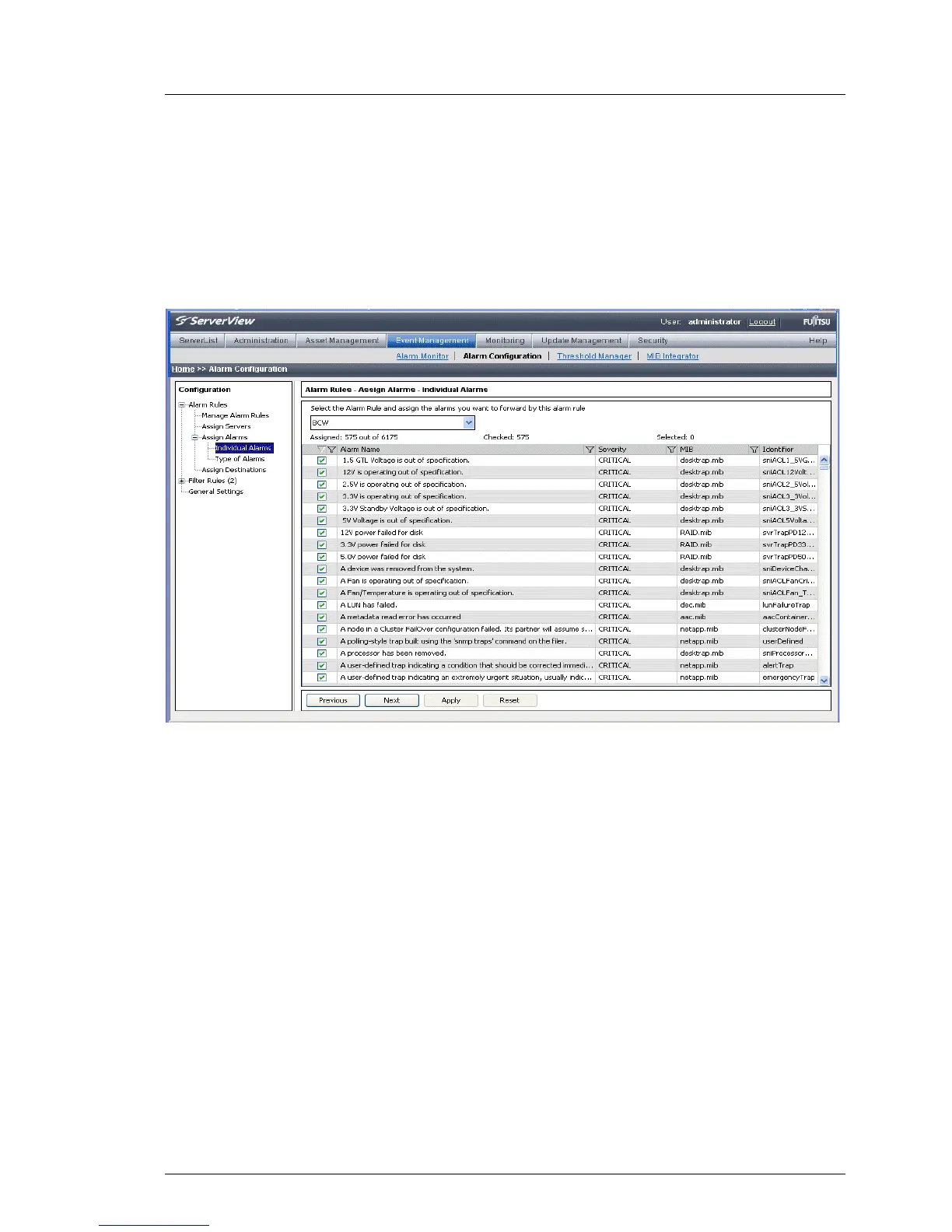
In the Alarm Rules – Assign Alarms dialog box you can define in the Individual
Alarms dialog box the alarms for the alarm rule and display all details of the
assigned alarms. In the Type of Alarms dialog box you can define for selected
alarm rules what kind of alarms are to be forwarded.
Figure 7: Alarm Rules - Assign Alarms - Individual Alarms
The Individual Alarms dialog box contains in the top drop-down list the names of
all known alarm rules. Here you can select the alarm rule that you want to edit.
f an unknown alarm occurs, you can assign an alarm rule to it. Make sure that
unknown alarms are not suppressed but are explicitly allowed. You can do this
via the filter settings in the Filter Rules – Alarm Filtering dialog box (see "Filtering
alarms" on page 54). You must also select the appropriate checkbox under
Alarm Rules – Assign Alarms – Type of Alarms
The Assigned counter indicates both the number of alarms that are currently
assigned to this alarm rule and the number of all known alarms.
The Checked counter counts all alarms whose checkboxes are selected,
regardless of whether the alarms were filtered.
The Selected counter shows the number of currently selected alarms in the alarm
list.



 To Next Page