ServerView Event Manager 41
Alarm rules
4.1.2 Assigning servers
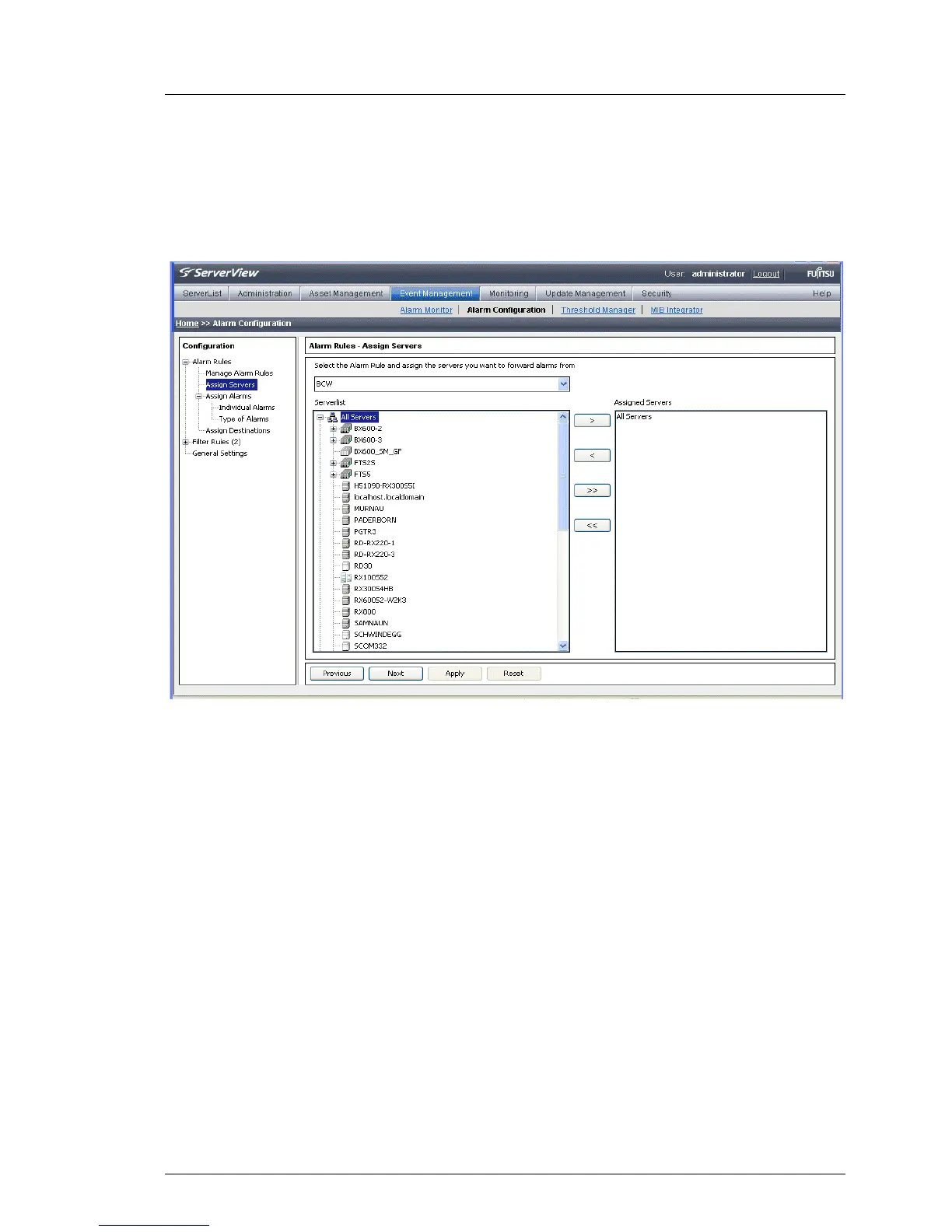
In the Alarm Rules – Assign Server screen, you define the servers and/or server
groups to be assigned to an alarm rule.
Figure 4: Alarm Rules - Assign Servers
Via the drop-down list, you can select the alarm rule that you want to edit. The
file tree in the Serverlist box contains all known and unfiltered servers. The
Assigned Servers window shows the list of servers and server groups which are
assigned to the alarm rule.
I If you move a server group to Assigned Servers, associated subgroups are
not moved with it and must be moved separately. This restriction does not
apply to All Servers.



 To Next Page