ServerView Event Manager 49
Alarm rules
4.1.4 Forwarding alarms
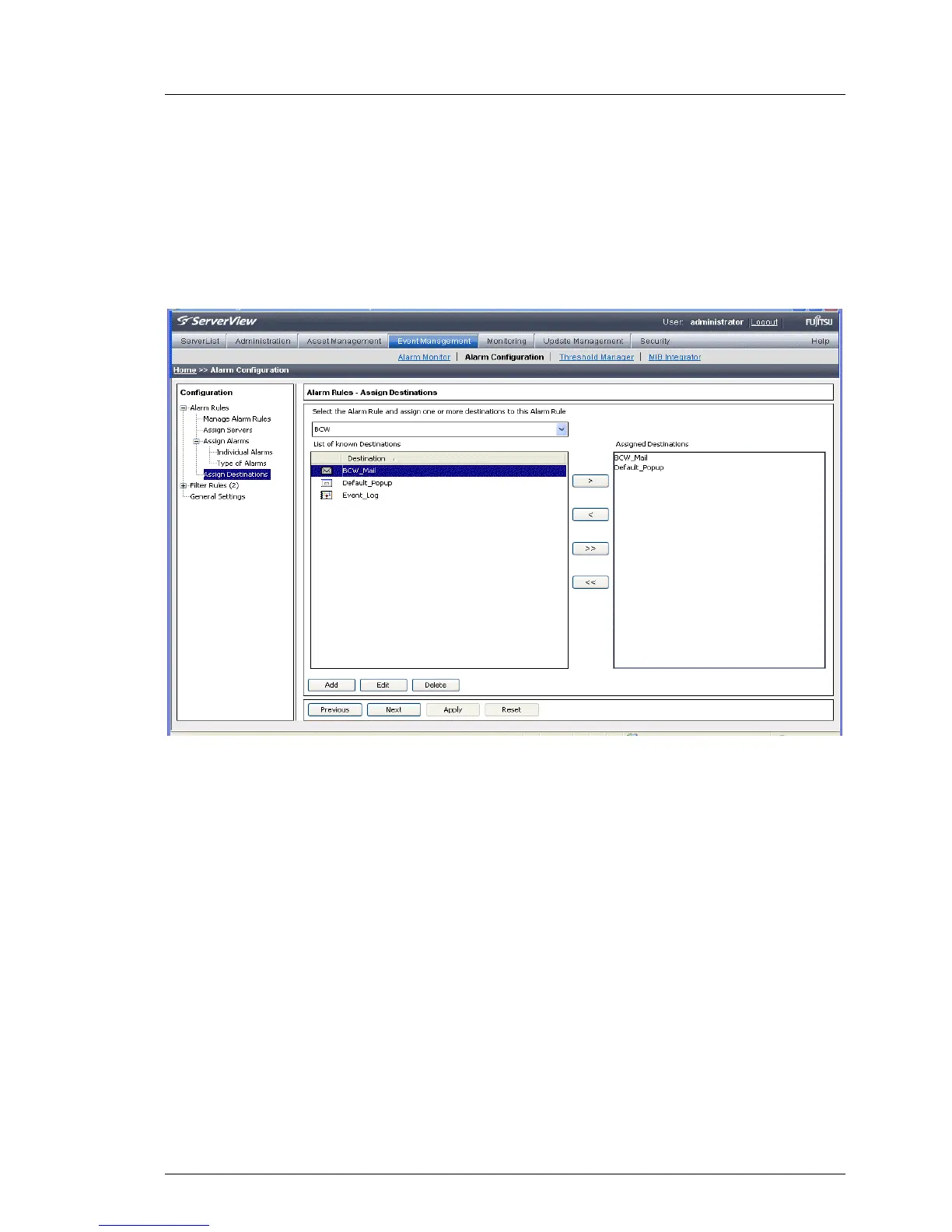
In the Alarm Rules – Assign Destinations screen you can make settings relating to
alarm destinations. Select an alarm rule and then define the actions to be
triggered for the servers of this alarm rule in response to certain alarm
messages.
Figure 9: Alarm Rules - Assign Destinations
The top drop-down list contains the names of all known alarm rules. Here you
can select the alarm rule that you want to edit. The List of known Destinations box
contains all known destinations. The Assigned Destinations box contains the list
of destinations assigned to the alarm rule.
With the Add button you can define a new destination, with the Edit button you
can change an existing destination, and with the Delete button you can delete an
existing destination.
The destination Automatic Service Mail can be neither deleted nor moved to the
Assigned Destinations window.



 To Next Page