ServerView Event Manager 21
Viewing alarms
Below the status bar the alarm entries are displayed with the following
information:
Receive Time
Time when the alarm was received.
Alarm Type
Brief description of the alarm.
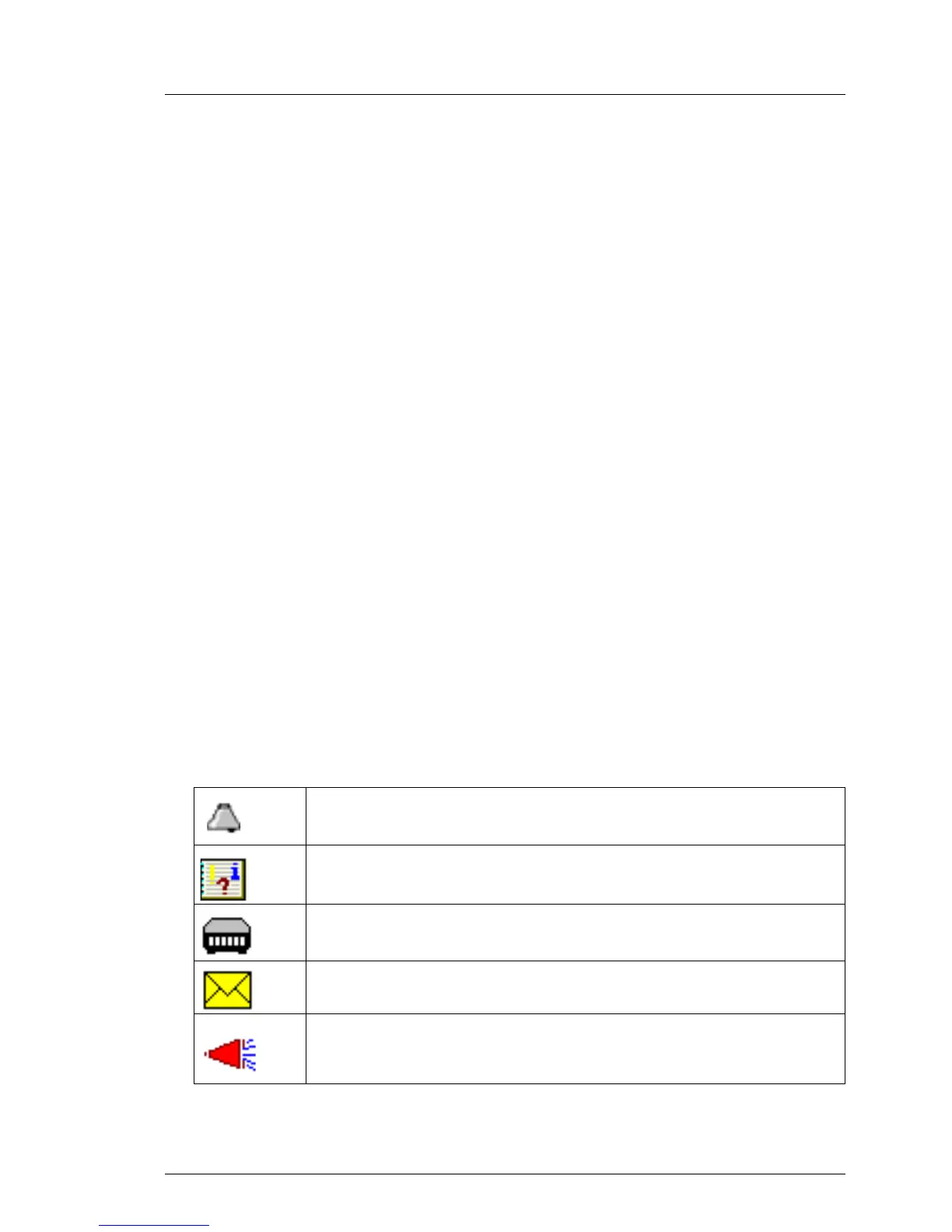
Alarm icon (see table below)
Indicates the severity of the alarm.
Server
Server name. If you click the server name, the ServerView [servername]
window opens, in which you can request detailed information about
the selected server. For more information see the ServerView
Operations Manager manual.
I The ServerView [servername] window only opens if Operations
Manager is also installed on the management station.
Forwarding icons (see table below)
Indicates the type of alarm forwarding.
Ack
Indicates whether the alarm was acknowledged.
Note
Indicates a note entered by the user.
The icons have the following meanings:
Indicates the alarm level.
The alarm was written to the local event log.
This alarm triggered a pager call.
A mail was sent for this alarm.
A broadcast message was sent for this alarm.
Table 3: Icons in the Alarm Monitor



 To Next Page