ServerView Event Manager 47
Alarm rules
The alarm list offers a context menu, in which you can select the following items:
Show information about selected Alarm
To see additional information on the selected alarm
Check all alarms
To add all currently known alarms to the alarm rule
Check selected alarm(s)
To add the selected alarms to the alarm rule
Uncheck all alarms
To remove all currently known alarms from the alarm rule
Uncheck selected alarm(s)
To remove the selected alarms from the alarm rule
Clicking the Apply button saves the new settings. If you click the Reset button, the
settings from the last save are restored.
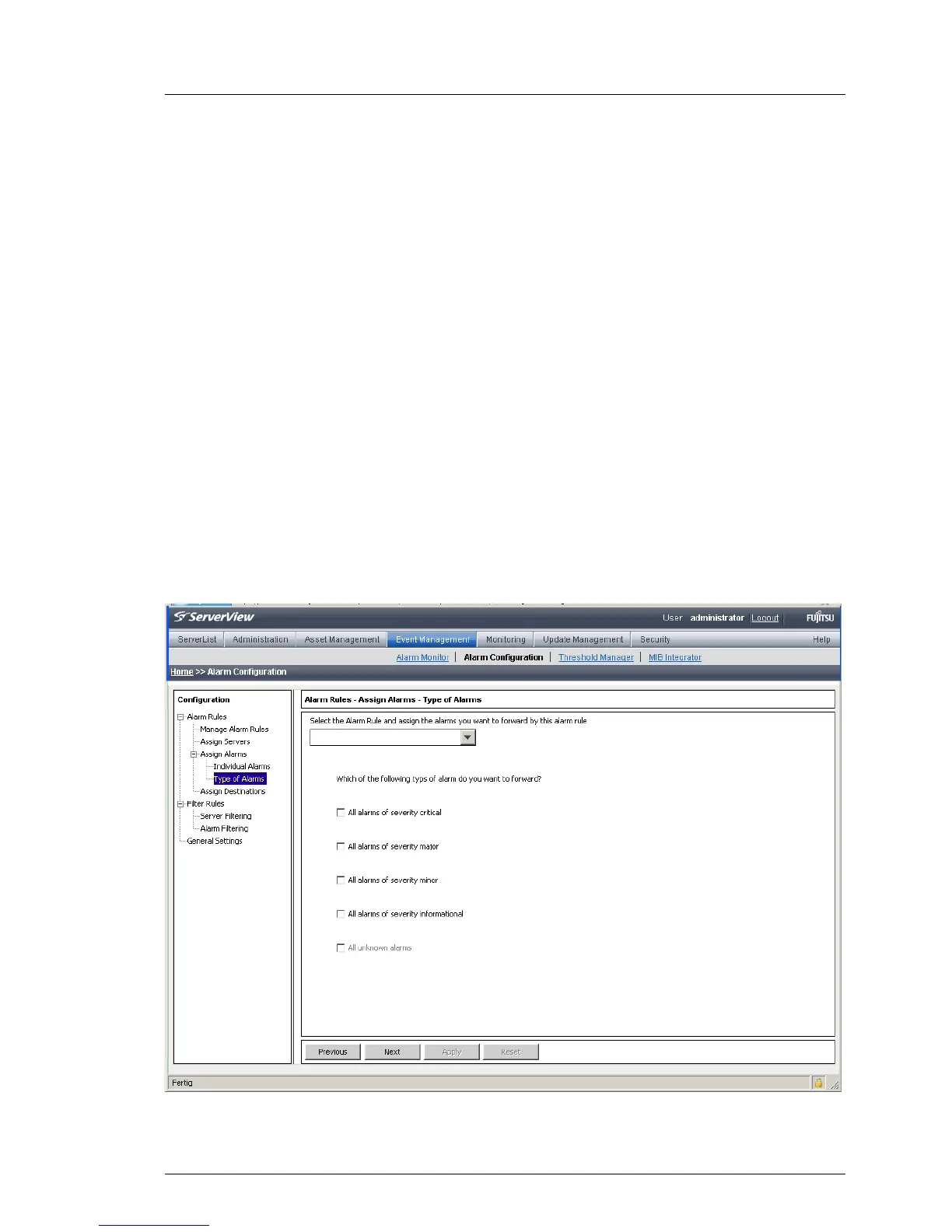
In the Alarm Rules – Assign Alarms – Type of Alarms dialog box you can define for
selected alarm rules what kind of alarms are to be forwarded.
Figure 8: Alarm Rules - Assign Alarms - Type of Alarms



 To Next Page