10 - English Using the mouse
Switching the mouse on and off
If you are not intending to use the mouse for a long time, y ou can switch it off to sa ve pow er.
Set the switch on the bottom of the mouse to "Off".
If you wish to r esume work with the mouse, d o not forget to switch it on again.
Stateofchargeoftheba
ttery in the mouse
Please note that the battery status indicator can no longer light if the
battery is comp letely discharged.
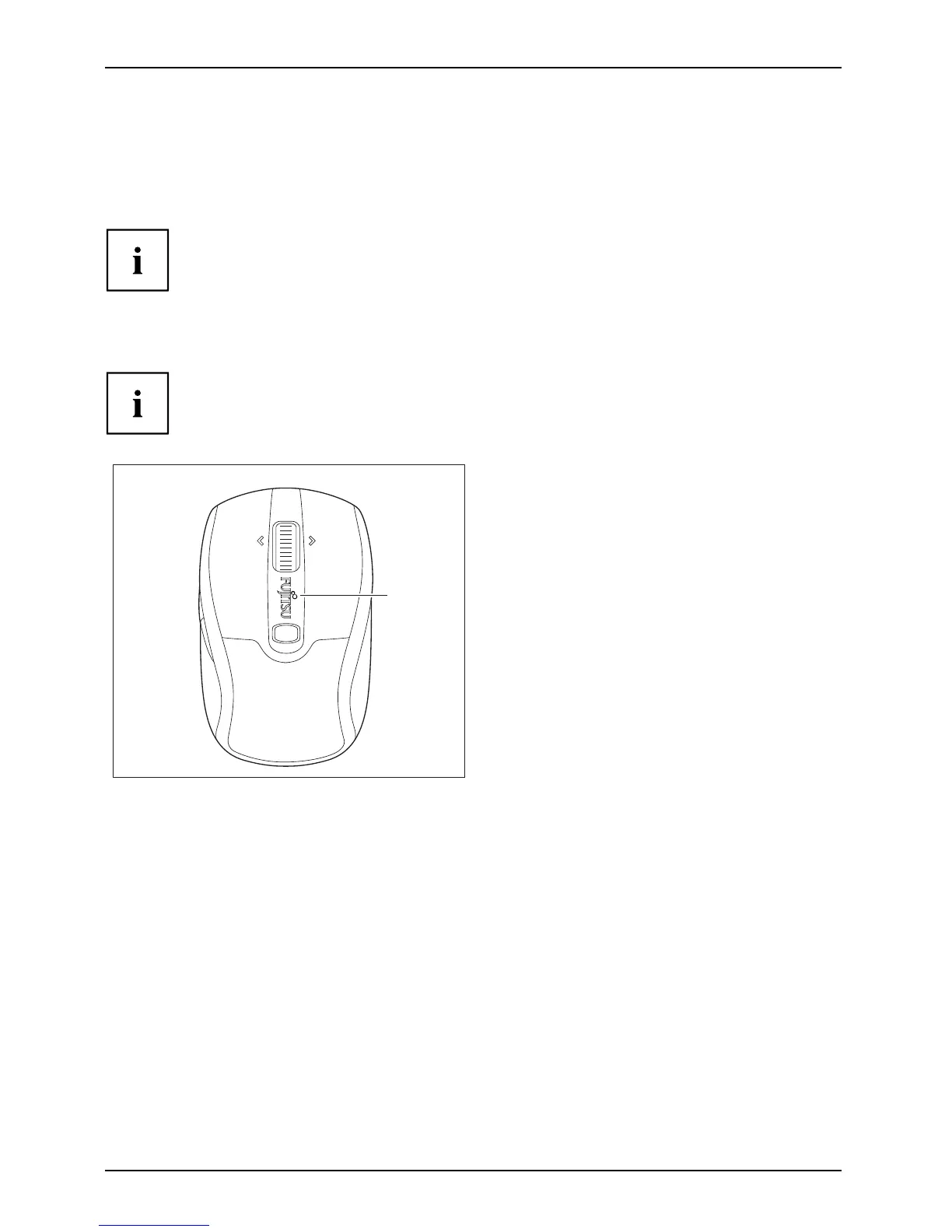
LED
If the c harge of t he battery in the m ouse
becomes low, the LED on the mouse flashes
red.
► Replace the battery in the n ear future.
26 Fujitsu Technology Solutions



 To Next Page