33EN
Note for AACS Online
• The player or disc IDs may be sent to the
content provider when playing back a disc
with BD-Live™ function.
• If you save your viewing history on the
server by using these IDs, you will be
introduced to other similar movies.
• You can save game score histories.
7.8 Title / Chapter Search
ɶ Using [H (skip)] / [G (skip)]
1 During playback, press [G (skip)] to skip
the current title or chapter and move to the
next. The title or chapter will move forward
one at a time.
• If there is no chapter in one title, the
current title may be skipped.
To go back to the beginning of the current
title or chapter, press [H (skip)].
Press [H (skip)] repeatedly to go to the
previous title or chapter. The title or
chapter may move backward one at a time.
ɶ Using [MODE]
1 During playback, press [MODE] to display
the play menu.
2Use [K / L] to select “Search”, then press
[OK].
3Use [K / L] to select “TT” or “CHP”, then
press [OK].
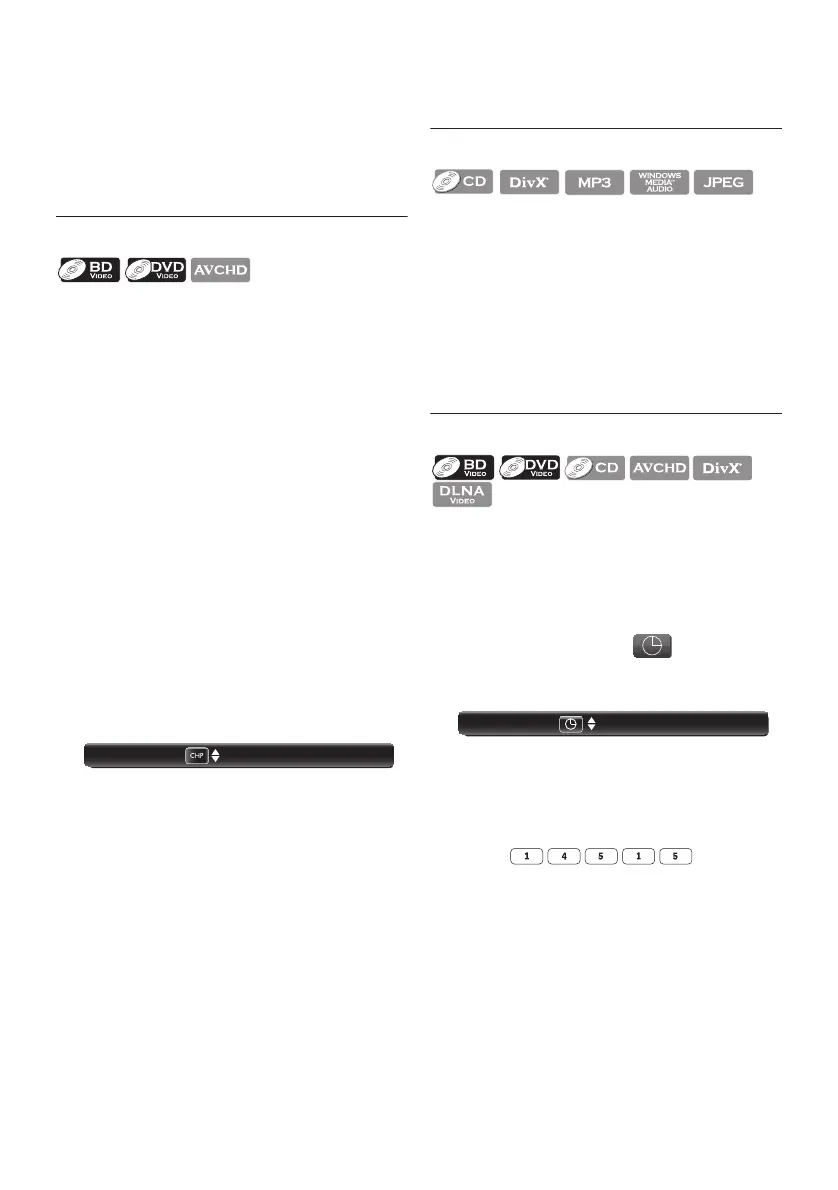
e.g.) Blu-ray Disc™
4Use [K / L / s / B] to select the title /
chapter number.
5Press [OK].
Playback will start from the beginning of the
title / chapter.
6Press [RETURN] to exit.
ɶ Using [the Number buttons]
(Direct Search)
Chapter Search
During playback, enter the chapter number you
want to search using [the Number buttons].
Playback of the chapter will start in a few
seconds.
Note
• As for the BD-video, how it performs will
be strongly determined by the disc, and may
not perform as described.
7.9 Track Search
1 During playback, press [G (skip)] to skip
the current track or file and move to the
next.
The track / file will move forward one at a
time. To go back to the beginning of the
current track / file, press [H (skip)].
Press [H (skip)] repeatedly to go to the
previous track / file. The track / file will
move backward one at a time.
7.10 Time Search
1 During playback, press [MODE].
2Use [K / L] to select “Search”, then press
[OK].
• For video files on DLNA server, skip to
step 3.
3Use [K / L] to select “ ”, then press
[OK].
e.g.) Blu-ray Disc™
4Use [the Number buttons] or [K / L]
to enter the time count you want to jump
to.
e.g.) Entering 1 hour 45 minutes and
15 seconds.
Press
5Press [OK].
Playback will start from the desired time
entered.
6Press [RETURN] to exit.
Note
• For some video files on DLNA home server
or DivX
®
files, time search may not
function.
001 / 999
Search
00:12:44 / 11:13:14
Search



 To Next Page