PRECAUTIONS PREPARATION ADVANCED PLAYBACKBASIC OPERATIONS RECORDING
OPTIONAL SETTINGS
TROUBLESHOOTING INFORMATION
23
OPTIONAL SETTINGS
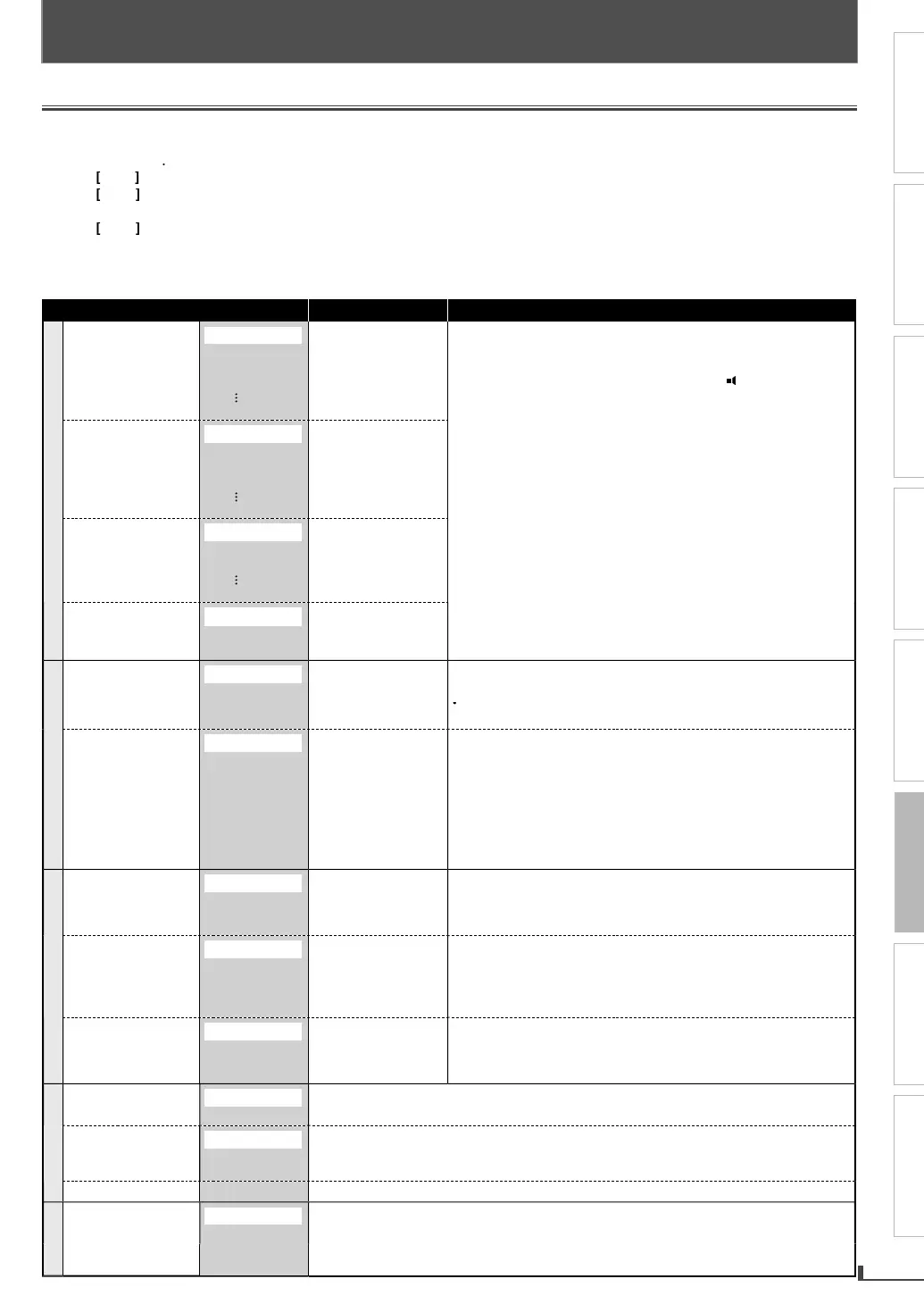
Changing the DVD Settings (in the setup menu)
n the setup menu,
ou can customize the various kinds o
settings as
ou pre
er
Refer to the followin
instructions to navi
ate throu
h the setup menus
1
Press
SETUP
2
Use
to select a setu
item
3
Use
to
o up or down in the menu list
4
Press
OK
to access the sub contents of the hi
hli
hted item
5
Use
to select a settin
6
Press
SETUP
xi
he following table is the contents which
ou can set and the default settings. Refer to the table for useful operation
our change to each setting stays activated even when the unit is turned o
Setup menu (highlight is the default)
Contents Notes
LAN
A
A
DI
RIGINAL
NGLI
H
REN
H
PANI
H
THER
Set the lan
ua
e for
i
an
ua
e options are not available with some discs
nl
the languages supported b
the disc can be selected
LANGUAGE” setting
or “AUDIO” and “SUBTITLE” are not
vai
a
e wit
some
iscs. T
en use
AUDI
an
SUBTITLE
e
er to page 19.
BTITL
FF
NGLI
H
REN
H
PANI
H
THER
Set the lan
ua
e
or
su
tit
es
DI
MEN
NGLI
H
REN
H
PANI
H
THER
Set the lan
ua
e for
disc menu lan
ua
e.
LAYE
MEN
NGLI
H
RAN
AI
SPA
OL
Set the language
or
OSD
on-screen
isp
ay)
I
PLAY
TV A
PE
T
:3 LETTER B
X
:3 PAN
SCAN
9 WI
E
Set the
icture size
accordin
to aspect
ratio of
our TV
elect “4:3 LETTER BOX” so that black bars ma
appear on the
o
and bottom of the TV screen
elect “4:3 PAN & SCAN”
or a
ull height picture with both sides ad
usted.
elect “16:9 WIDE” i
a wide-screen TV is connected to this unit.
TILL M
D
UT
IEL
AME
Set the t
pe of still
ima
e in pausin
pla
back
l
“A
T
”
usuall
AUTO” automaticall
selects the best resolution setting
“FRAME” or “FIELD”
based on the data characteristics of the
ictures. Some pictures ma
be blurred when
ou select “AUTO”
n
h
ill m
h
ir
h
r
ri
i
n individual picture on the TV screen is called a “
rame”, which
onsists o
two separate images called as “
ield”.
you select “FIELD”, the picture in the still mode will be
tabilized. I
you select “FRAME”, the picture in the still mode will
e highly de
ined
DI
DR
D
namic Range Contro
N
FF
“
N”
compress the ran
e
w
n
f
n
l
n
his function is available onl
on the discs which are recorded in
he Dolb
Digital format
D
WN
AMPLIN
N
FF
“
N” w
n
outputting in 48
Hz
“
FF” w
n
outputting t
e
ori
inal sound
en p
a
ing
ac
a 96
Hz
isc wit
t
e cop
rig
t protection,
he sound will be down sam
led at 48kHz even if the “DOWN
AMPLING” i
“
FF”
his
unction is available only on digital outputting o
a disc
ecor
e
in 96
Hz
D
LBY DIGITAL
IT
TREAM
M
Set the type o
sound
signa
w
ic
outputs
rom the digital
au
io output jac
.
e
ect “PCM” w
en t
e unit is connecte
to a 2c
igita
au
io
evice.
elect “BITSTREAM” when the unit is connected to a Dolb
i
ital decoder.
A
ENTA
PA
W
RD
E
Enter the
assword.
EVEL8
ADULT
EVEL7
NC-17
to
EVEL1
KID SAFE
Set the parental level
or DVD playback. (
e
er to page 24
HANGE Set and chan
e the password.
Refer to pa
e 24
THERS
ANGLE I
N
N
FF
Set whether to displa
the angle icon or not.
OPTIONAL SETTINGS



 To Next Page