Introduction
12
FlowofthePrinterOperation
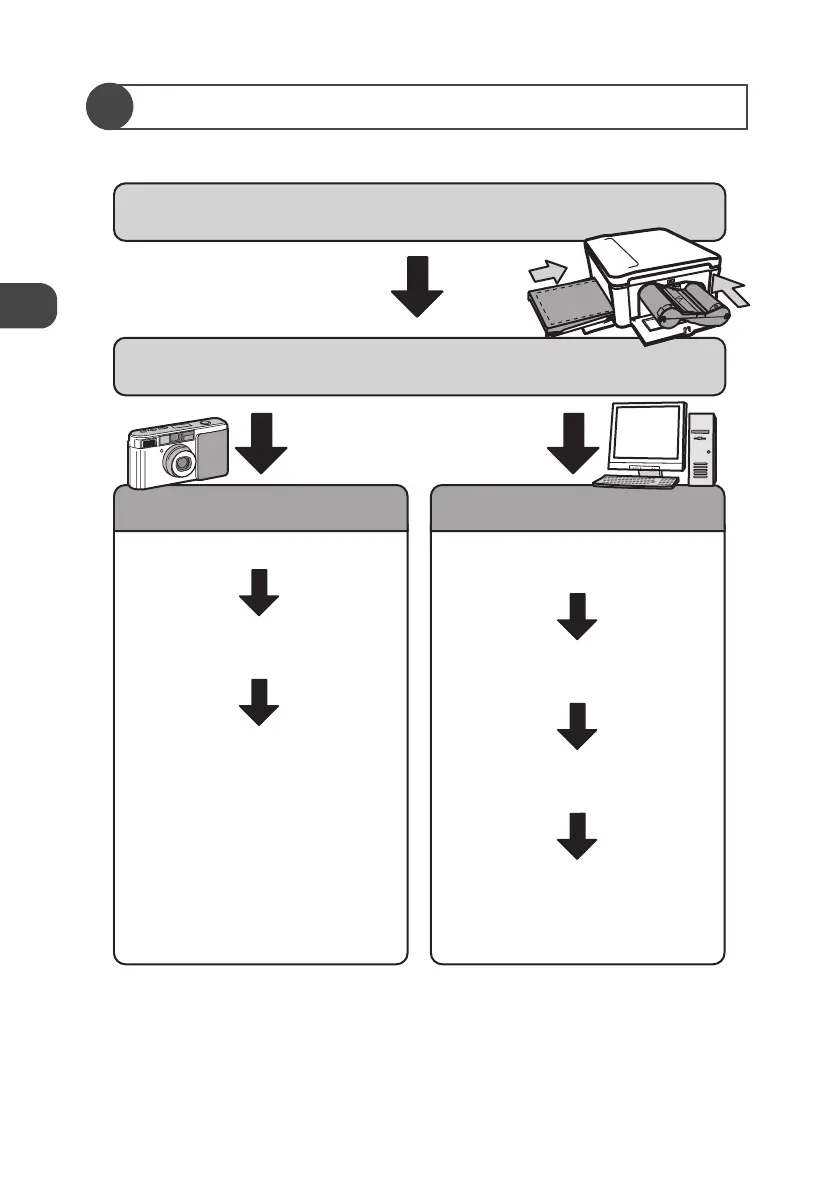
You can print in the following order. For actual operating, refer to the page indicated below.
Insert the Ink cartridge.→ p.23
Set the paper.→ p.25, 26
Camera printing Computer printing
Plug the power cord→ p.27
Connect the camera with
the printer.→ p.28
Print images from the
camera. → p.29
Install the printer driver.
→ p.31
Plug the power cord.
→ p.27
Connect the computer with
the printer. → p.33
Print images from the
computer.→ p.34


 To Next Page