41
Appendix
Using the Cleaner
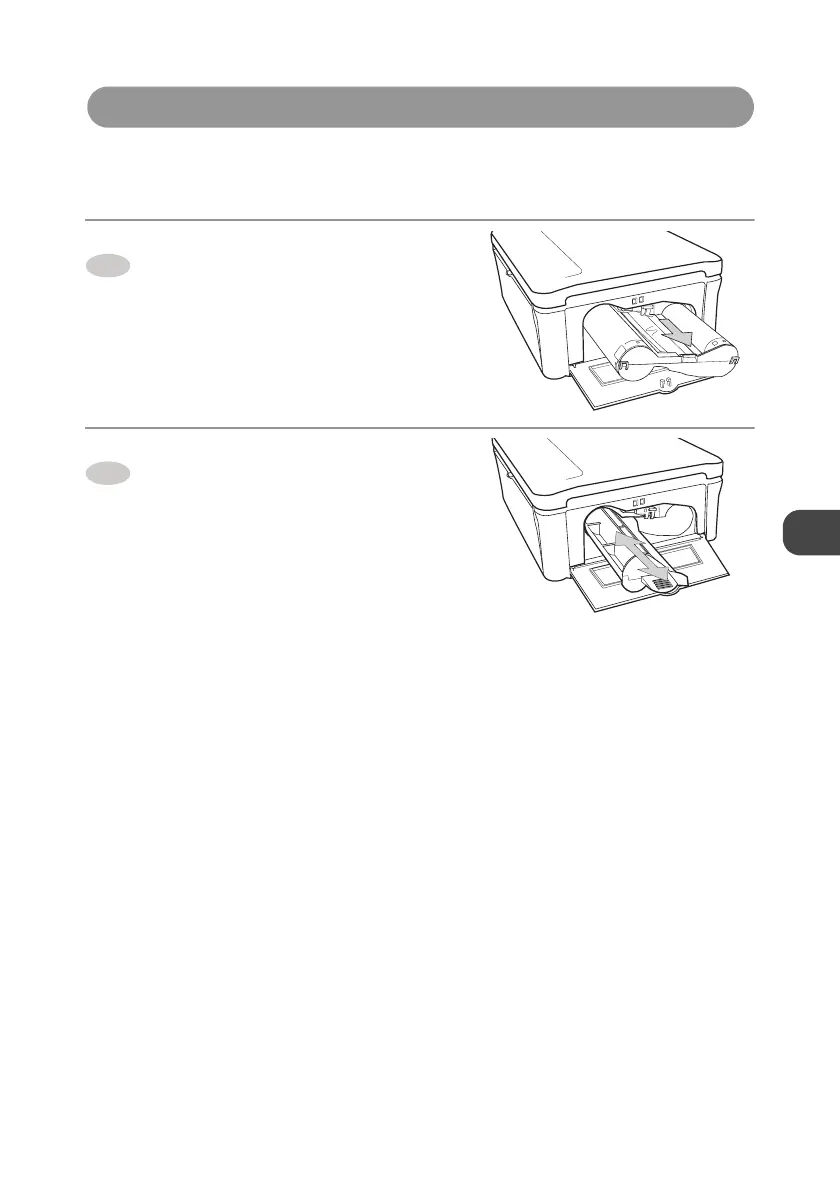
Faint stripes or spots may be printed on the image if internal part of the printer gets dusty, Clear
the printer out of dust or dirt in the following steps.
Press up the Ink cartridge eject
lever and remove the Ink cartridge.
→
p.24
Insert the supplied cleaner as
indicated, and move the cleaner in
and out.
z Even if images cannot be printed clearly
after cleaning internal part of the printer,
consult your dealer.
1
2


 To Next Page