29
Printing from the Camera
Printing from the Camera
Perform the printing operation from the camera.
z Printing operation is performed viewing the LCD monitor of the camera.
z The operation method varies depending on the camera specification. Refer to the
user’s guide of the camera.
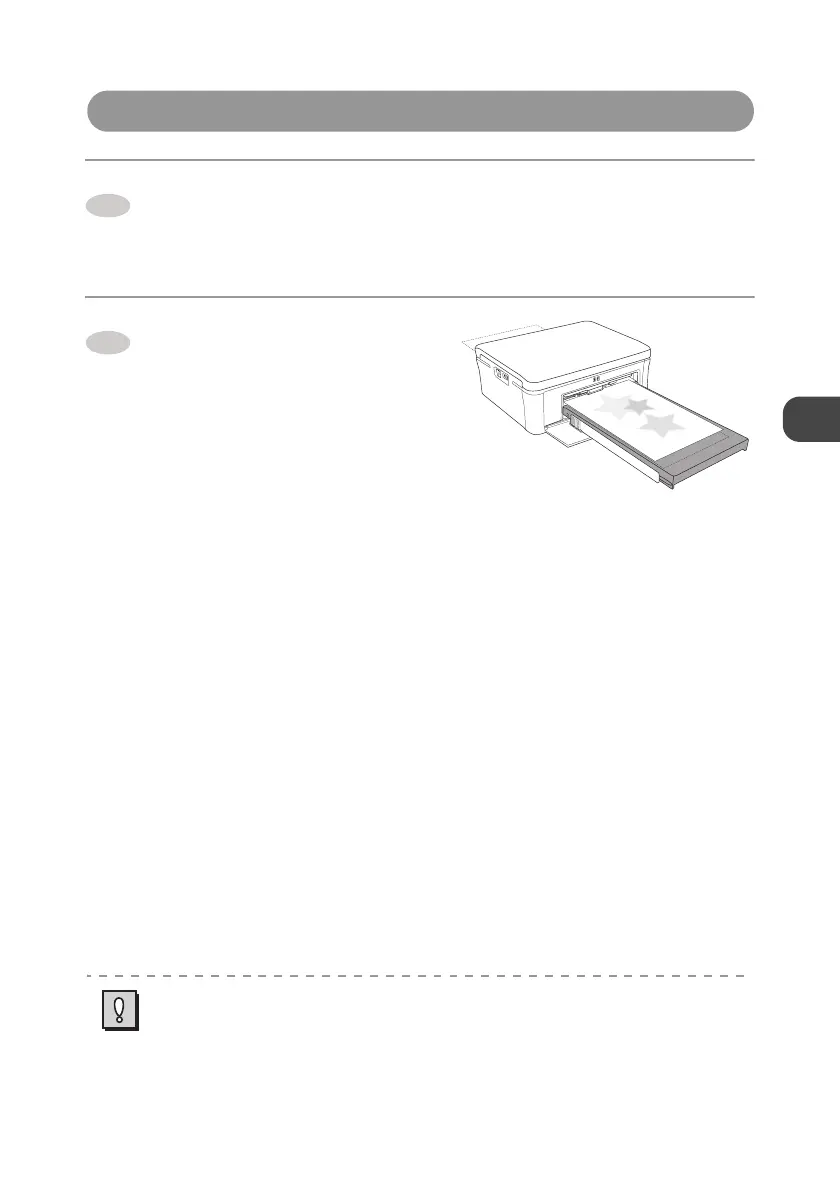
The printer starts printing.
z The paper is moved forward and
backward several times and the printed
paper exits on the top cover of the Paper
tray. That is the end of printing process.
z Do not disconnect the cable while
printing.
About print settings:
z Some items cannot be selected depending on the camera models. In that case, images are
printed as follows. (the default settings of the printer)
a Paper size
Images are printed in accordance with the size of paper set in the Paper tray.
b Layout specification
Images are printed with [Borderless].
c Date
Date is not printed. (Date is printed if it is set to “ON” in the camera.)
1
z When the error occurs while printing, the error message is displayed on the LCD monitor
of the camera.→ p.36
z “Standard Setting” or “Follow the Printer Setting” may be selectable in some camera
models. When selecting them, images are printed with the default settings above.
z When printing from the camera, you are recommended to use a domestic power supply as
the power source of the camera.
2


 To Next Page