35
Printing from the Computer
Start printing.
z The status monitor is displayed while printing and the information such as file name
and printing status are displayed on the status monitor.
Uninstalling the Printer Driver
Windows
Place the CD-ROM disc in the CD-ROM drive.
Click “Uninstall” of the Printer Driver.
Follow the screen messages to proceed.
Macintosh
Click “Applications” “Utilities” folder, and double-click
“Printer Setup Utility” (“Printer Center”) icon.
Select “FDP-100” and click “Delete”.
7
z Refer to "Error Messages" if error messages are displayed.→ p.36
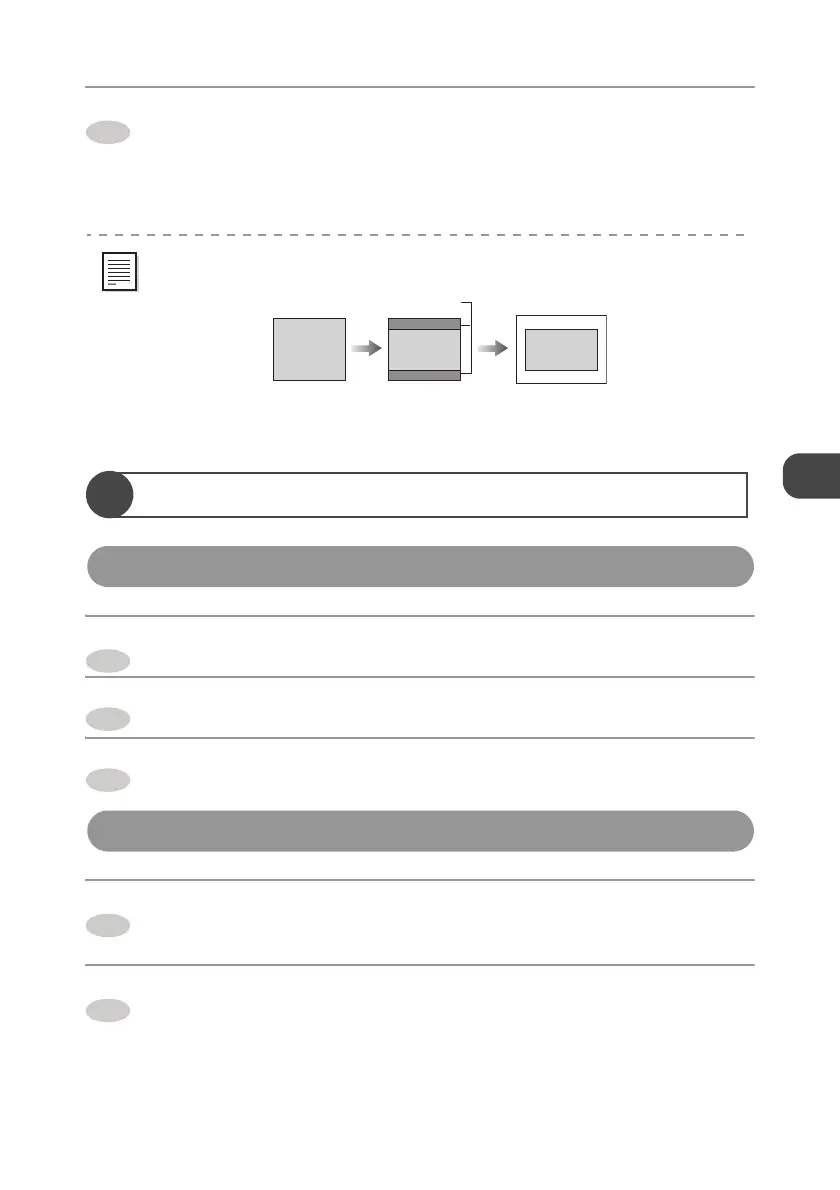
z Depending on dimensions of an image, the whole image may not be printed.
Not printed
Image
1
2
3
1
2


 To Next Page