53
EN
Introduction Connections Playback Editing OthersFunction SetupRecording VCR Functions
Basic Setup /
TV View Operation
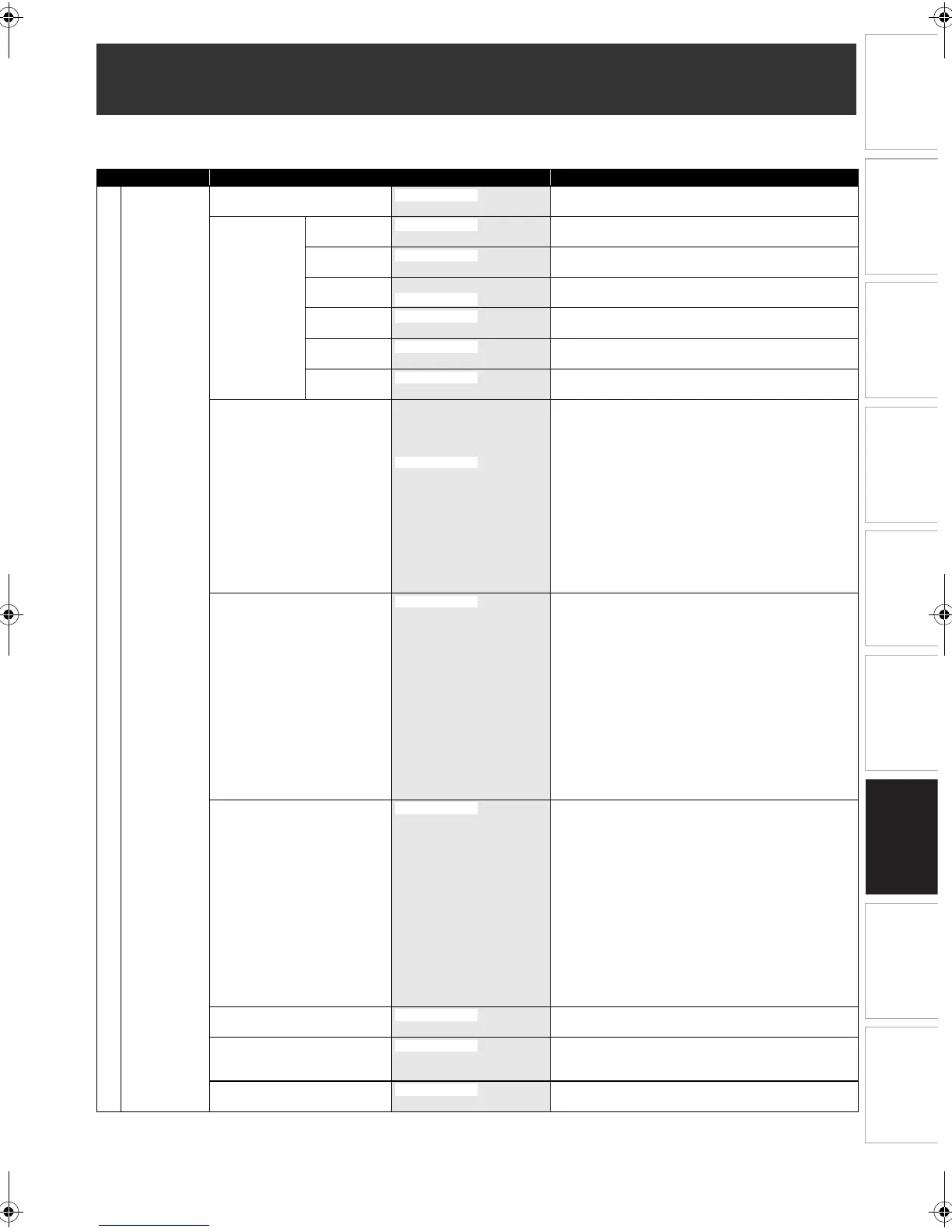
The following table is the contents which you can set and the default settings.
Refer to the following table for useful operation.
Function Setup
Setup Items (highlight is the default) Contents
General Setting
Playback Parental Lock
E Page 57
level 1 to 8
Set the parental level for DVD disc playback.
Audio Out
E Pages 57-58
Dynamic
Range Control
OFF
Compressing the range of sound volume.
PCM
96kHz
Set whether the sound recorded in 96kHz will be down
sampled to 48kHz.
Dolby Digital
PCM Set whether to convert Dolby Digital into PCM or to output
Dolby Digital signals.
MPEG
Stream
Set whether to convert MPEG into PCM or to output
MPEG signals.
DTS
OFF
Set whether DTS signal is output or not.
MP3 Surround
Stream
Set the type of MP3 signal to output.
Disc Menu Language
E Page 58
English
Bulgarian
Czech
Dutch
German
Hungarian
Italian
Polish
Romanian
Russian
Slovak
Spanish
Other
Set the language for Disc Menu.
Audio Language
E Page 58
English
Bulgarian
Czech
Dutch
French
German
Hungarian
Italian
Polish
Romanian
Russian
Slovak
Spanish
Other
Set the language for audio.
Subtitle Language
E Page 58
English
Bulgarian
Czech
Dutch
French
German
Hungarian
Italian
Polish
Romanian
Russian
Slovak
Spanish
Other
Set the language for subtitles.
Angle Icon
E Page 59
OFF
Set whether or not to display the angle icon.
Still Mode
E Page 59
Field
Frame
Set the type of still image in pausing playback.
TV System
E Page 59
Auto
Set the TV system.
E9RF0FH_EN.book Page 53 Friday, May 16, 2014 7:17 PM



 To Next Page