61
EN
Introduction Connections Playback Editing OthersFunction SetupRecording VCR Functions
Basic Setup /
TV View Operation
Setup A General Setting A Clock
1 Enter the date (day / month / year) using
[K \ L].
Press [1] to move the cursor to the next field. If you
want to go back to the previous field, press [0].
2 Enter the time (hours / minutes) using [K \ L],
then press [ENTER].
The clock will start.
• Although seconds are not displayed, they will be
counted from zero.
• Your clock setting will be lost if either there is a power
failure or the unit is unplugged for more than 30
seconds.
• The clock is not displayed in standby mode because the
unit will return to a new Power Saving mode (ECO) with
the display off.
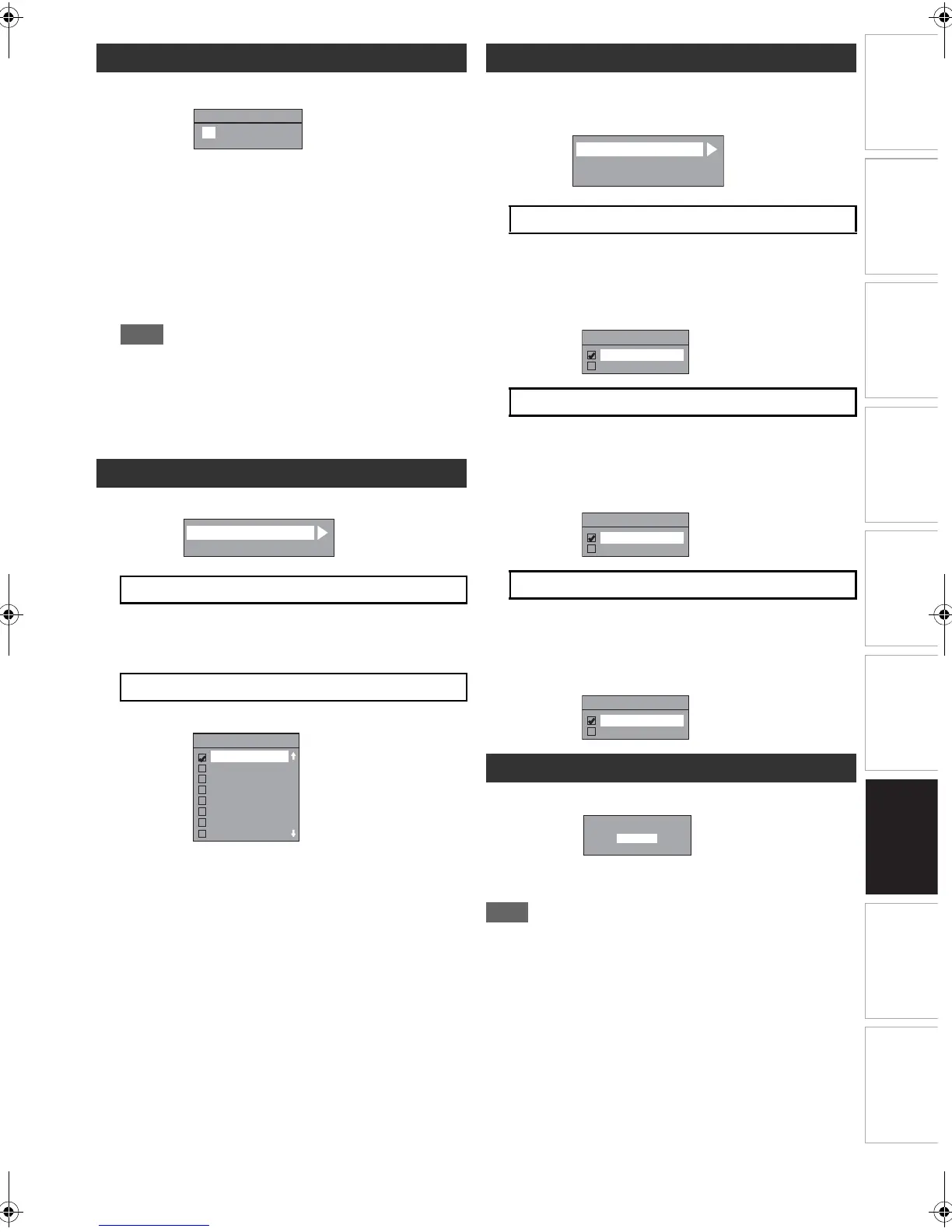
Setup A General Setting A DivX
Provides DivX
®
VOD registration code and deactivation
code.
Refer to page 38 for more details.
Set the DivX
®
subtitle.
Setup A General Setting A HDMI
• Make sure that the HDMI cable is connected and the TV
input is set to HDMI.
You can select the colour space for HDMI output.
Set the appropriate colour space for your display device.
• When the connected device is not compatible with the
Y/Cb/Cr, HDMI signal is output as RGB regardless of
the setting.
If you do not want to output the audio through HDMI
(when you digitally output the audio through the DIGITAL
AUDIO OUT (COAXIAL) jack to your audio system, etc.),
you can set the HDMI audio output off.
• Set to “OFF” when the HDMI sound is not required.
You can adjust the RGB range to make the dark areas of
the HDMI images brighter.
• Select “Enhanced” if the black-white contrast is not
clear.
• This setting is effective only for HDMI RGB output.
A General Se tting A Reset All
Select “Yes” using
[K \ L]
, then press
[ENTER]
.
“Are you sure?” will appear. Select “Yes” using [K \ L], and
then press [ENTER].
• The settings listed below will remain unchanged even after
resetting to the factory default.
- Clock setting
- Parental lock setting
-DivX
®
VOD code
- Timer programmes
- OSD language setting
Clock
DivX
®
A DivX® VOD
B DivX Subtitle (Default: OFF)
0 : 00
(WED)
01 / 01 / 2014
Clock Setting
DivX Subtitle
OFF
English
Czech
Dutch
French
German
Hungarian
Bulgarian
HDMI
A Format (Default: RGB)
B HDMI Audio (Default: ON)
C RGB Range (Default: Normal)
Reset All
A
B
C
Format
HDMI
udio
RGB Ran
A
ge
Reset to factory default?
Yes
No
E9RF0FH_EN.book Page 61 Friday, May 16, 2014 7:17 PM



 To Next Page