3. SETTING AND ADJUSTMENT
3-7
3.5 Suppressing Main Bang
If main bang appears at the screen center, suppress it as follows.
1. Transmit the radar on a long range and then wait ten minutes.
2. Adjust gain to show a slight amount of noise on the display.
3. Select the 0.25 nm range. Adjust sea clutter control to suppress sea clutter.
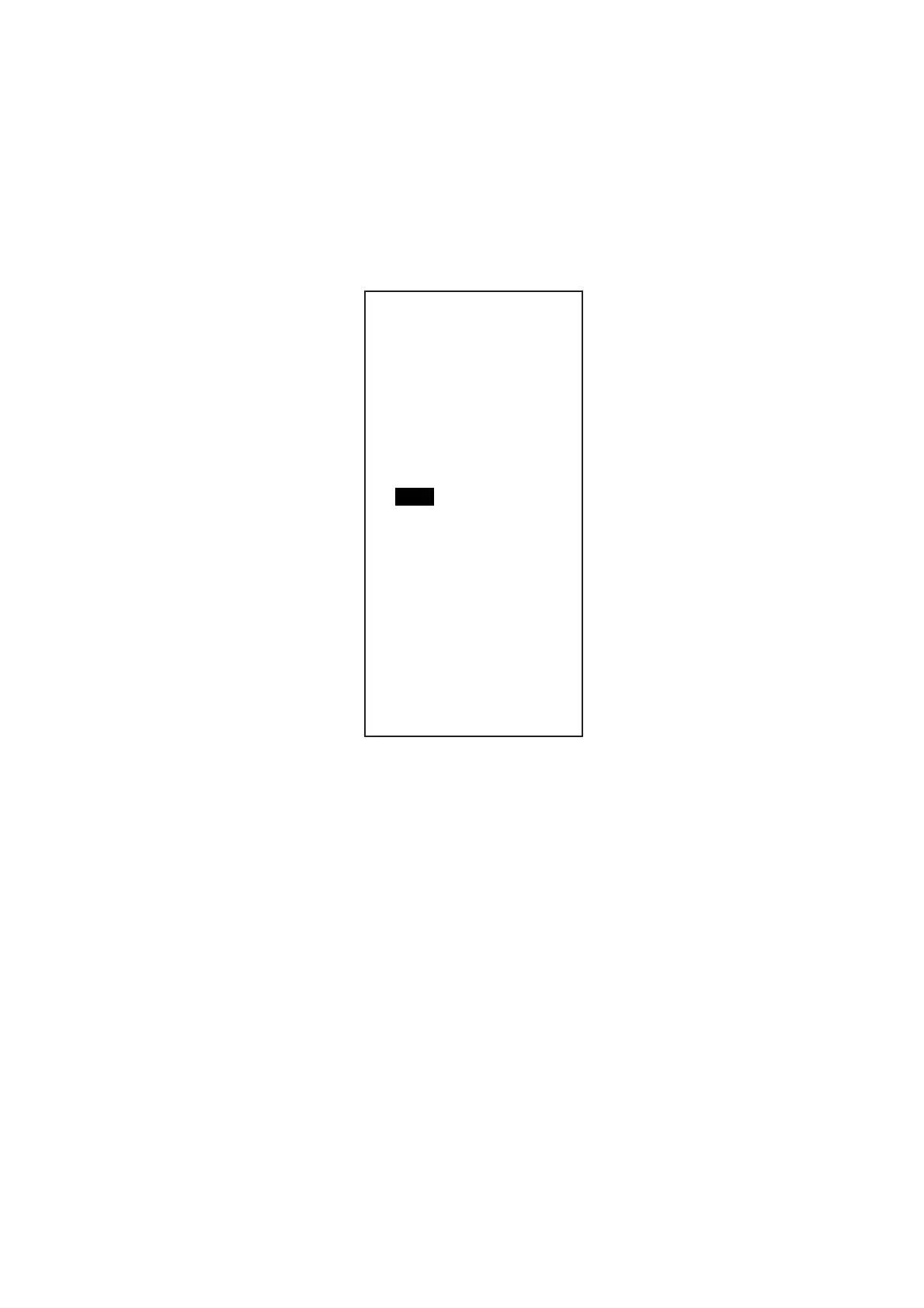
4. Press [5] key to choose the MBS on the [ECHO ADJ] menu.
[ECHO ADJ]
1 BACK
2 CABLE ATT ADJ
AUTO/MANUAL
30
3 HD ALIGN
000.0°
4 TIMING ADJ
0
5 MBS
0
6 DEFAULT ANT HEIGHT
5/7.5/10/15/20/
25/30/35/40/45/
more 50 m
7 NEAR STC CURVE
2/2.5/3/3.5/4.2
8 MID STC CURVE
3/4/5/6
9 FAR STC CURVE
6/7/8
0 RING SUPPSSION
0
5. Rotate the wheel to set a suitable value so that the main bang disappears.
The setting range is 0 to 255.
6. Press the [MENU] key to finish.









 To Next Page